storybloq
by Storybloq·★ 520·Score 51
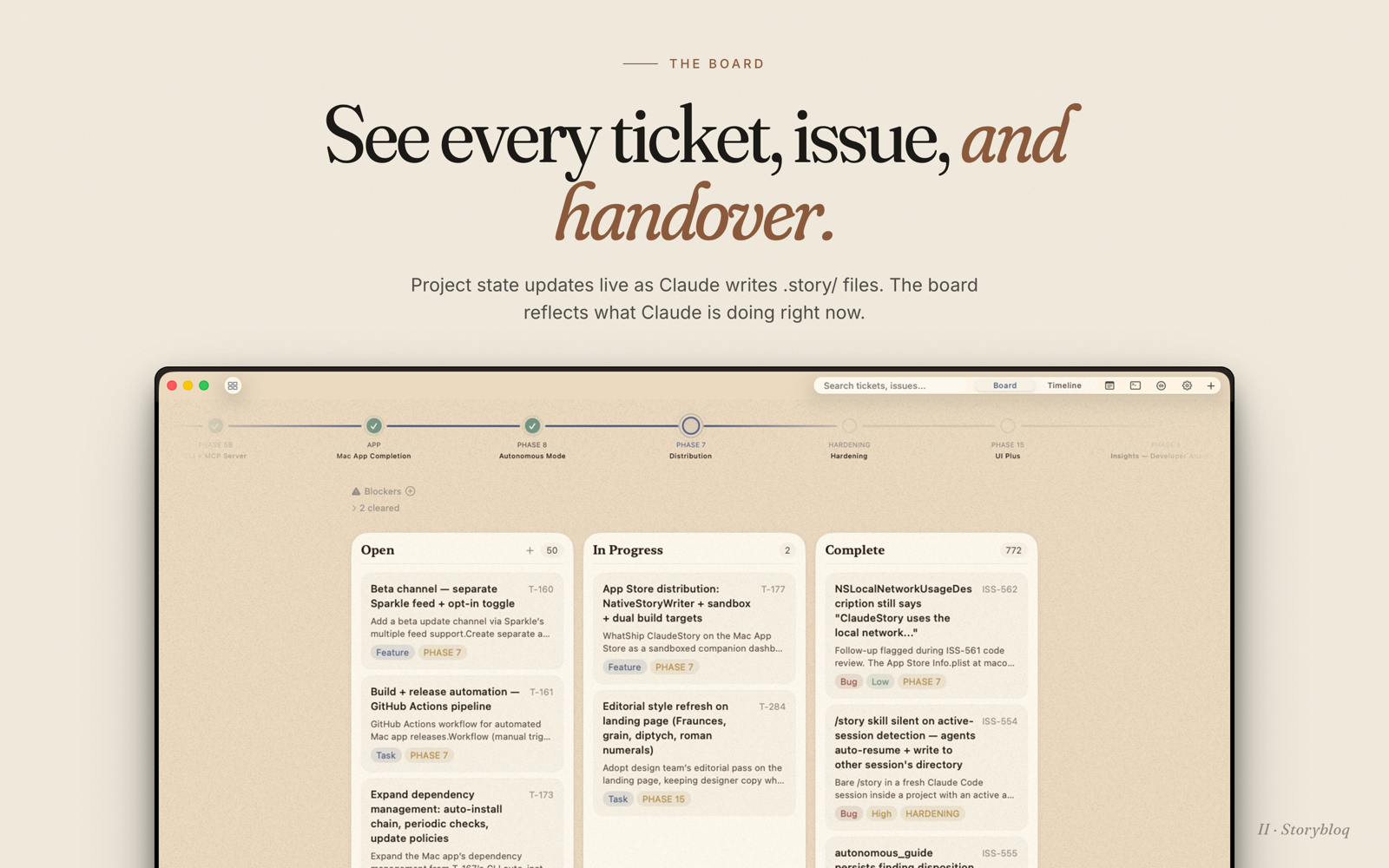
A comprehensive MCP server that provides cross-session context persistence for AI coding through tickets, issues, and handovers.
Overview
Storybloq is an MCP server that creates a persistent context layer for AI coding sessions. It maintains a structured .story/ directory containing tickets, issues, roadmap phases, and session handovers that are tracked by git and accessible to AI assistants. The server provides 43 tools for reading and mutating this context, enabling autonomous ticket processing through a defined workflow state machine. It integrates directly with Claude Code and Codex, allowing AI to maintain continuity across sessions.
Try asking AI
After installing, here are 5 things you can ask your AI assistant:
When to choose this
Choose Storybloq when you need structured, persistent context for AI coding sessions, especially when working on complex projects with multiple tickets and handoffs.
When NOT to choose this
Don't choose Storybloq if you need write access to your AI client (it's read-only), or if you prefer a simpler workflow without structured ticket management.
Tools this server exposes
12 tools extracted from the READMEstorybloq_statusGet project summary with phase statuses, counts, and risks
storybloq_ticket_getGet full details of a specific ticket
storybloq_ticket_createCreate a new ticket in the project
storybloq_issue_createCreate a new issue in the project
storybloq_handover_createCreate a session handover documenting work completed and next steps
storybloq_autonomous_guideDrive a ticket through the autonomous workflow (plan -> implement -> test -> review)
storybloq_recommendGet context-aware work suggestions for what to do next
storybloq_phase_currentGet the current active phase in the project roadmap
storybloq_issue_getGet full details of a specific issue
storybloq_ticket_nextGet the highest-priority unblocked ticket
storybloq_snapshotCreate a snapshot of current project state
storybloq_validateValidate project integrity and check for schema issues
Comparable tools
Installation
npm install -g @storybloq/storybloq@latest
storybloq setup --client all
For Claude Desktop, add to your claude_desktop_config.json:
{
  "mcpServers": {
    "storybloq": {
      "command": "storybloq",
      "args": ["--mcp"]
    }
  }
}
FAQ
- What file format does Storybloq use?
- Storybloq uses a .story/ directory with JSON and markdown files to track project state.
- How does Storybloq integrate with AI coding assistants?
- It provides both CLI tools and an MCP server that exposes 43 tools to Claude Code and Codex for reading and mutating project context.
Compare storybloq with
Last updated · Auto-generated from public README + GitHub signals.