spring-ai-playground
by spring-ai-community·★ 113·Score 47
Cross-platform desktop app for building, testing, and publishing MCP tools with a 'no-pass-no-run' safety workflow.
Overview
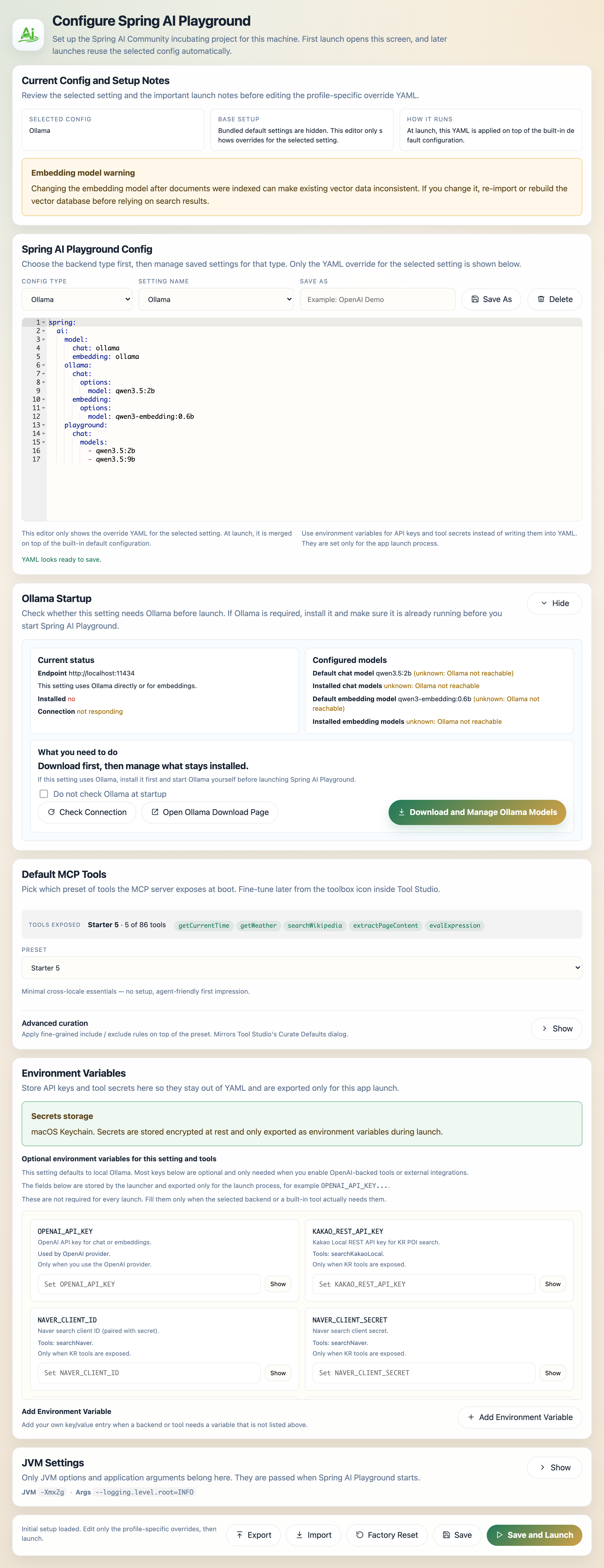
Spring AI Playground is a comprehensive desktop application that provides a safe local execution layer for AI agent tools. It features a 'no-pass-no-run' workflow where tools must pass local testing before being exposed to MCP servers. The app includes 86 default tools across various categories and supports both HTTP and stdio MCP server modes. Built with Spring Boot, it works across macOS, Windows, and Linux without requiring Java development knowledge.
Try asking AI
After installing, here are 6 things you can ask your AI assistant:
When to choose this
Choose Spring AI Playground when you need to build and validate MCP tools without Java expertise, especially when tool safety and validation before agent execution is a priority.
When NOT to choose this
Avoid if you need tool development with full Java/Spring capabilities or if you require a cloud-based tool development environment.
Tools this server exposes
12 tools extracted from the READMEweb_fetchFetch web content from URLs
datetimeGet current date and time information
mathPerform mathematical calculations
cryptoEncrypt and decrypt data
filesystemAccess and manipulate files and directories
githubInteract with GitHub repositories
wikipediaSearch and retrieve information from Wikipedia
weatherGet weather information for locations
financeAccess financial data and calculations
geoGet geographic information and services
securityPerform security-related operations
encodingEncode and decode various formats
Comparable tools
Installation
Installation
Desktop App (Recommended)
- Download the installer for your platform from the [GitHub Releases page](https://github.com/spring-ai-community/spring-ai-playground/releases)
- Install like a normal desktop application
- Launch Spring AI Playground from your applications menu
Docker
docker run -p 8282:8282 -v spring-ai-playground:/root ghcr.io/spring-ai-community/spring-ai-playgroundClaude Desktop Configuration
Add to your Claude Desktop config.json:
{
  "mcpServers": {
    "spring-ai-playground": {
      "command": "java",
      "args": ["-jar", "path/to/spring-ai-playground.jar", "--spring.profiles.active=mcp-stdio"]
    }
  }
}
FAQ
- What is the 'no-pass-no-run' workflow?
- It's a safety feature where tools must pass a local test run with sample arguments before being exposed to the MCP server and made available to AI agents.
- Does this require Java knowledge to use?
- No, the desktop app is designed for non-Java developers. You only need to be able to write small JavaScript functions to build tools.
- How are API keys and secrets managed?
- The app provides secure secret management through the desktop interface with OS-backed secure storage when available, falling back to encrypted local storage otherwise.
On Hacker News
Recent discussion from the developer community.
- Story by hjm1980 · 2025-12-22
- Story by hjm1980 · 2026-04-09
Compare spring-ai-playground with
Last updated · Auto-generated from public README + GitHub signals.