mcp-claude-code
by SDGLBL·★ 301·Score 47
MCP server implementing Claude Code capabilities with file operations, code analysis, and command execution tools.
Overview
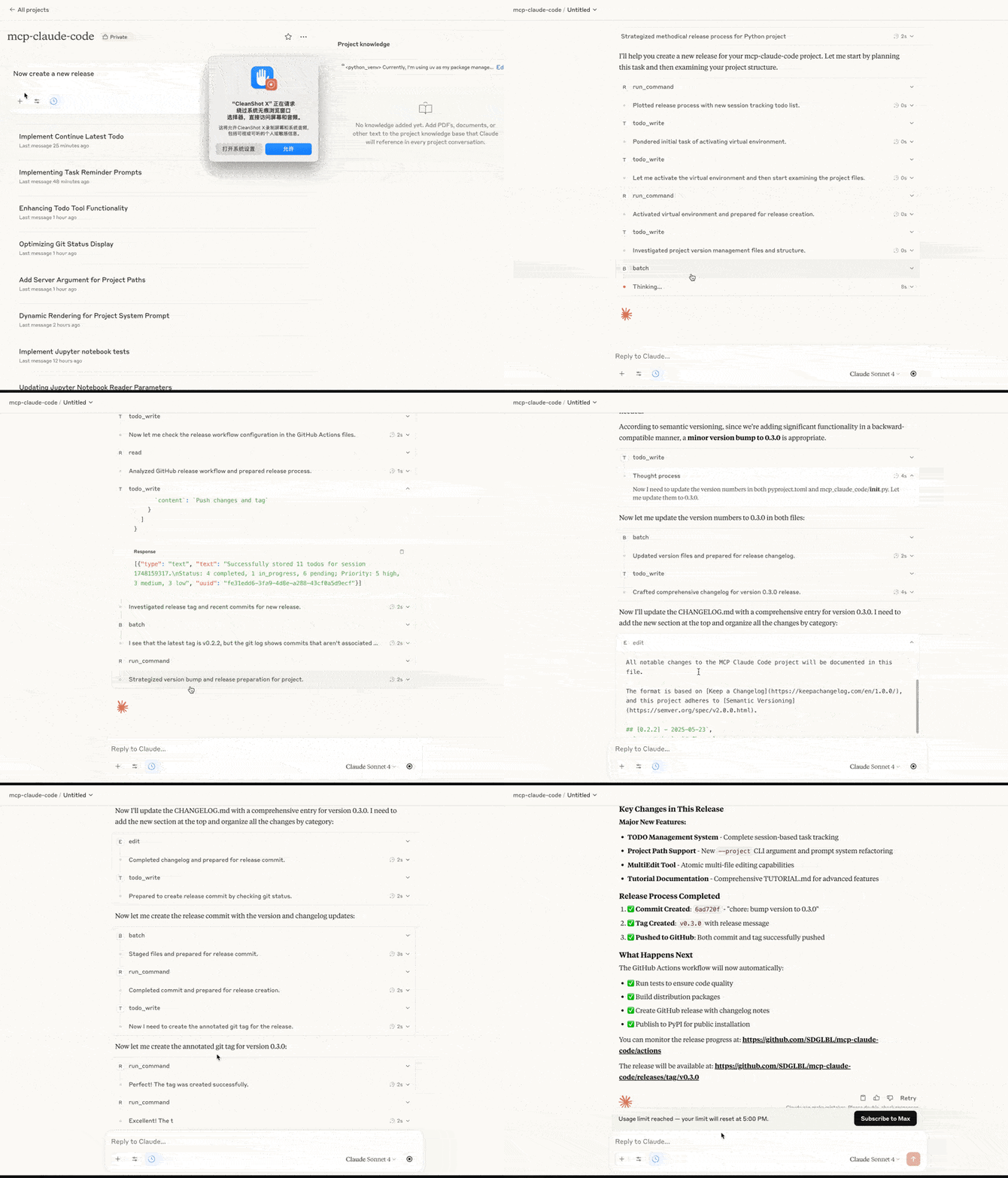
MCP Claude Code is a comprehensive implementation that translates Claude Code functionality into the MCP protocol, enabling direct file manipulation and code analysis through MCP clients. It provides extensive file system tools including read, write, edit, and search capabilities with AST context, plus support for Jupyter notebooks. The server implements security measures like permission prompts and directory restrictions.
Try asking AI
After installing, here are 5 things you can ask your AI assistant:
When to choose this
Choose this when you need Claude Code-like functionality with enhanced file operations, code search, and multi-agent capabilities for development workflows.
When NOT to choose this
Avoid if you need fine-grained control over individual tool permissions, as this server operates with directory-level access controls.
Tools this server exposes
12 tools extracted from the READMEreadRead file contents with line numbers, offset, and limit capabilities
writeCreate or overwrite files
editMake line-based edits to text files
directory_treeGet a recursive tree view of directories
grepFast pattern search in files with ripgrep integration
content_replaceReplace patterns in file contents
run_commandExecute shell commands
notebook_readExtract and read source code from all cells in a Jupyter notebook
notebook_editEdit, insert, or delete cells in a Jupyter notebook
thinkStructured space for complex reasoning and analysis without making changes
dispatch_agentLaunch one or more agents that can perform tasks using read-only tools concurrently
batchExecute multiple tool invocations in parallel or serially in a single request
Comparable tools
Installation
Installation
- Install the package:
pip install mcp-claude-code- Configure Claude Desktop:
Add to Claude Desktop's claude_desktop_config.json:
{
  "mcpServers": {
    "claude-code": {
      "command": "python",
      "args": ["-m", "mcp_claude_code.server"],
      "env": {
        "MCP_CLAUDE_CODE_PATH": "/path/to/your/project"
      }
    }
  }
}
FAQ
- Is this server compatible with MCP clients other than Claude Desktop?
- Yes, the MCP Claude Code server is designed to work with any MCP-compliant client that supports the MCP protocol.
- What security measures are in place?
- The server implements permission prompts for file modifications, restricted directory access, input validation, and proper error handling.
Compare mcp-claude-code with
Last updated · Auto-generated from public README + GitHub signals.