vesta-mac-dist
by scouzi1966·★ 80·Score 48
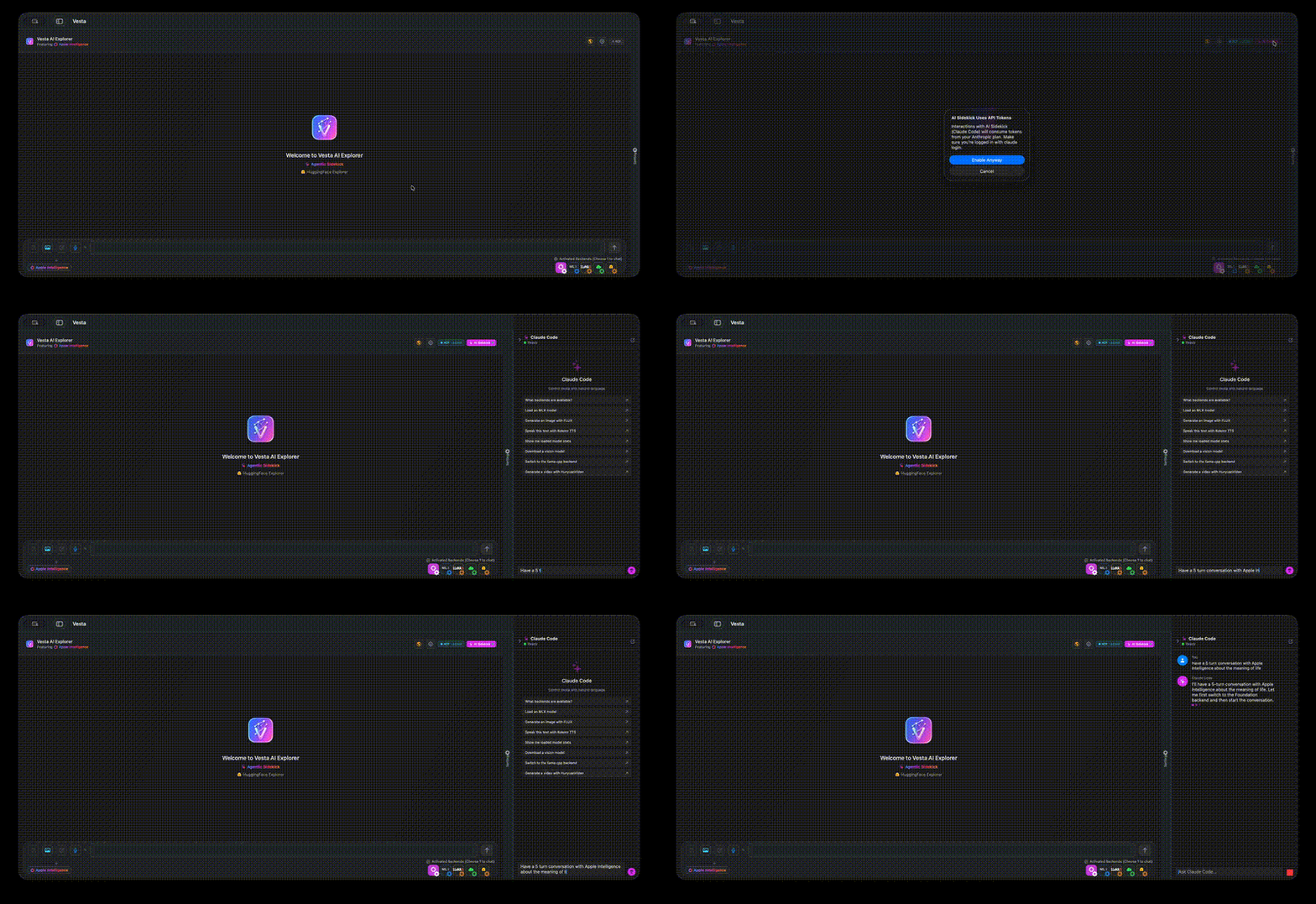
Vesta is a multi-backend AI chat app for macOS with full MCP server integration for programmatic control.
Overview
Vesta is a comprehensive AI chat application designed specifically for Apple Silicon Macs, featuring a robust MCP server implementation. The application supports five different AI backends simultaneously including Apple Intelligence, MLX, llama.cpp, HuggingFace Inference API, and OpenAI-compatible API servers. Its MCP server provides 41+ tools for backend management, chat operations, model handling, vision analysis, and system diagnostics, along with 6 resources and 7 prompts. The server operates on TCP loopback with token-based authentication and integrates with Claude Code to enable agentic control of the application.
Try asking AI
After installing, here are 5 things you can ask your AI assistant:
When to choose this
Choose Vesta when you need comprehensive programmatic control over multiple AI backends on macOS, especially if you're already using Claude Code.
When NOT to choose this
Avoid Vesta if you're not using macOS or Apple Silicon hardware, or if you prefer cloud-based AI solutions without local model support.
Tools this server exposes
12 tools extracted from the READMEbackend_managementManage AI backends (Apple Intelligence, MLX, llama.cpp, HuggingFace, External AI)
model_downloadDownload AI models from HuggingFace or other sources
vision_analysisAnalyze images using vision-language models
conversation_searchSearch conversation history with SQL queries or full-text search
image_generationGenerate images using FLUX or Stable Diffusion models
video_generationGenerate videos from text prompts using text-to-video models
speech_to_textTranscribe audio to text using Whisper models
text_to_speechConvert text to speech using Kokoro or Marvis TTS models
model_managementLoad, unload, and manage AI models in memory
diagnosticsRun diagnostic checks on the app and models
ui_navigationNavigate and control the application UI
app_settingsConfigure application settings and backend parameters
Comparable tools
Installation
Installation
Homebrew (Recommended)
brew tap scouzi1966/afm
brew install --cask scouzi1966/afm/vesta-mac
Direct Download
Download the latest DMG from the [releases page](https://github.com/scouzi1966/vesta-mac-dist/releases)
Claude Desktop Integration
Add to your Claude Desktop config.json:
{
  "mcpServers": {
    "vesta": {
      "command": "nc",
      "args": ["localhost", "1337"],
      "env": {"VESTA_MCP_TOKEN": "your_token_here"}
    }
  }
}
FAQ
- What AI models does Vesta support?
- Vesta supports 5 backends: Apple Intelligence, MLX, llama.cpp, HuggingFace Inference API, and OpenAI-compatible API servers.
- How do I enable the MCP server in Vesta?
- MCP server is automatically enabled when Vesta is running. Configure it in Claude Desktop with the localhost connection details.
Compare vesta-mac-dist with
Last updated · Auto-generated from public README + GitHub signals.