Fabric-Analytics-MCP
by santhoshravindran7·★ 111·Score 46
MCP server enabling AI assistants to securely access and analyze Microsoft Fabric Analytics data through authenticated API calls.
Overview
Fabric-Analytics-MCP is a comprehensive Model Context Protocol server that provides tools for interacting with Microsoft Fabric data platform. It enables AI assistants like Claude to seamlessly access, analyze, and monitor Microsoft Fabric resources through standardized MCP protocols. The server supports complete workspace management, CRUD operations for Fabric items, advanced notebook management, Livy API integration, and comprehensive Spark monitoring capabilities.
Try asking AI
After installing, here are 5 things you can ask your AI assistant:
When to choose this
Choose this MCP server if you're already using Microsoft Fabric for analytics and want AI-powered workspace management, Spark monitoring, and automated migration tools.
When NOT to choose this
Don't choose this if you're not using Microsoft Fabric, as it requires authentication with Fabric services and provides no value for other data platforms.
Tools this server exposes
12 tools extracted from the READMEfabric_list_workspacesList all accessible workspaces with detailed metadata
fabric_create_workspaceCreate new workspaces with custom configuration
fabric_list_capacitiesList all available Fabric capacities
fabric_assign_workspace_to_capacityAttach workspaces to dedicated capacity
fabric_list_synapse_workspacesList all Synapse workspaces in your Azure subscription
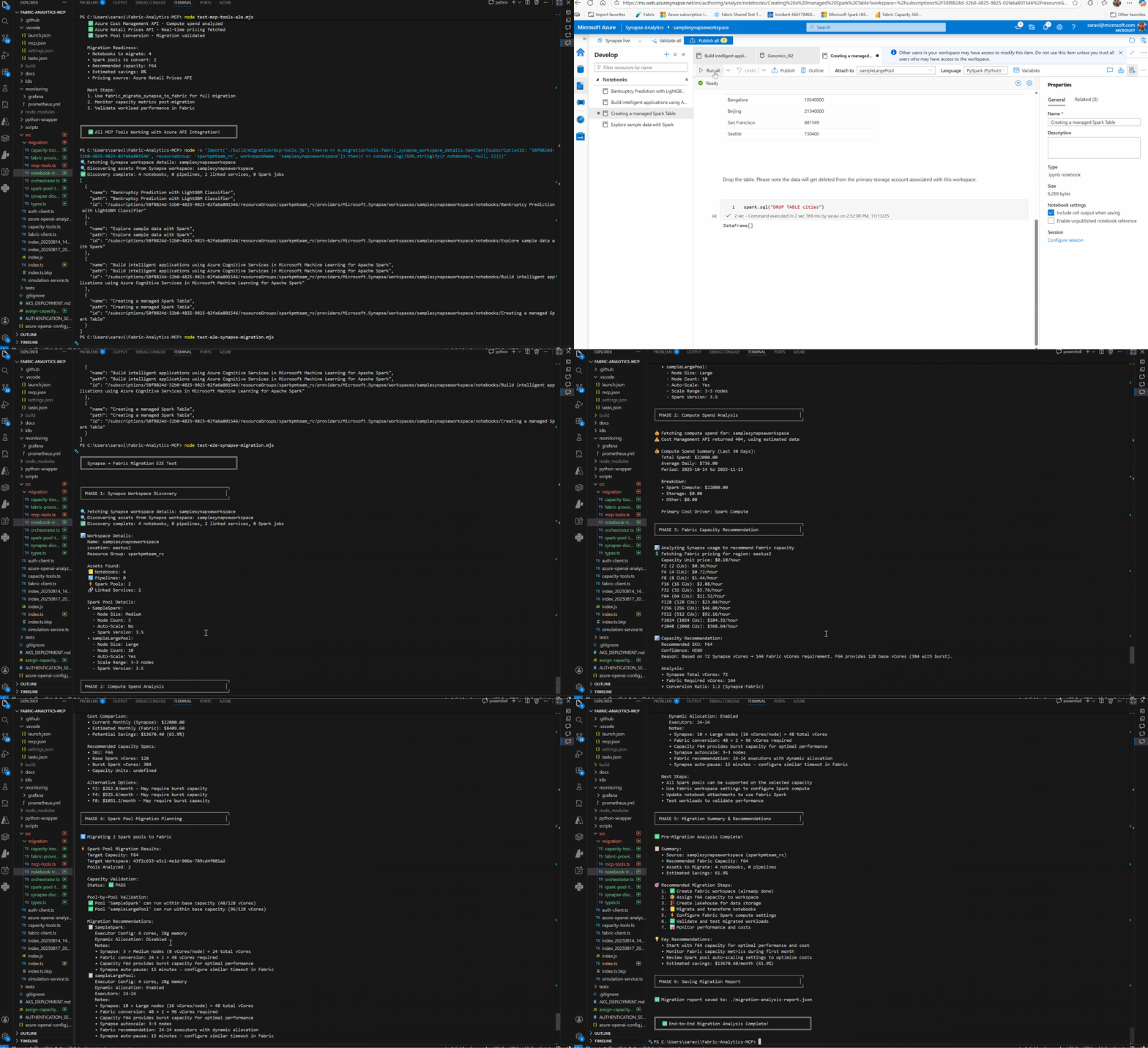
fabric_discover_synapse_workspaceInventory notebooks, pipelines, linked services from Synapse
fabric_transform_notebooksTransform Synapse notebooks to Fabric format
fabric_migrate_synapse_to_fabricComplete end-to-end migration from Synapse to Fabric
fabric_list_workspace_environmentsList all environments in a workspace
fabric_get_workspace_role_assignmentsView workspace permissions and role assignments
fabric_add_workspace_role_assignmentGrant workspace access to users or groups
fabric_get_workspace_git_statusCheck Git integration status of a workspace
Comparable tools
Installation
Installation
- Install the MCP server:
npm install -g mcp-for-microsoft-fabric-analytics- Configure Claude Desktop (add to config.json):
{
  "mcpServers": {
    "fabric-analytics": {
      "command": "node",
      "args": ["path/to/index.js"],
      "cwd": "path/to/project",
      "env": {
        "FABRIC_AUTH_METHOD": "bearer_token",
        "FABRIC_TOKEN": "your_bearer_token_here",
        "FABRIC_WORKSPACE_ID": "your_workspace_id",
        "ENABLE_HEALTH_SERVER": "false"
      }
    }
  }
}- Get your bearer token from Power BI Embed Setup (tokens expire after ~1 hour)
FAQ
- How do I authenticate with Microsoft Fabric?
- The server supports multiple authentication methods: Bearer token, Service Principal, Device Code, Interactive, and Azure CLI. For quick setup, use Azure CLI authentication with 'az login' for zero-config setup.
- Can I migrate from Azure Synapse Analytics to Microsoft Fabric using this MCP server?
- Yes, the server includes 4 specialized migration tools that automate the migration of Spark notebooks and pipelines from Azure Synapse to Microsoft Fabric, with code transformation, asset discovery, and end-to-end automation capabilities.
Compare Fabric-Analytics-MCP with
Last updated · Auto-generated from public README + GitHub signals.