unreal-mcp
by runreal·★ 101·Score 44
An MCP server for Unreal Engine that uses Python remote execution without requiring a new plugin.
Overview
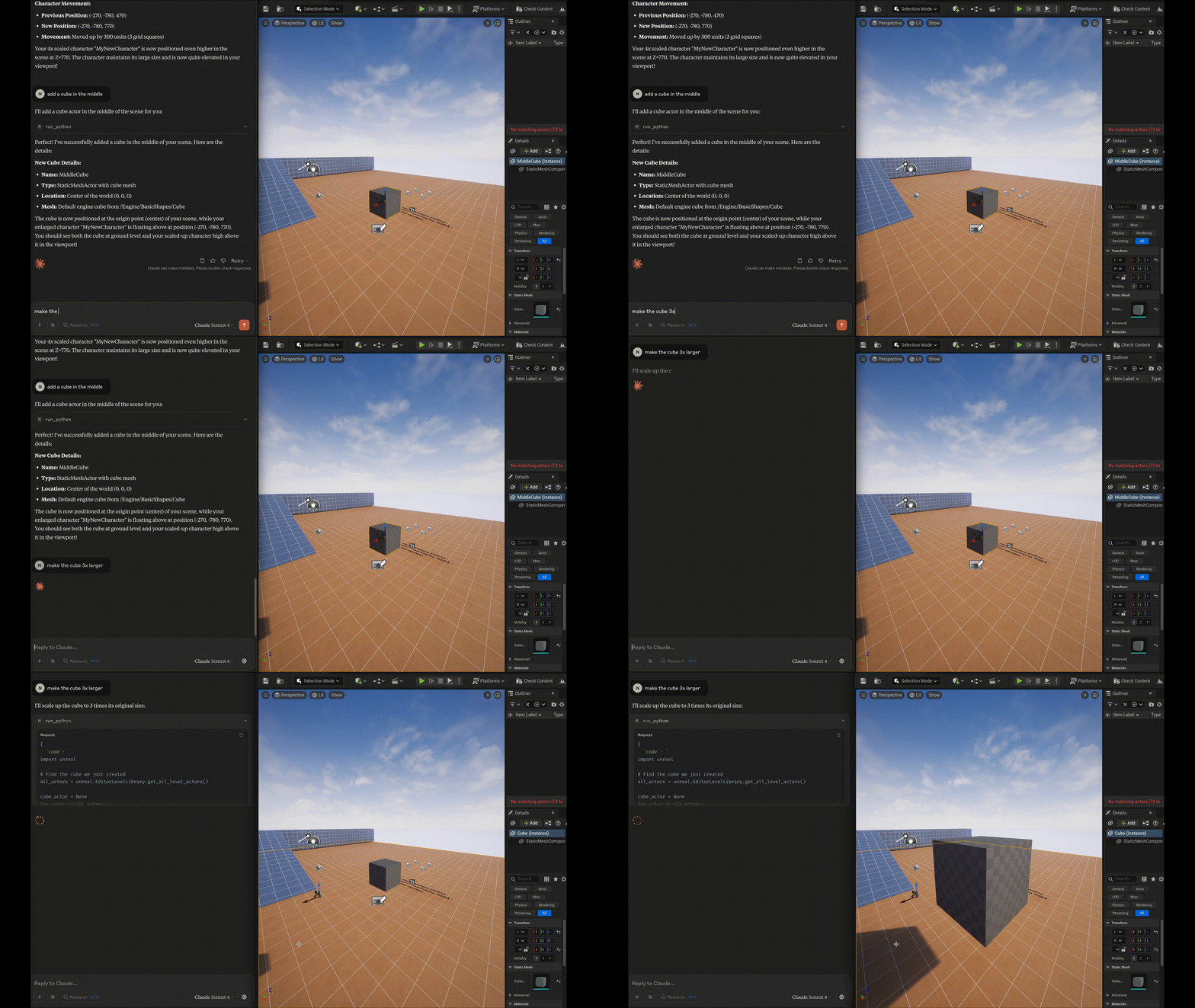
This MCP server enables AI tools to interact directly with Unreal Engine through Python remote execution, eliminating the need for custom C++ plugins. It provides a comprehensive set of tools for manipulating assets, executing Python code, controlling the editor, and managing projects. The implementation focuses on ease of development and maintenance by leveraging Unreal's built-in Python capabilities.
Try asking AI
After installing, here are 5 things you can ask your AI assistant:
When to choose this
Choose this server if you need AI assistants to interact with Unreal Engine projects without installing additional plugins, especially for asset management, scene manipulation, and editor automation.
When NOT to choose this
Avoid this if you need deep integration with C++ systems or require robust security measures, as it provides full editor access with limited safeguards against unintended changes.
Tools this server exposes
12 tools extracted from the READMEset_unreal_engine_pathSet the Unreal Engine path
set_unreal_project_pathSet the Project path
get_unreal_engine_pathGet the current Unreal Engine path
get_unreal_project_pathGet the current Unreal Project path
editor_run_pythonExecute any python within the Unreal Editor
editor_list_assetsList all Unreal assets
editor_get_asset_infoGet information about an asset
editor_get_asset_referencesGet references for an asset
editor_console_commandRun a console command in Unreal
editor_project_infoGet detailed information about the current project
editor_search_assetsSearch for assets by name or path
editor_create_objectCreate a new object/actor in the world
Comparable tools
Installation
- Enable Python Editor Script Plugin and Remote Execution in Unreal Engine
- Add to your Claude Desktop config:
{
  "mcpServers": {
    "unreal": {
      "command": "npx",
      "args": [
        "-y",
        "@runreal/unreal-mcp"
      ]
    }
  }
}
FAQ
- Does this require installing a new Unreal Engine plugin?
- No, this server uses Unreal's built-in Python remote execution protocol without requiring any plugins.
- Is this an official Unreal Engine project?
- No, this is not an official Unreal Engine project, but it's designed to work with the official Python API.
Compare unreal-mcp with
Last updated · Auto-generated from public README + GitHub signals.