lsbot
by ruilisi·★ 409·Score 50
A lean, secure bot with MCP protocol integration and end-to-end encryption for AI applications.
Overview
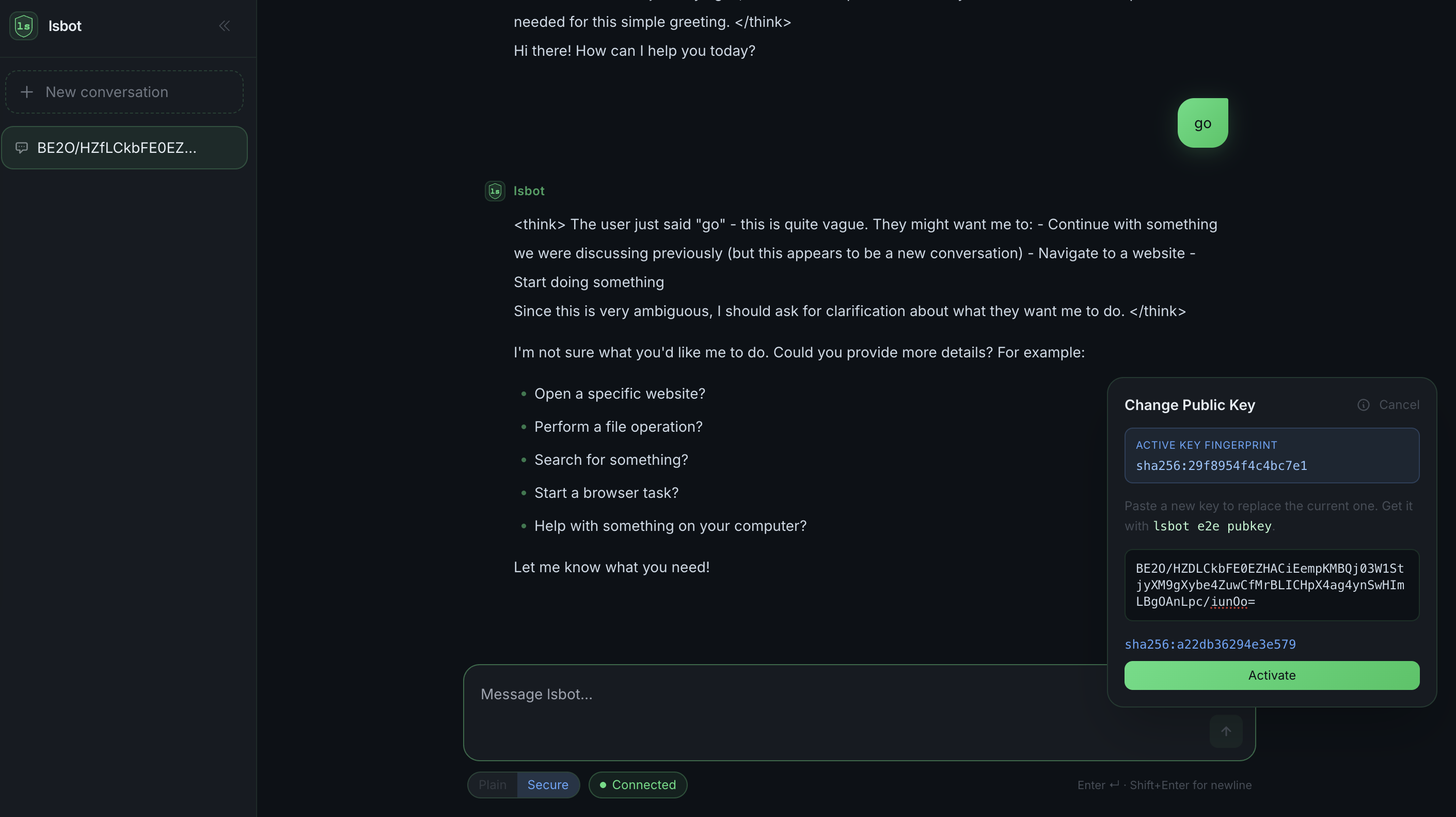
lsbot is a Lean & Secure Bot built in Go that prioritizes user privacy through end-to-end encryption. It implements the Model Context Protocol (MCP) to expose 75+ tools for file system operations, shell commands, system information, process management, networking, calendar, reminders, browser automation, and more. Unlike similar solutions, lsbot keeps all data locally and encrypts communication with relay servers, ensuring sensitive information remains on the user's machine. The project supports multiple AI providers including Claude, DeepSeek, Kimi, and offers gateway modes for various messaging platforms like WeChat Work, Telegram, and Discord.
Try asking AI
After installing, here are 7 things you can ask your AI assistant:
When to choose this
Choose lsbot when you need a secure AI bot for enterprise messaging platforms with end-to-end encryption and comprehensive system access via MCP tools.
When NOT to choose this
Avoid lsbot if you need extensive third-party integrations beyond its supported platforms or require cloud-based conversation history and data storage.
Tools this server exposes
12 tools extracted from the READMEquery_postgresExecute SQL queries on PostgreSQL databases
list_filesList files and directories in a specified path
execute_commandExecute shell commands and return their output
create_github_issueCreate a new issue on GitHub repository
read_fileRead and return the contents of a file
send_notificationSend system notifications to the user
search_webPerform web searches using DuckDuckGo
take_screenshotCapture screenshots of the screen
git_commitCreate git commits with automatic message generation
run_browser_automationAutomate browser actions using Chrome DevTools Protocol
schedule_taskCreate and manage scheduled cron jobs
get_weatherFetch current weather and forecasts
Comparable tools
Installation
# macOS / Linux / WSL
curl -fsSL https://files.lingti.com/install-lsbot.sh | bash

# Windows (PowerShell)
irm https://files.lingti.com/install-lsbot.ps1 | iex
For Claude Desktop integration, add this to Claude Desktop's config.json:
{
  "mcpServers": {
    "lsbot": {
      "command": "lsbot",
      "args": ["mcp"]
    }
  }
}
FAQ
- How is lsbot different from other AI bots?
- lsbot prioritizes security with end-to-end encryption, local data storage, no runtime dependencies, and a single binary executable. Unlike many alternatives, it doesn't route messages through developer servers that could read user data.
- Which AI providers are supported?
- lsbot supports 16+ AI providers including Claude, DeepSeek, Kimi, MiniMax, Gemini, OpenAI, and others. You can configure different providers for different agents or channels.
- How does the MCP protocol integration work?
- lsbot implements the full MCP protocol, exposing its tools and resources to MCP-compatible clients like Claude Desktop, Cursor, and Windsurf. This allows AI clients to access local system resources securely through lsbot.
Compare lsbot with
Last updated · Auto-generated from public README + GitHub signals.