roampal
by roampal-ai·★ 120·Score 47
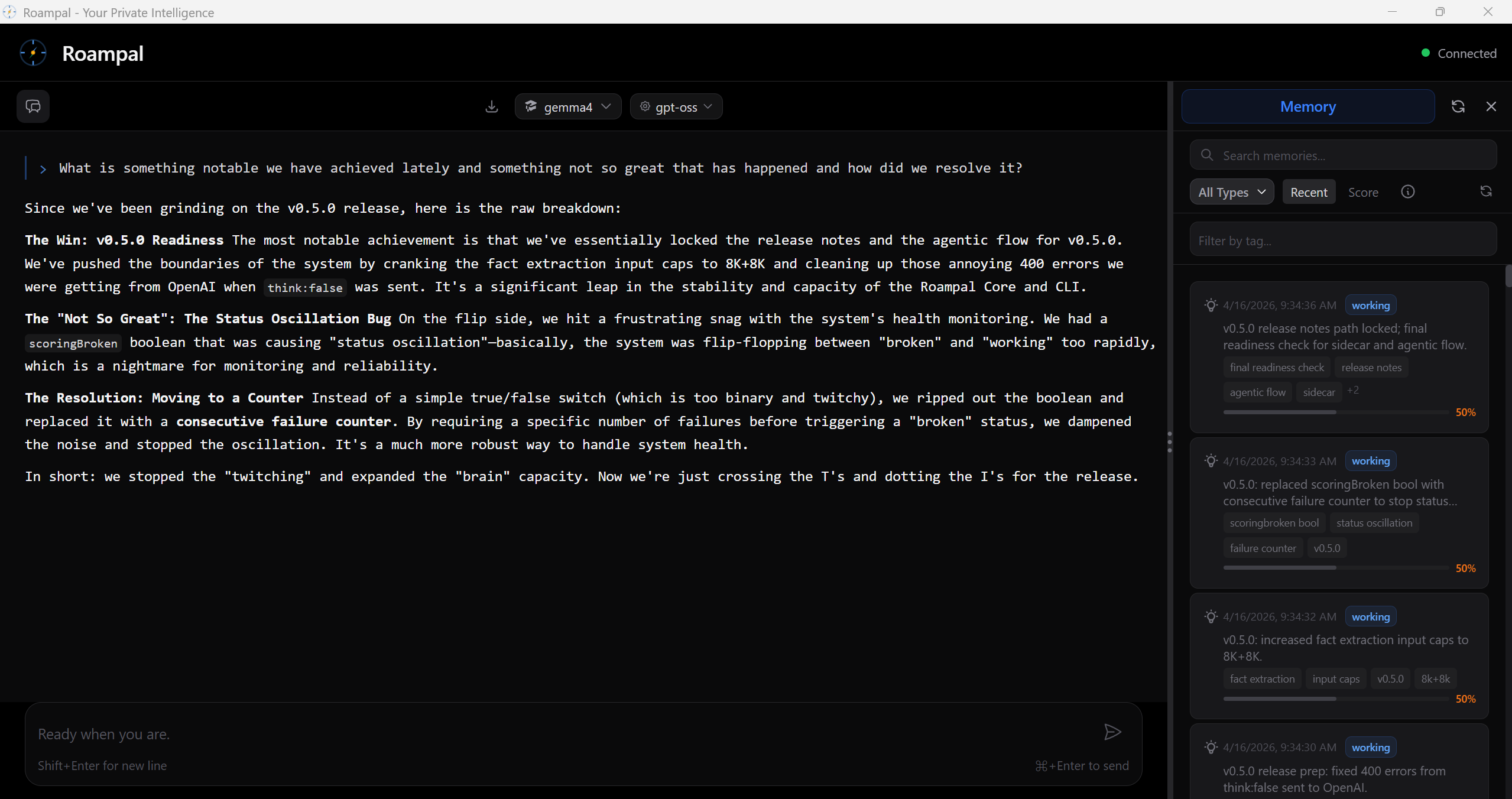
Roampal is an AI memory system with MCP integration that learns from user feedback across conversations.
Overview
Roampal is a sophisticated AI memory system that learns from user interactions and outcomes. It implements a unique 5-tier memory architecture that stores different types of information permanently or temporarily. The system integrates with MCP to provide tools like 'search_memory', 'add_to_memory_bank', and 'record_response', allowing it to connect with Claude Desktop, Cursor, and other MCP-compatible tools. Roampal operates locally, ensuring 100% privacy with no data telemetry.
Try asking AI
After installing, here are 3 things you can ask your AI assistant:
When to choose this
Choose Roampal when you need a privacy-first AI memory system that learns from your feedback and works entirely offline with local models.
When NOT to choose this
Avoid if you need cloud-based AI services, real-time collaboration features, or require multi-user support.
Tools this server exposes
7 tools extracted from the READMEsearch_memorySearch through memory content
add_to_memory_bankAdd information to permanent memory bank
update_memoryUpdate existing memories
archive_memoryArchive memories to keep organized
get_context_insightsGet insights from contextual memory data
record_responseRecord a response for learning outcomes
score_memoriesScore memory effectiveness for learning
Comparable tools
Installation
- Download from [roampal.ai](https://roampal.ai) and extract
- Install [Ollama](https://ollama.com) or [LM Studio](https://lmstudio.ai)
- Right-click
Roampal.exe→ **Run as administrator** - Download a model in the UI → Start chatting!
To use with MCP-compatible tools like Claude Desktop:
{
  "mcpServers": {
    "roampal": {
      "command": "path/to/roampal",
      "args": ["--mcp"]
    }
  }
}
On Hacker News
Recent discussion from the developer community.
- Story by roampal · 2025-12-01
- Story by roampal · 2025-12-16
Compare roampal with
Last updated · Auto-generated from public README + GitHub signals.