k6-mcp-server
by QAInsights·★ 24·Score 36
k6 MCP server for load testing integration with AI models through Model Context Protocol.
Overview
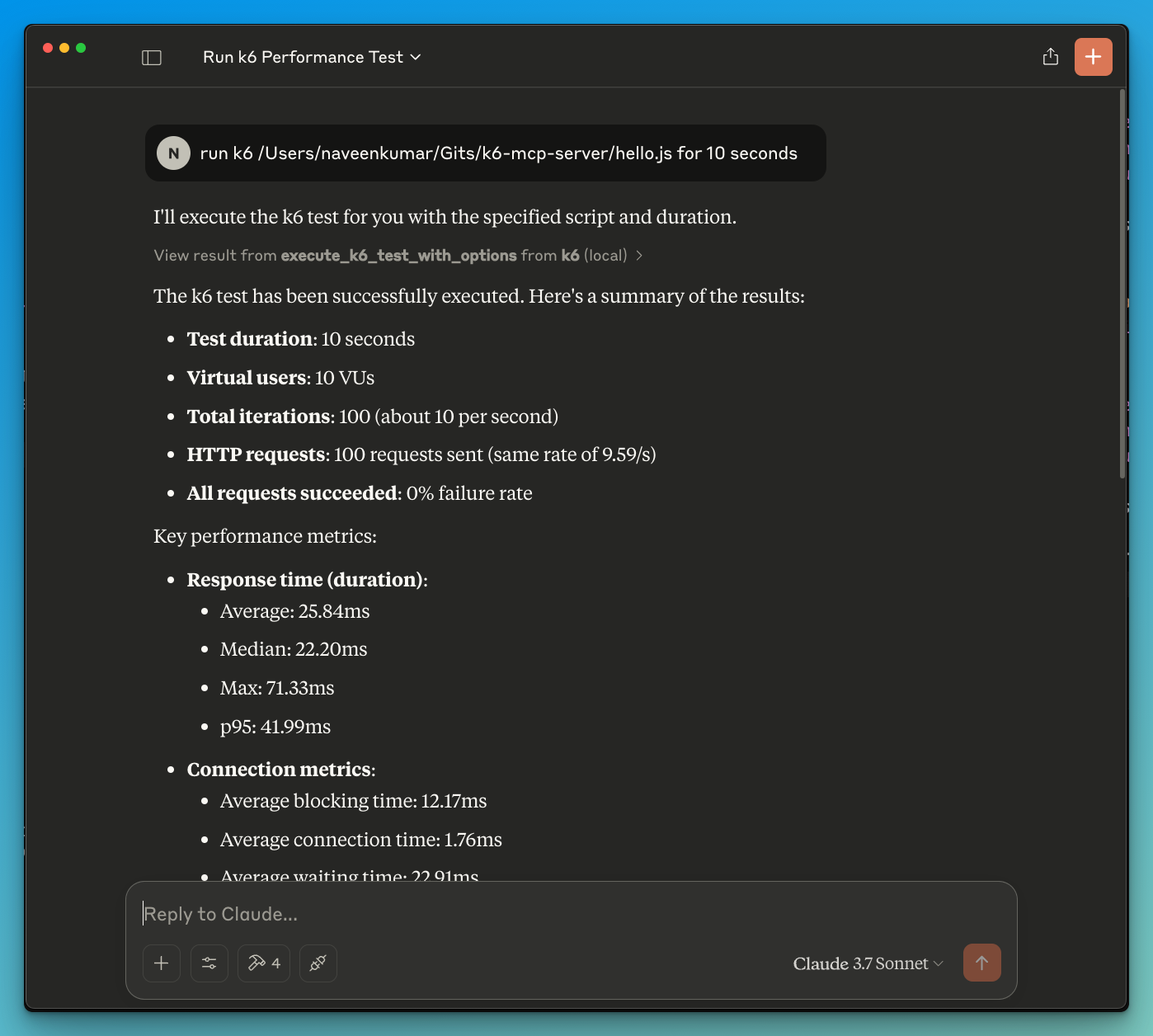
k6-mcp-server is a Python implementation that bridges the gap between AI models and performance testing. It exposes k6 load testing capabilities through MCP, enabling AI assistants to execute and analyze performance tests directly. The server provides two main tools: execute_k6_test for basic testing with default parameters, and execute_k6_test_with_options for customized test scenarios with specific durations and virtual user counts. The integration supports real-time test execution output, making it valuable for automated performance analysis.
Try asking AI
After installing, here are 5 things you can ask your AI assistant:
When to choose this
Choose this server if you're already using k6 for performance testing and want to integrate it into your AI-powered development workflow for automated test execution and analysis.
When NOT to choose this
Don't choose this if you need advanced k6 scripting features not exposed by the MCP server, or if you're already using a different load testing tool that better fits your workflow.
Tools this server exposes
2 tools extracted from the READMEexecute_k6_testexecute_k6_test(script_file: str, duration: str = "30s", vus: int = 10)Run a k6 load test with default options (30s duration, 10 VUs)
execute_k6_test_with_optionsexecute_k6_test_with_options(script_file: str, duration: str, vus: int)Run a k6 load test with custom duration and virtual users
Comparable tools
Installation
Installation
- Clone the repository:
git clone https://github.com/qainsights/k6-mcp-server.git- Install dependencies:
uv pip install -r requirements.txt- Set up environment variables (optional):
Create a .env file with:
K6_BIN=/path/to/k6- Configure in your MCP client (e.g., Claude Desktop):
{
  "mcpServers": {
    "k6": {
      "command": "/path/to/bin/uv",
      "args": [
        "--directory",
        "/path/to/k6-mcp-server",
        "run",
        "k6_server.py"
      ]
    }
  }
}
FAQ
- What is the default test duration and virtual user count?
- The default test duration is 30 seconds with 10 virtual users (VUs) when using execute_k6_test.
- Can I run k6 tests without custom scripts?
- No, you need to provide a k6 test script (JavaScript file) to execute through the MCP server.
Compare k6-mcp-server with
Last updated · Auto-generated from public README + GitHub signals.