nutrient-dws-mcp-server
by PSPDFKit·★ 63·Score 46
MCP server connecting AI agents to PDF processing capabilities via Nutrient DWS API for document manipulation.
Overview
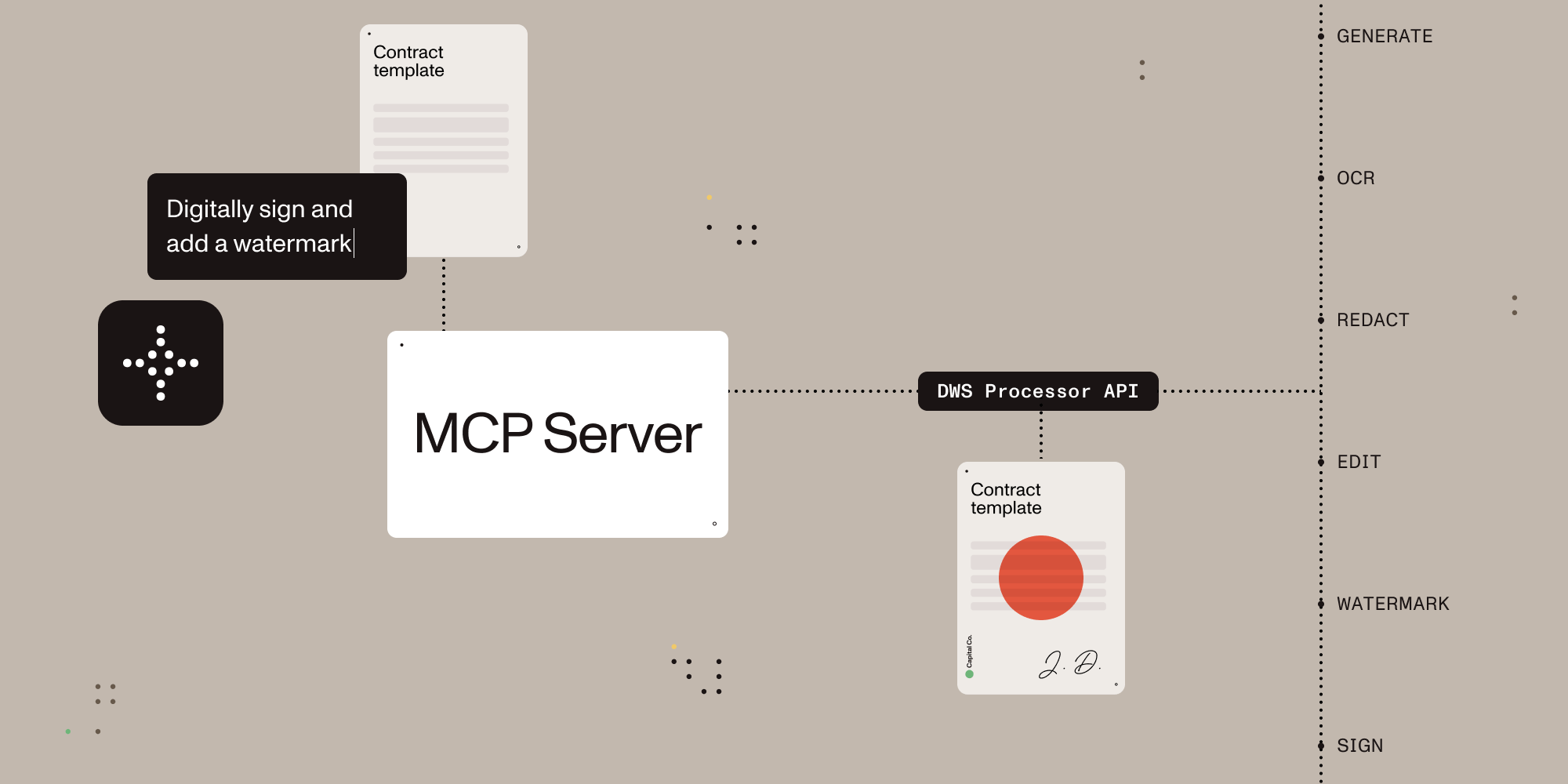
A TypeScript-based MCP server that enables AI assistants to process, edit, and transform documents through natural language commands. It integrates with the Nutrient Document Web Service (DWS) Processor API to provide comprehensive document capabilities including PDF conversion, OCR, redaction, digital signing, and format transformations. The server operates through a sandbox directory for security and offers both browser-based OAuth and API key authentication options.
Try asking AI
After installing, here are 5 things you can ask your AI assistant:
When to choose this
Choose this server when you need AI agents to manipulate documents beyond just reading them, especially if you require document conversion, signing, redaction, or OCR capabilities.
When NOT to choose this
Avoid this if you're working with sensitive documents that can't leave your local environment, as it uploads documents to a third-party service for processing.
Tools this server exposes
6 tools extracted from the READMEdocument_processorDocument processing for conversions, OCR, extraction, watermarking, rotation, annotation flattening, and redaction workflows
document_signerPDF signing with CMS / PKCS#7 and CAdES signatures plus visible or invisible appearance options
ai_redactorAI redaction for detecting and permanently removing sensitive content such as names, addresses, SSNs, emails, and custom criteria
check_creditsRead-only account lookup for current DWS credits and usage. No document content is uploaded
sandbox_file_treeRead-only view of files inside the configured sandbox directory
directory_treeRead-only view of local files when sandbox mode is disabled
Comparable tools
Installation
Installation
- Create a Nutrient account at [nutrient.io/api](https://dashboard.nutrient.io/sign_up/)
- Configure your AI client with the following settings:
Claude Desktop
{
  "mcpServers": {
    "nutrient-dws": {
      "command": "npx",
      "args": ["-y", "@nutrient-sdk/dws-mcp-server"],
      "env": {
        "SANDBOX_PATH": "/your/sandbox/directory"
      }
    }
  }
}- Restart your AI client and place documents in your sandbox directory
FAQ
- What document formats can be processed?
- The server can handle PDFs, Office documents (DOCX, XLSX, PPTX), images (PNG, JPEG, WebP), HTML, and Markdown files with conversions between these formats.
- How is security handled with document processing?
- The server operates in sandbox mode by default, restricting file operations to a specified directory. All sensitive document processing is handled through the Nutrient API with either browser OAuth or API key authentication.
On Hacker News
Recent discussion from the developer community.
- Story by nicknamewinder · 2025-05-19
Compare nutrient-dws-mcp-server with
Last updated · Auto-generated from public README + GitHub signals.