nutrient-document-engine-mcp-server
by PSPDFKit·★ 59·Score 46
MCP server for document processing with text extraction, redaction, and editing capabilities through natural language.
Overview
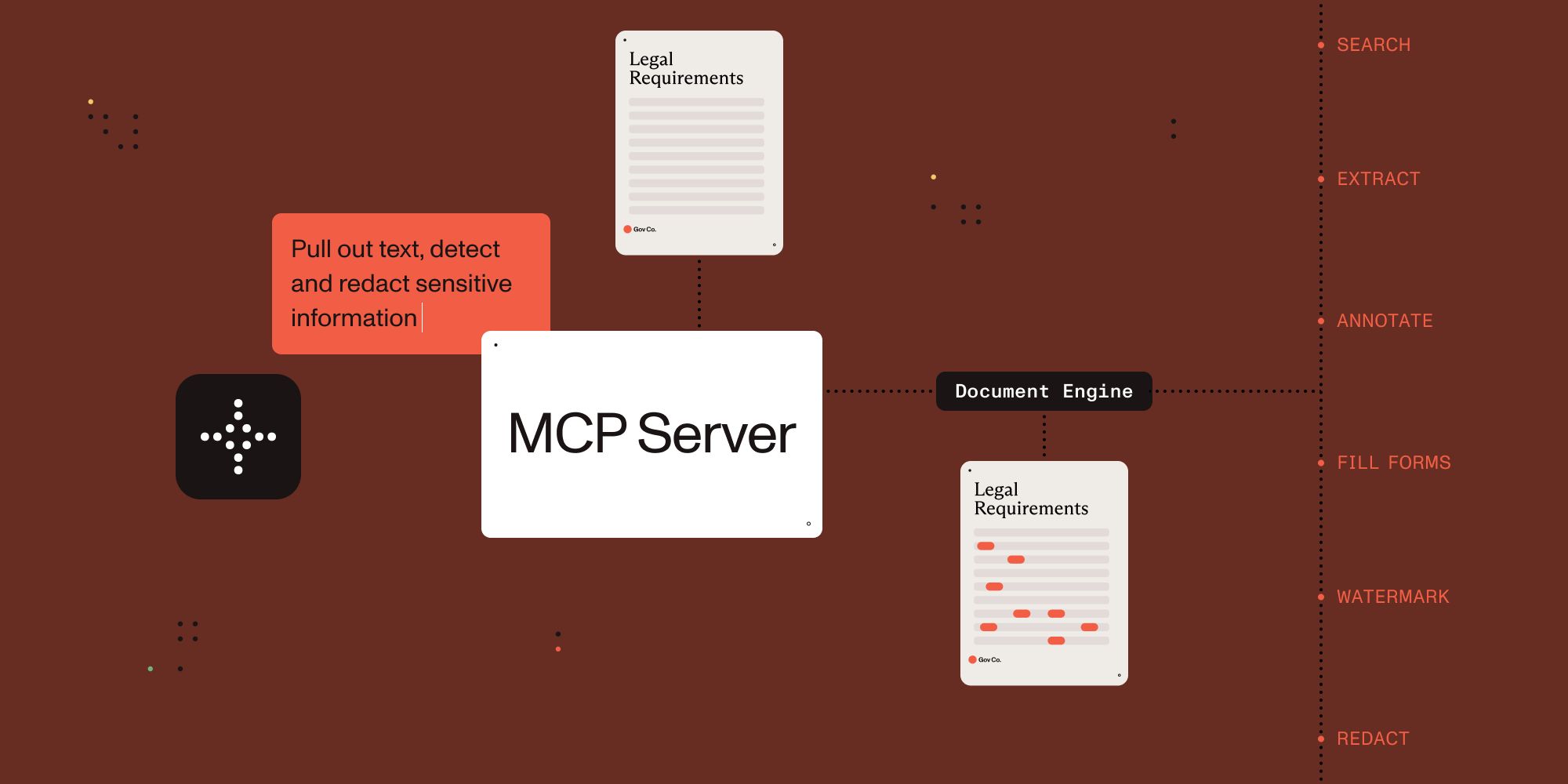
The Nutrient Document Engine MCP Server by PSPDFKit exposes document processing capabilities through natural language, supporting both direct human interaction and AI agent tool calling. It provides comprehensive document manipulation features including text extraction, form data processing, document splitting, watermarking, redaction of sensitive information, and annotation management. The server integrates seamlessly with AI platforms supporting the Model Context Protocol and includes a web dashboard for document management.
Try asking AI
After installing, here are 4 things you can ask your AI assistant:
When to choose this
Teams needing to process documents through natural language interactions with AI, particularly those already using PDFs and forms requiring extraction, editing, or redaction.
When NOT to choose this
You shouldn't choose this if you need an open-source solution without vendor lock-in, as it requires purchasing a license for production use beyond evaluation mode.
Tools this server exposes
12 tools extracted from the READMElist_documentsList available documents for processing
extract_textExtract text content from documents
redact_textRedact sensitive information from documents
split_documentSplit documents into multiple sections
render_pageRender document pages as images
extract_form_dataExtract data from PDF forms
extract_tablesExtract table structures from documents
fill_formFill PDF forms with data
add_watermarkAdd watermarks to documents
add_annotationAdd annotations to documents
search_documentSearch for text within documents
get_document_metadataRetrieve metadata about documents
Note: Tool names were inferred from the features section and example conversations, as no explicit tool list was provided in the README
Comparable tools
Installation
Installation
Prerequisites
- Claude Desktop
- Docker Compose
- Node.js 18+
Setup with Claude Desktop
- Start Nutrient Document Engine:
git clone https://github.com/PSPDFKit/nutrient-document-engine-mcp.git
cd nutrient-document-engine-mcp
docker-compose up -d- Add to Claude Desktop config:
{
  "mcpServers": {
    "nutrient-document-engine": {
      "command": "npx",
      "args": ["-y", "@nutrient-sdk/document-engine-mcp-server"],
      "env": {
        "DASHBOARD_USERNAME": "admin",
        "DASHBOARD_PASSWORD": "password",
        "DOCUMENT_ENGINE_BASE_URL": "http://localhost:5000",
        "DOCUMENT_ENGINE_API_AUTH_TOKEN": "secret"
      }
    }
  }
}- Restart Claude Desktop and access dashboard at http://localhost:5100/dashboard
FAQ
- What license does the Document Engine use?
- By default, it runs with an evaluation license. Commercial licenses can be purchased from Nutrient by contacting sales.
- Can I use this MCP server with AI platforms other than Claude?
- Yes, it works with any AI platform that supports the Model Context Protocol including LangGraph, OpenAI APIs, and custom MCP-compatible systems.
Compare nutrient-document-engine-mcp-server with
Last updated · Auto-generated from public README + GitHub signals.