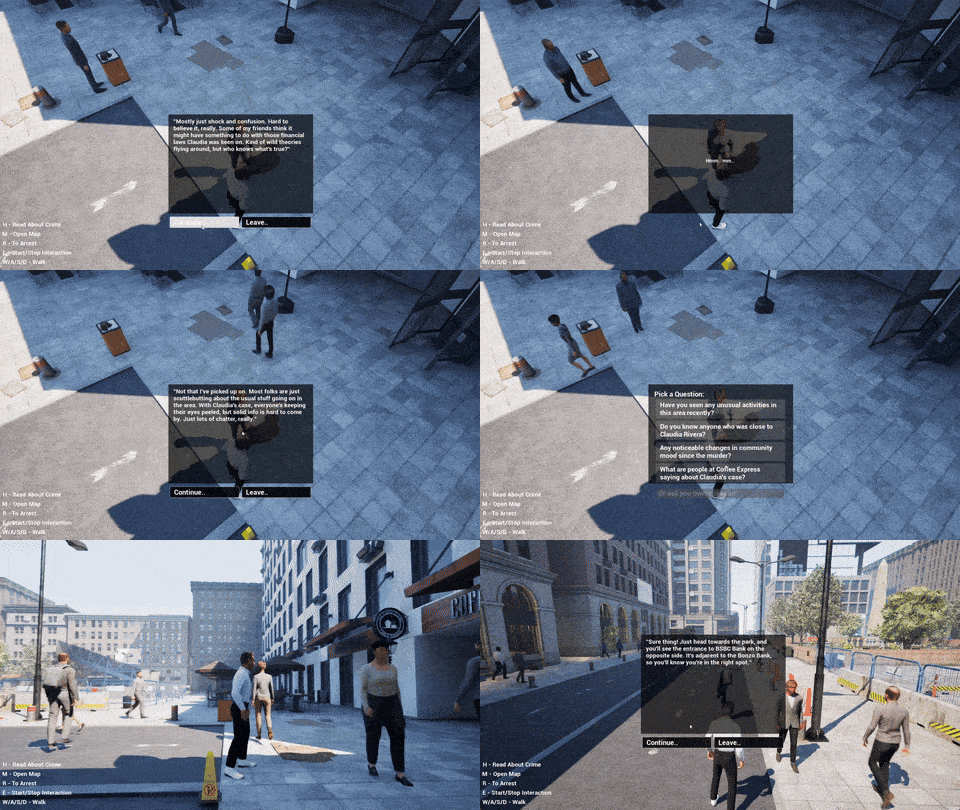
UnrealGenAISupport
by prajwalshettydev·★ 587·Score 48
Unreal Engine plugin supporting 200+ AI models with MCP server functionality for scene control and blueprint generation.
Overview
The UnrealGenAISupport plugin is a comprehensive Unreal Engine solution that integrates multiple AI services including OpenAI, Anthropic Claude, DeepSeek, and others. It provides MCP server capabilities allowing Claude Desktop and other clients to control the Unreal Engine environment, spawning objects, manipulating scenes, and generating blueprints. The plugin supports various AI models for chat, 3D generation, TTS, and multimodal applications. It includes both free and paid versions, with the MCP features targeting UE 5.4-5.7+.
Try asking AI
After installing, here are 3 things you can ask your AI assistant:
When to choose this
Choose this Unreal Engine plugin if you're already using Unreal for game development and want to integrate AI models for NPC behavior, scene generation, and blueprint automation through MCP protocol.
When NOT to choose this
Avoid this if you need write access to project files, require a more stable alternative with automated testing, or are looking for official Unreal MCP integration planned for UE 5.8+.
Tools this server exposes
12 tools extracted from the READMEspawn_scene_objectsSpawn objects and shapes in the Unreal Engine scene
transform_objectsMove, rotate, and scale objects in the scene
change_materialsChange materials and colors of objects
generate_blueprintCreate new blueprints in the project
add_componentsAdd new components to actors
run_python_scriptExecute Python scripts in the Unreal Engine environment
execute_console_commandRun Unreal Engine console commands
create_project_filesCreate new files and folders in the project
fetch_3d_modelFetch and spawn 3D models based on prompts
generate_uiCreate UI widgets and blueprints
control_sceneControl various aspects of the scene and level
add_nodes_connectionsAdd nodes and connections to blueprints
Note: Tool names were inferred from the MCP feature status section and usage description. The README mentions MCP features but doesn't provide an explicit list of tool names with signatures. Tools are based on the functionality described in the '
Comparable tools
Installation
Installation
Via Git:
- Clone the repository:
git clone https://github.com/prajwalshettydev/UnrealGenAISupport.git - Add the plugin to your Unreal Engine project
- Restart the editor
Via Unreal Marketplace (Fab):
- Download from [Fab Marketplace](https://muddyterrain.com/t/genai-fab)
- Install in your project
MCP Setup for Claude Desktop:
- Add to Claude Desktop config (
claude_desktop_config.json):
{
  "mcpServers": {
    "unreal": {
      "command": "path/to/your/UnrelaEngine/Binaries/YourPlatform/YourProject.exe",
      "args": ["-mcp"]
    }
  }
}
Compare UnrealGenAISupport with
Last updated · Auto-generated from public README + GitHub signals.