chatgpt-app-typescript-template
by pomerium·★ 16·Score 45
Production-ready MCP app template for building ChatGPT-style tools with React UI widgets.
Overview
This is a well-architected starter template demonstrating best practices for building MCP Apps using the Model Context Protocol with React widgets. It provides a complete development environment with TypeScript, Tailwind CSS v4, Pino logging, Storybook, and Vitest. The template includes an MCP server with example Echo tool, React widgets that demonstrate the MCP Apps API, support for multiple display modes (inline, picture-in-picture, fullscreen), and UI capability negotiation.
Try asking AI
After installing, here are 5 things you can ask your AI assistant:
When to choose this
Choose this template when starting a new MCP application that needs a rich UI with React components and a well-structured production-ready codebase.
When NOT to choose this
Avoid if you need a simple tool without UI components or if you're not using TypeScript and React in your stack.
Tools this server exposes
1 tool extracted from the READMEechoExample tool that displays messages and demonstrates UI binding
Comparable tools
Installation
Installation & Setup
git clone https://github.com/pomerium/chatgpt-app-typescript-template your-chatgpt-app
cd your-chatgpt-app
npm install
npm run dev
ChatGPT Connection
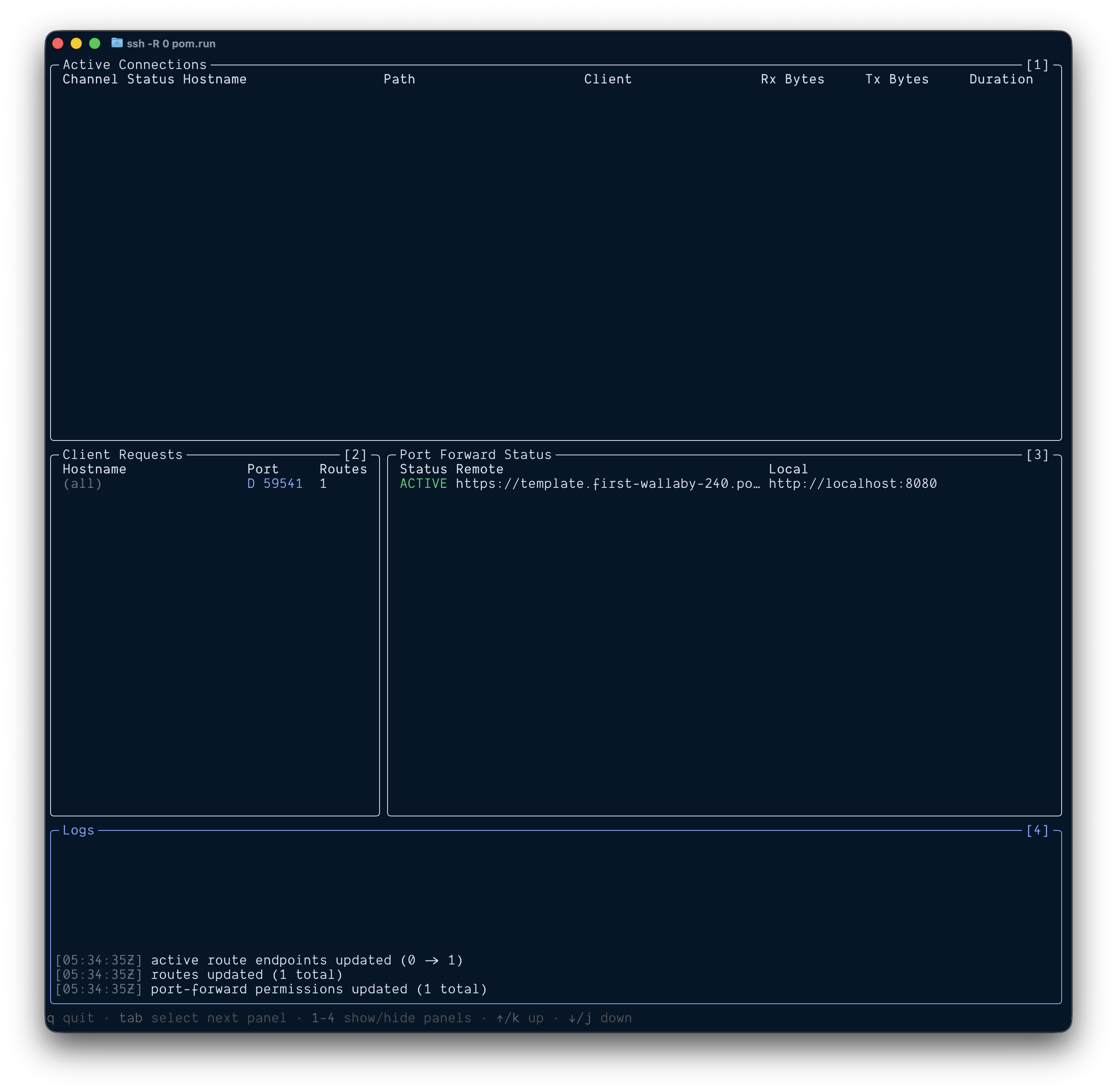
- Create a public tunnel using [Pomerium's SSH tunnel](https://www.pomerium.com/docs/tcp/ssh):
``bash ssh -R 0 pom.run ``
- Find your public URL in the terminal output
- In ChatGPT, go to **Settings → Connectors → Add Connector**
- Enter your Remote URL +
/mcp, e.g.https://your-unique-url.pom.run/mcp - Save the connector and test with your tool
FAQ
- What MCP hosts does this template support?
- The template works with any MCP host that supports the MCP Apps specification, including ChatGPT, Claude Desktop, VS Code, and others.
- How do I add custom tools to my app?
- Add tool schemas to server/src/types.ts, register tools in server/src/server.ts, and create corresponding widgets in the widgets/src/widgets/ directory.
On Hacker News
Recent discussion from the developer community.
- Story by nickytonline · 2025-12-23
Compare chatgpt-app-typescript-template with
Last updated · Auto-generated from public README + GitHub signals.