markview
by paulhkang94·★ 29·Score 44
Native macOS markdown preview with MCP server for Claude Code, featuring GFM, Mermaid, and syntax highlighting.
Overview
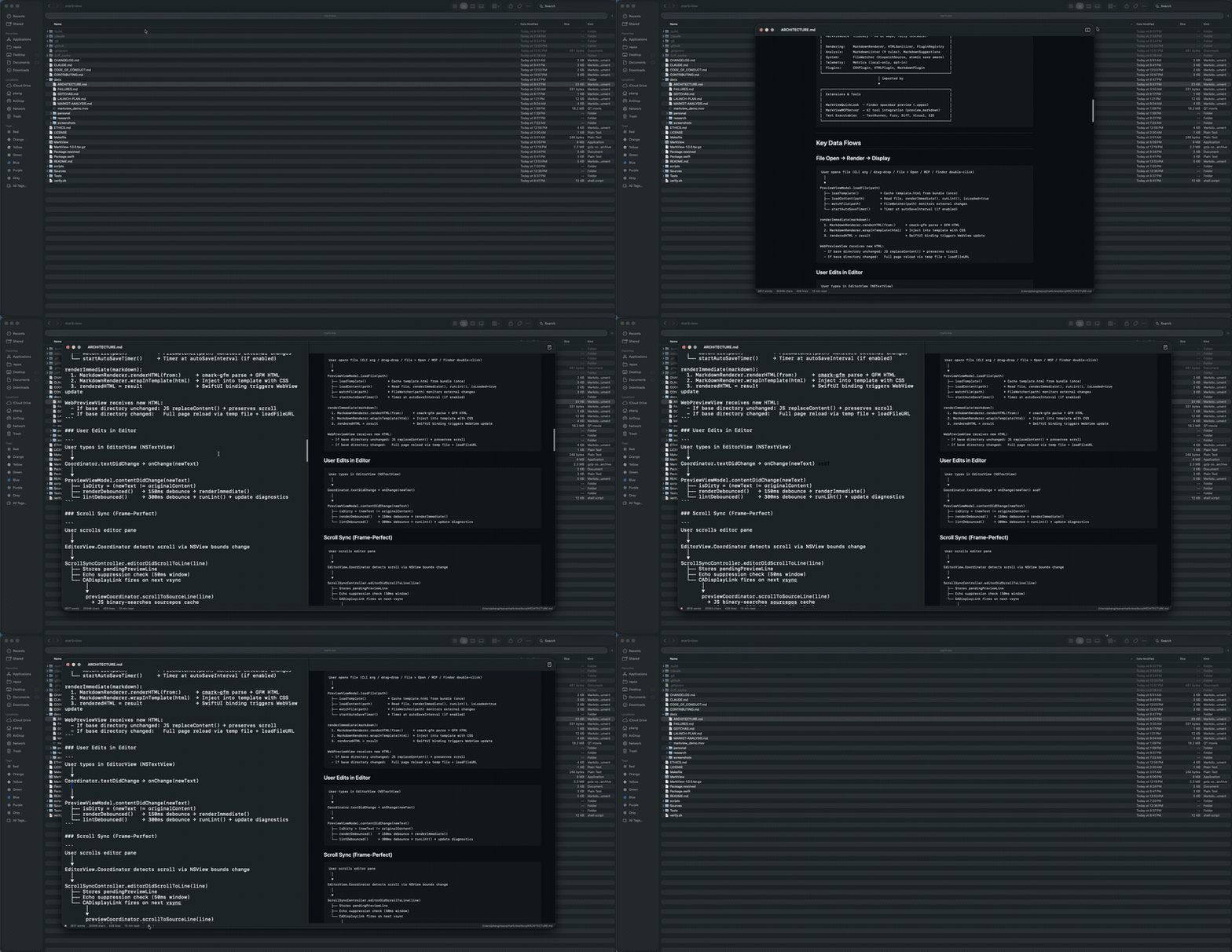
MarkView is a native macOS application that provides real-time markdown preview capabilities with MCP server integration. It features a SwiftUI-based split-pane editor with live reloading, GitHub Flavored Markdown support via swift-cmark, Mermaid diagram rendering, and syntax highlighting through Prism.js. The MCP server exposes two main tools: preview_markdown for rendering content in a native window and open_file for opening markdown files directly. The architecture is well-structured with separate modules for the core rendering engine, UI components, and MCP server functionality.
Try asking AI
After installing, here are 5 things you can ask your AI assistant:
When to choose this
Choose MarkView when working on macOS and need a native, lightweight markdown preview integrated with Claude Code that supports GFM, Mermaid diagrams, and real-time rendering.
When NOT to choose this
Don't choose MarkView if you need cross-platform support or require advanced markdown features beyond what GFM provides, as it's macOS-only and focused on core rendering capabilities.
Tools this server exposes
2 tools extracted from the READMEpreview_markdownRender markdown content in a live-reloading MarkView window
open_fileOpen an existing .md file in MarkView
Comparable tools
Installation
Installation
Homebrew (recommended)
brew install --cask paulhkang94/markview/markviewClaude Desktop Setup
Add to ~/Library/Application Support/Claude/claude_desktop_config.json:
{
  "mcpServers": {
    "markview": {
      "command": "npx",
      "args": ["mcp-server-markview"]
    }
  }
}
Claude Code Setup
claude mcp add --transport stdio --scope user markview -- npx mcp-server-markviewFAQ
- What Markdown features does MarkView support?
- MarkView supports GitHub Flavored Markdown including tables, strikethrough, autolinks, task lists, and footnotes. It also includes Mermaid diagrams for flowcharts, sequences, Gantt charts, ER diagrams, and pie charts.
- Is MarkView only available on macOS?
- Yes, MarkView is currently a native macOS application and requires macOS 14+ with Swift 6.0+.
Compare markview with
Last updated · Auto-generated from public README + GitHub signals.