datawrapper-mcp
by palewire·★ 38·Score 45
An MCP server for creating Datawrapper charts through AI assistants, with comprehensive chart management tools.
Overview
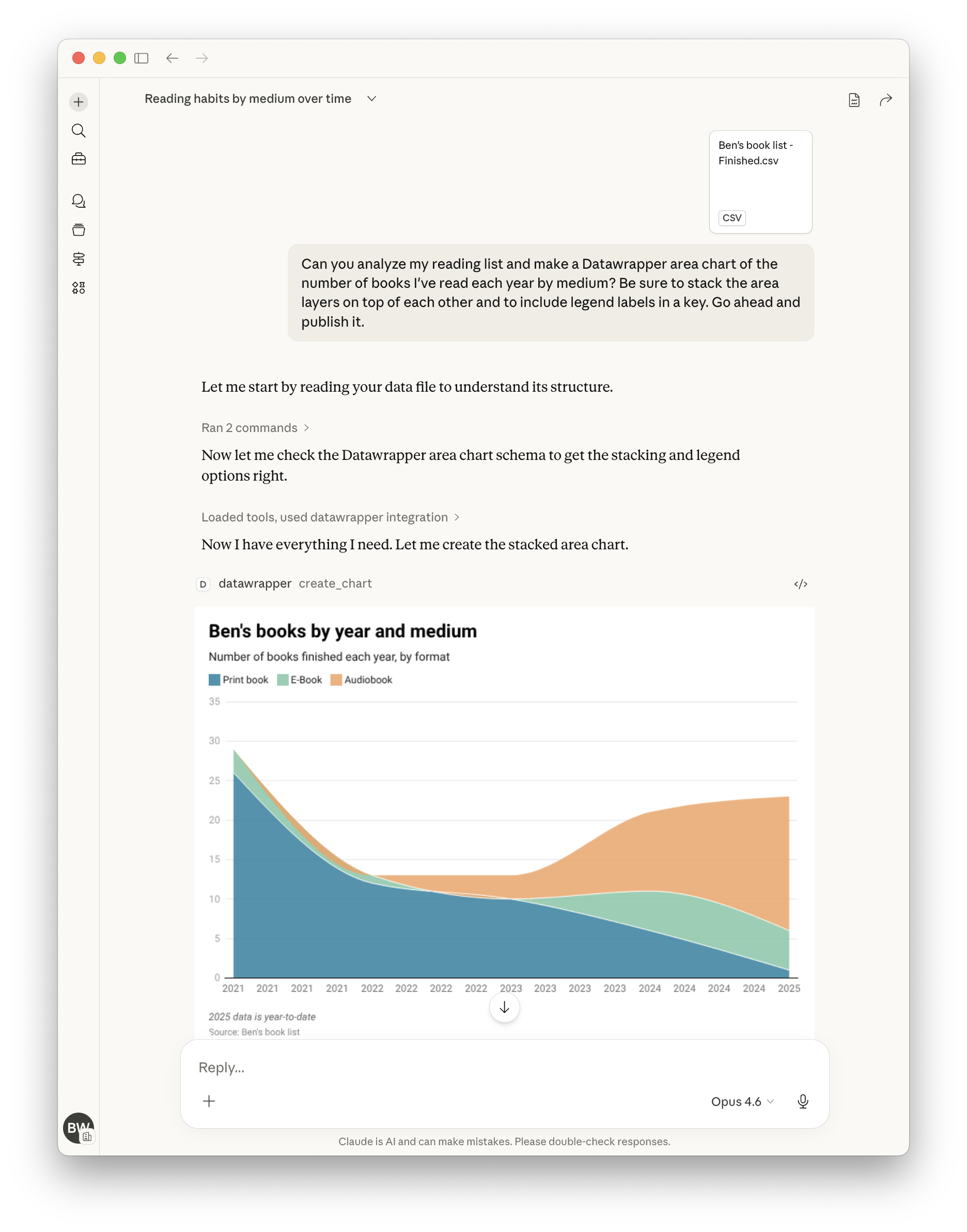
This MCP server enables AI assistants to create, update, publish, and manage Datawrapper charts through a well-defined set of tools. It supports various chart types including bar, line, area, scatter plots, and more, allowing users to simply provide data and request specific visualizations. The server integrates with the datawrapper Python library and requires a Datawrapper account with API token for authentication.
Try asking AI
After installing, here are 5 things you can ask your AI assistant:
When to choose this
Choose this server when you need AI-powered chart creation with Datawrapper and want to leverage AI assistants for data visualization without switching between tools.
When NOT to choose this
Don't choose this if you need to work with chart creation tools other than Datawrapper, or if you require features not supported by Datawrapper's API.
Tools this server exposes
8 tools extracted from the READMElist_chart_typesList available chart types with descriptions
get_chart_schemaGet the full configuration schema for a chart type
create_chartCreate a new chart with data and configuration
update_chartUpdate an existing chart's data or styling
publish_chartPublish a chart to make it publicly accessible
get_chartRetrieve a chart's configuration and metadata
delete_chartPermanently delete a chart
export_chart_pngExport a chart as a PNG image
Comparable tools
Installation
Installation
- Get your Datawrapper API token from https://app.datawrapper.de/account/api-tokens
- Install the package via pip:
pip install datawrapper-mcp
Claude Desktop Configuration
Add this to your claude_desktop_config.json:
{
  "mcpServers": {
    "datawrapper": {
      "command": "uvx",
      "args": ["datawrapper-mcp"],
      "env": {
        "DATAWRAPPER_ACCESS_TOKEN": "your-token-here"
      }
    }
  }
}
For other clients (Claude Code, VS Code Copilot, Cursor, ChatGPT, OpenAI Codex) and Kubernetes deployment, see the [installation guide](INSTALLATION.md).
FAQ
- What chart types are supported?
- The server supports bar, line, area, arrow, column, multiple column, scatter, and stacked bar charts. Use `list_chart_types` to see descriptions and `get_chart_schema` to explore configuration options.
- How do I authenticate with the server?
- You need a Datawrapper API token that can be provided via the DATAWRAPPER_ACCESS_TOKEN environment variable, Authorization header, or as a tool argument.
Compare datawrapper-mcp with
Last updated · Auto-generated from public README + GitHub signals.