opentabs
by opentabs-dev·★ 579·Score 53
Browser automation server that authenticates with web APIs through browser sessions, exposing 100+ plugins with ~2,000 tools.
Overview
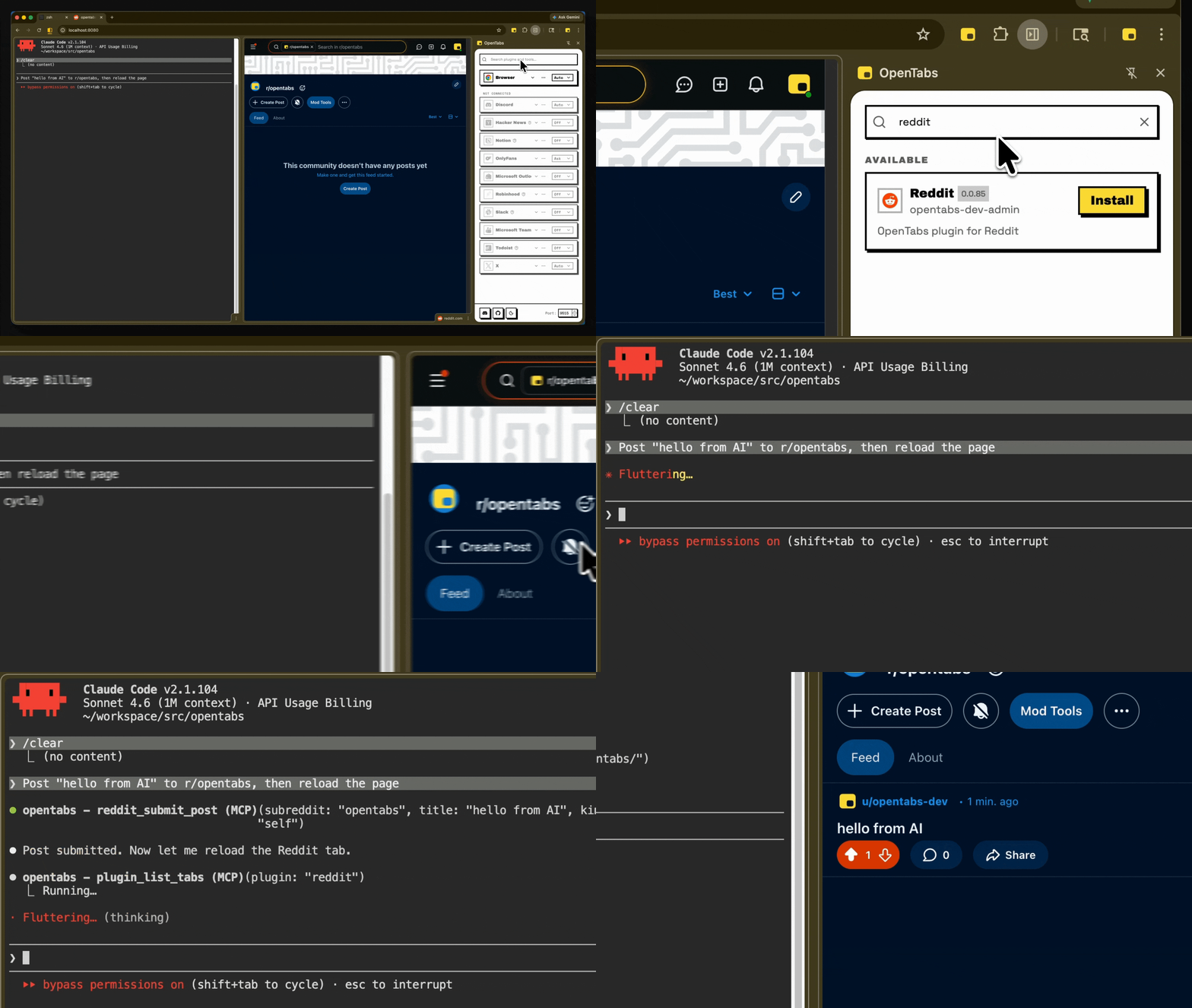
OpenTabs is an MCP server that bridges AI models with real web APIs by leveraging browser sessions. Instead of using screenshots or DOM scraping, it enables authenticated API calls through Chrome extension integration. The platform offers over 100 plugins covering popular services like Slack, Discord, GitHub, Jira, Notion, Figma, AWS, and Stripe, with approximately 2,000 tools available. It features built-in browser tools for screenshots, clicking, typing, and network capture, and allows users to build custom plugins or have the AI discover and build them automatically.
Try asking AI
After installing, here are 5 things you can ask your AI assistant:
When to choose this
Choose OpenTabs when you need AI to interact with web applications you already use, especially when those services don't provide APIs or when you want to avoid managing API keys.
When NOT to choose this
Don't choose OpenTabs if you need direct API access to services that already provide well-documented APIs, or if you prefer not to use browser extensions for security reasons.
Tools this server exposes
6 tools extracted from the READMEinstall_pluginInstall a plugin from the plugin registry
create_github_issueCreate a new issue on GitHub
send_slack_messageSend a message to a Slack channel
take_screenshotTake a screenshot of the current browser tab
click_elementClick on a specific element on the webpage
type_textType text into a form field or input
Note: Tool names inferred from the README description of features and common MCP use cases rather than explicit tool documentation
Comparable tools
Installation
# Install CLI globally
npm install -g @opentabs-dev/cli

# Start the server
opentabs start- Go to
chrome://extensions/in Chrome (enable Developer mode) - Load the extension from
~/.opentabs/extension(Load unpacked)
For Claude Desktop, add this to your claude_desktop_config.json:
{
  "mcpServers": {
    "opentabs": {
      "command": "npx",
      "args": ["@opentabs-dev/cli", "mcp"]
    }
  }
}
FAQ
- What makes OpenTabs different from other automation tools?
- OpenTabs authenticates and uses real web APIs through browser sessions rather than just automating UI interactions or scraping web pages.
- How secure is OpenTabs?
- All tools start disabled until explicitly enabled, built-in code review for plugins, version-aware permissions, and runs locally with full audit logs.
On Hacker News
Recent discussion from the developer community.
- Story by Jbced · 2026-03-12
Compare opentabs with
Last updated · Auto-generated from public README + GitHub signals.