OmniMCP
by OpenAdaptAI·★ 71·Score 37
OmniMCP enables AI models to understand and interact with UI through visual perception and precise control using MCP.
Overview
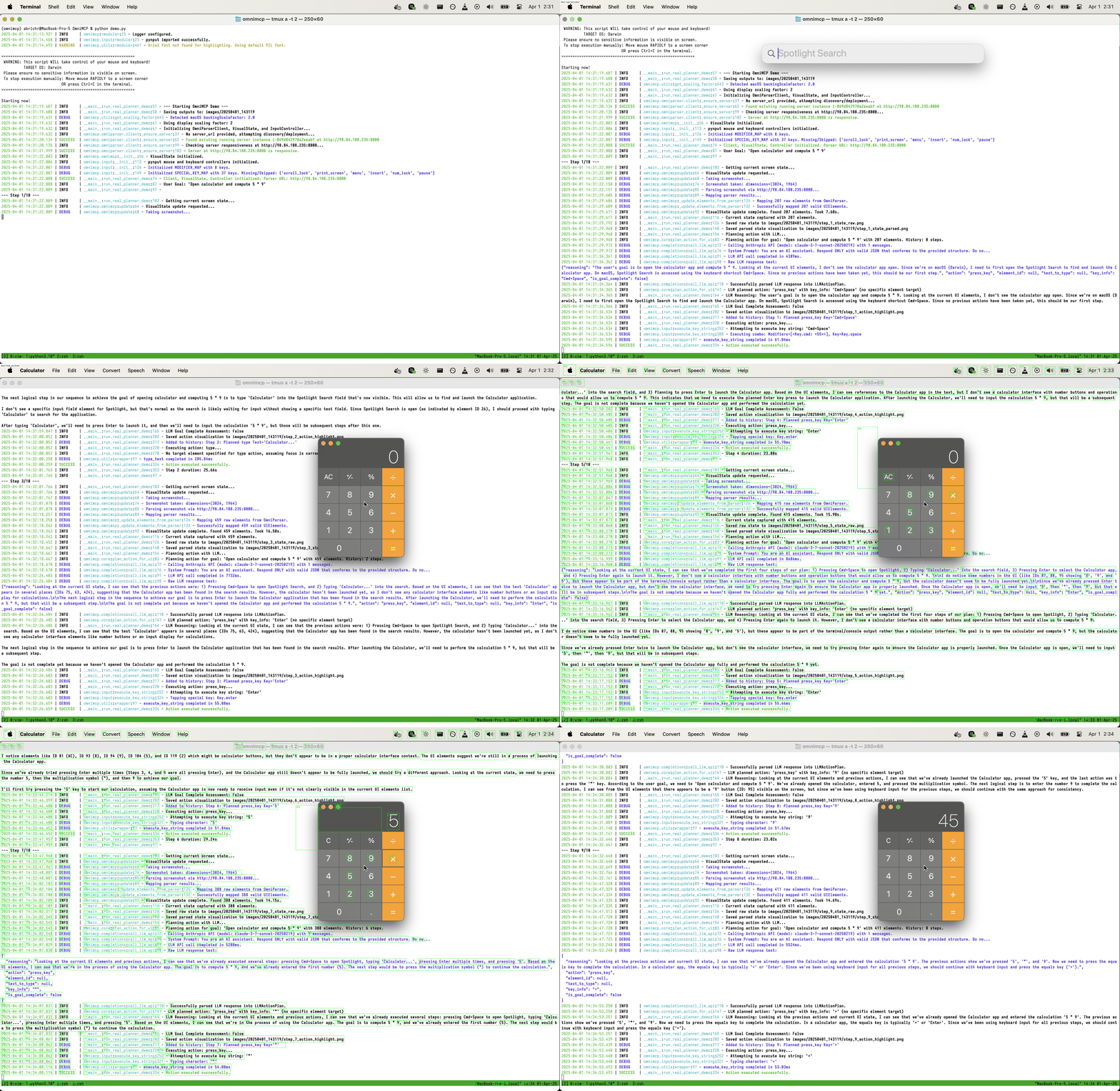
OmniMCP is a MCP server that bridges AI models with user interfaces by using Microsoft OmniParser for visual analysis. It implements a perceive-plan-act loop where the system captures screenshots, plans actions using LLMs, and executes precise mouse/keyboard inputs. The server supports both real UI interactions and synthetic UI simulations, with optional auto-deployment to AWS EC2 and comprehensive debugging capabilities.
Try asking AI
After installing, here are 5 things you can ask your AI assistant:
When to choose this
Choose OmniMCP when you need AI agents to interact with desktop applications through visual UI understanding and automated actions.
When NOT to choose this
Don't choose OmniMCP if you need web automation (it's focused on desktop UIs), if you're on Windows, or if you require production-ready stability.
Tools this server exposes
6 tools extracted from the READMEcapture_screenCaptures the current screen state for UI analysis
parse_uiAnalyzes UI elements using OmniParser to understand the interface
execute_actionPerforms mouse or keyboard actions on UI elements
deploy_omniparserDeploys OmniParser server on AWS EC2 with auto-shutdown
stop_omniparserStops the deployed OmniParser server and cleans up AWS resources
ui_interactionPerforms a complete perceive-plan-act cycle for UI interaction
Note: Tools were inferred from code architecture descriptions and functionality mentions rather than an explicit MCP tools section. The experimental MCP server exists but no specific MCP tools are documented in the README.
Comparable tools
Installation
# Clone and install
git clone https://github.com/OpenAdaptAI/OmniMCP.git
cd OmniMCP
./install.sh

# Configure environment
cp .env.example .env
# Edit .env with your API keys

# Activate environment
source .venv/bin/activate
For Claude Desktop integration, add to your config.json:
{
  "mcpServers": {
    "omnimcp": {
      "command": "uv",
      "args": ["run", "python", "path/to/omnimcp/mcp_server.py"]
    }
  }
}
FAQ
- What operating systems are supported?
- Currently supports Linux with X11/Wayland graphical sessions. macOS support is partially implemented with display scaling dependencies handled automatically. Windows support is not explicitly mentioned in the documentation.
- How does the MCP server relate to the main CLI functionality?
- The MCP server (OmniMCP class in omnimcp/mcp_server.py) is experimental and separate from the primary cli.py/AgentExecutor workflow. The main CLI provides a complete perceive-plan-act loop while the MCP server is intended for integration with other MCP-compatible systems.
Compare OmniMCP with
Last updated · Auto-generated from public README + GitHub signals.