nitrostack
by nitrocloudofficial·★ 119·Score 49
NitroStack is an enterprise-grade TypeScript framework for building production-ready MCP servers with decorators, dependency injection, and UI widgets.
Overview
NitroStack provides a comprehensive framework for building MCP servers using TypeScript with decorators, dependency injection, and authentication. It includes middleware pipelines, UI widgets, and Zod validation for enterprise-grade applications. The framework offers modular packages including the core runtime, CLI for scaffolding, and React SDK for interactive tool outputs. It also comes with NitroStudio, a dedicated desktop app for testing and debugging MCP servers.
Try asking AI
After installing, here are 5 things you can ask your AI assistant:
When to choose this
Choose NitroStack when you need a full-stack TypeScript framework with enterprise features like authentication, dependency injection, and UI widgets for building production MCP servers.
When NOT to choose this
Avoid NitroStack if you're building a simple MCP server without need for advanced features, or if you prefer a more minimal approach without the framework's opinionated structure.
Tools this server exposes
1 tool extracted from the READMEsearch_products({ query: string; maxResults: number }, ExecutionContext) => Promise<any>Search the product catalog
Note: The README shows an example tool definition using the @Tool decorator, but doesn't provide a comprehensive list of all available tools. Only one tool example is shown in the documentation.
Comparable tools
Installation
Install NitroStack
# Install the CLI globally
npm install -g @nitrostack/cli

# Scaffold a new MCP server
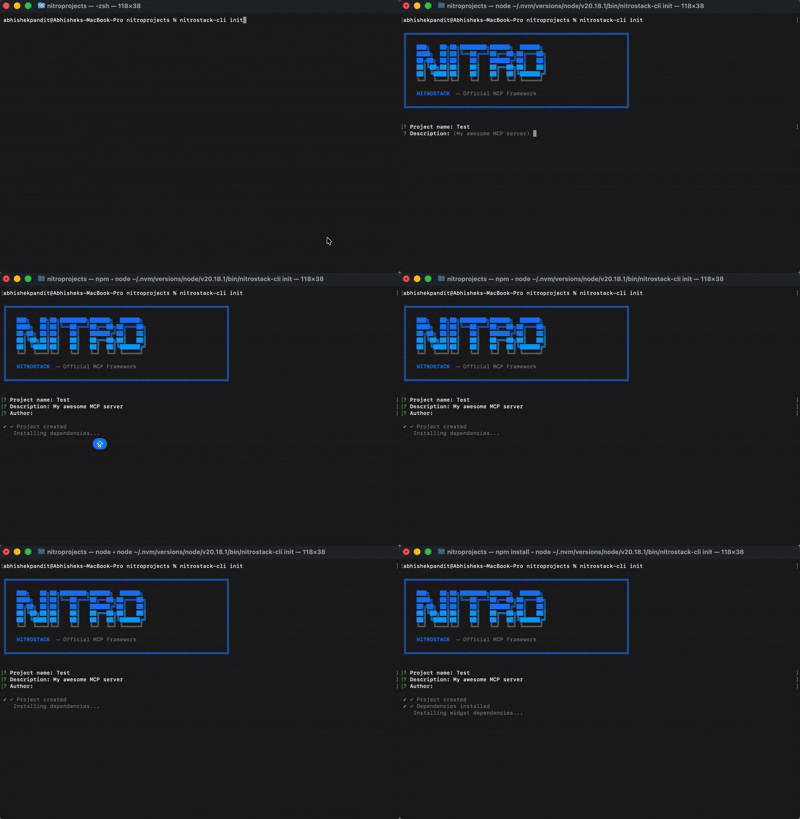
npx @nitrostack/cli init my-server

cd my-server
npm install
npm run dev
Connect in Claude Desktop
Add to your claude_desktop_config.json:
{
  "mcpServers": {
    "nitrostack": {
      "command": "npx",
      "args": ["@nitrostack/cli", "serve"],
      "env": {
        "NODE_ENV": "development"
      }
    }
  }
}
FAQ
- What is NitroStudio?
- NitroStudio is a dedicated desktop application for testing, debugging, and chatting with your MCP servers in real-time with hot reload support.
- Can I use NitroStack with authentication?
- Yes, NitroStack provides built-in authentication with JWT, OAuth 2.1, and API key support using decorators and guards.
Compare nitrostack with
Last updated · Auto-generated from public README + GitHub signals.