itsyconnect-macos
by nickustinov·★ 96·Score 47
App Store Connect alternative desktop app with optional MCP server for managing iOS app listings.
Overview
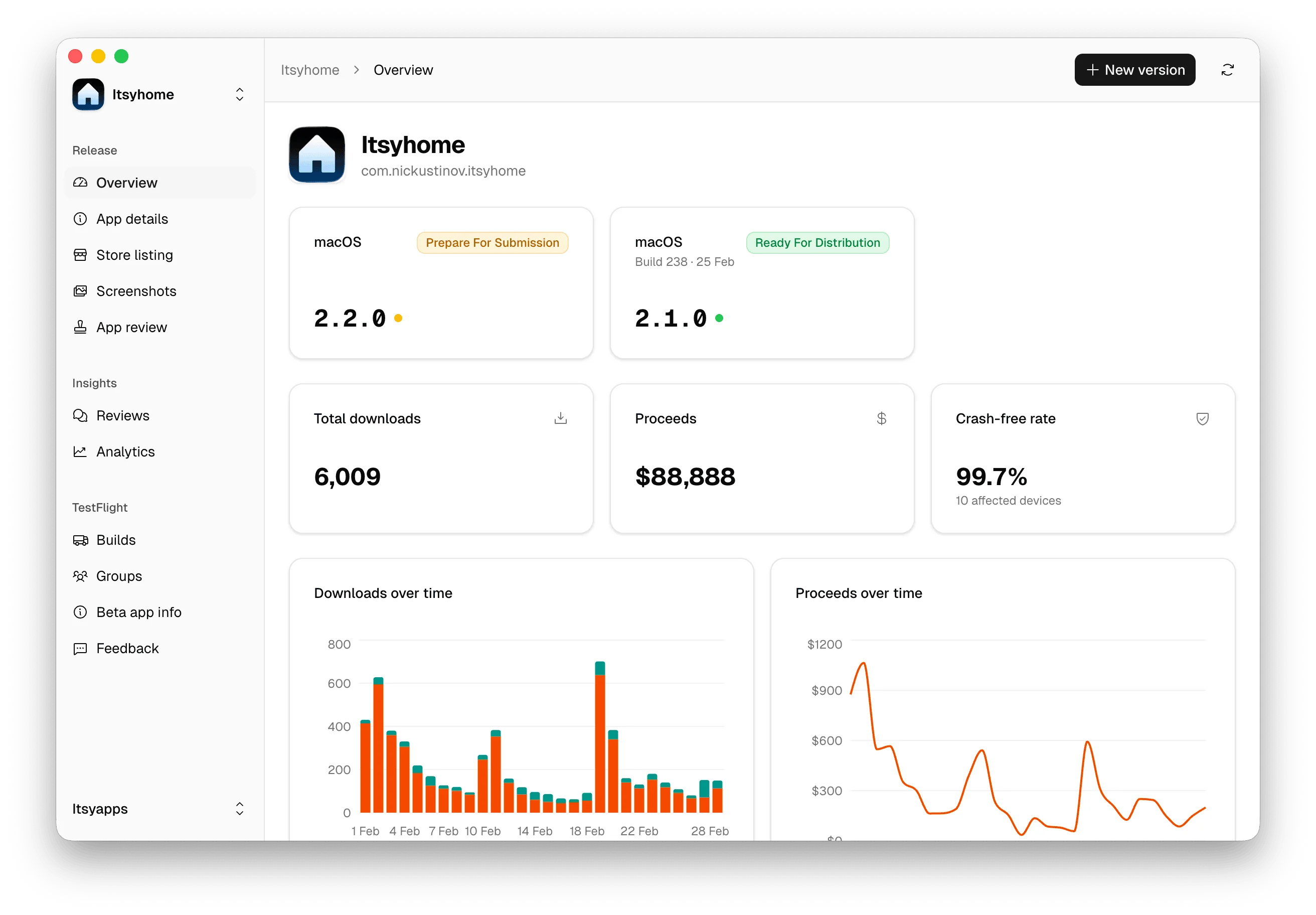
Itsyconnect is a desktop application and self-hosted web dashboard that provides an alternative to Apple's App Store Connect. It allows developers to manage their app listings across all locales from a single window, with features for editing metadata, managing TestFlight builds, viewing analytics, responding to customer reviews, and submitting nominations. The application runs locally with data stored in an encrypted SQLite database, respecting privacy with no cloud dependencies. The MCP server functionality allows AI coding tools like Claude Code, Codex, and Cursor to manage app listings directly from the terminal.
Try asking AI
After installing, here are 5 things you can ask your AI assistant:
When to choose this
Choose this MCP server if you're developing macOS apps and want to manage App Store Connect listings directly through AI coding tools while maintaining local data storage.
When NOT to choose this
Don't choose this if you need cloud-based team collaboration features or if you're not developing for the Apple ecosystem.
Tools this server exposes
6 tools extracted from the READMEupdate_release_notesUpdate release notes for an app listing
translate_fieldTranslate an app field to one or all locales
add_localeAdd a new locale to an app listing
manage_testflightManage TestFlight builds and testers
submit_nominationSubmit an App Store nomination
respond_to_reviewReply to customer reviews
Note: Tool names inferred from feature descriptions in the README. The README mentions MCP server functionality but doesn't provide explicit tool documentation beyond a reference to docs/MCP.md.
Comparable tools
Installation
Install the Itsyconnect desktop app as described in the README. To use the MCP server, add the following to your Claude Desktop configuration:
{
  "mcpServers": {
    "itsyconnect": {
      "command": "npx",
      "args": ["@nickustinov/itsyconnect-mcp"],
      "env": {}
    }
  }
}
FAQ
- Does the MCP server support all App Store Connect features?
- The MCP server allows managing app listings including updating release notes, translating fields, and adding locales, but may not expose every feature of the full desktop application.
- Is data stored locally or in the cloud?
- Everything runs locally with data stored in a single SQLite database. Credentials are encrypted with AES-256-GCM and the master key lives in the macOS Keychain, with no cloud dependencies.
Compare itsyconnect-macos with
Last updated · Auto-generated from public README + GitHub signals.