arkon
by nduckmink·★ 729·Score 52
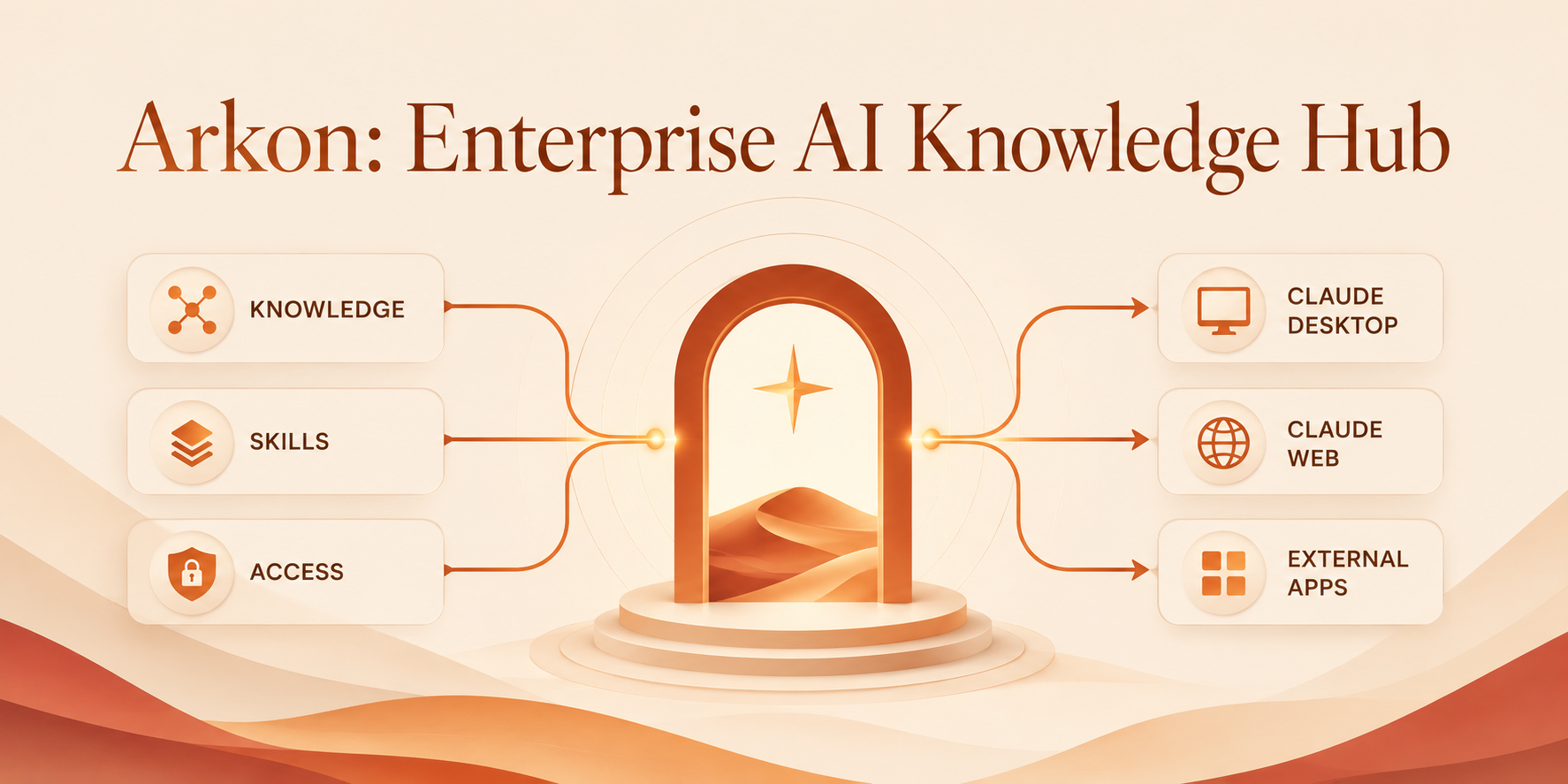
Enterprise AI knowledge hub serving as MCP server for secure organizational RAG contexts and AI skills.
Overview
Arkon is a self-hosted knowledge management system that operates as an MCP server, bridging organizational data and AI clients through the Model Context Protocol. It compiles SOPs, policies, and internal documents into a structured knowledge wiki with fine-grained access controls. The system features an MRP pipeline (Map-Reduce-Plan-Review-Refine-Verify) that compiles documents into coherent wiki pages with human-reviewable plans before writing, ensuring knowledge integrity across the organization.
Try asking AI
After installing, here are 3 things you can ask your AI assistant:
When to choose this
Choose Arkon for enterprise knowledge management with strict isolation requirements across departments and projects, especially when you need a comprehensive MCP solution with human review workflows.
When NOT to choose this
Don't choose Arkon if you need a permissive license that allows SaaS hosting or want a simpler, lightweight solution for small teams without complex RBAC requirements.
Tools this server exposes
12 tools extracted from the READMEsearch_wikiSearch the wiki with full-text and semantic search
read_wiki_pageRead a specific wiki page by title
list_wiki_pagesList all wiki pages in the current scope
read_wiki_indexRead the wiki index showing the page structure
get_sourceRetrieve a source document by its ID
get_source_outlineGet an outline of a source document
get_source_pagesList which wiki pages were created from a specific source
list_sourcesList all source documents in the current scope
propose_wiki_editPropose an edit to a wiki page as a draft
edit_wiki_pageDirectly edit a wiki page (requires appropriate permissions)
list_pending_draftsList all pending draft edits that need review
review_draftReview a specific draft edit with comments
Comparable tools
Installation
Docker Installation
- Clone the repository:
``shell git clone https://github.com/nduckmink/arkon.git cd arkon ``
- Configure environment:
``shell cp .env.docker.example .env.docker # Edit .env.docker - set SECRET_KEY, admin credentials, and Postgres/MinIO secrets ``
- Launch:
``shell docker compose --env-file .env.docker up -d --build ``
- Access the portal at
http://localhost:3119, sign in as admin, then go to **Settings** to pick your embedding/LLM/vision models and paste API keys.
Claude Desktop Integration
After creating an employee account and generating an MCP token:
{
  "mcpServers": {
    "arkon": {
      "url": "https://your-arkon-server/mcp",
      "headers": { "Authorization": "Bearer ark_xxxxxxxxxxxx" }
    }
  }
}
Drop it into claude_desktop_config.json and restart Claude Desktop.
Compare arkon with
Last updated · Auto-generated from public README + GitHub signals.