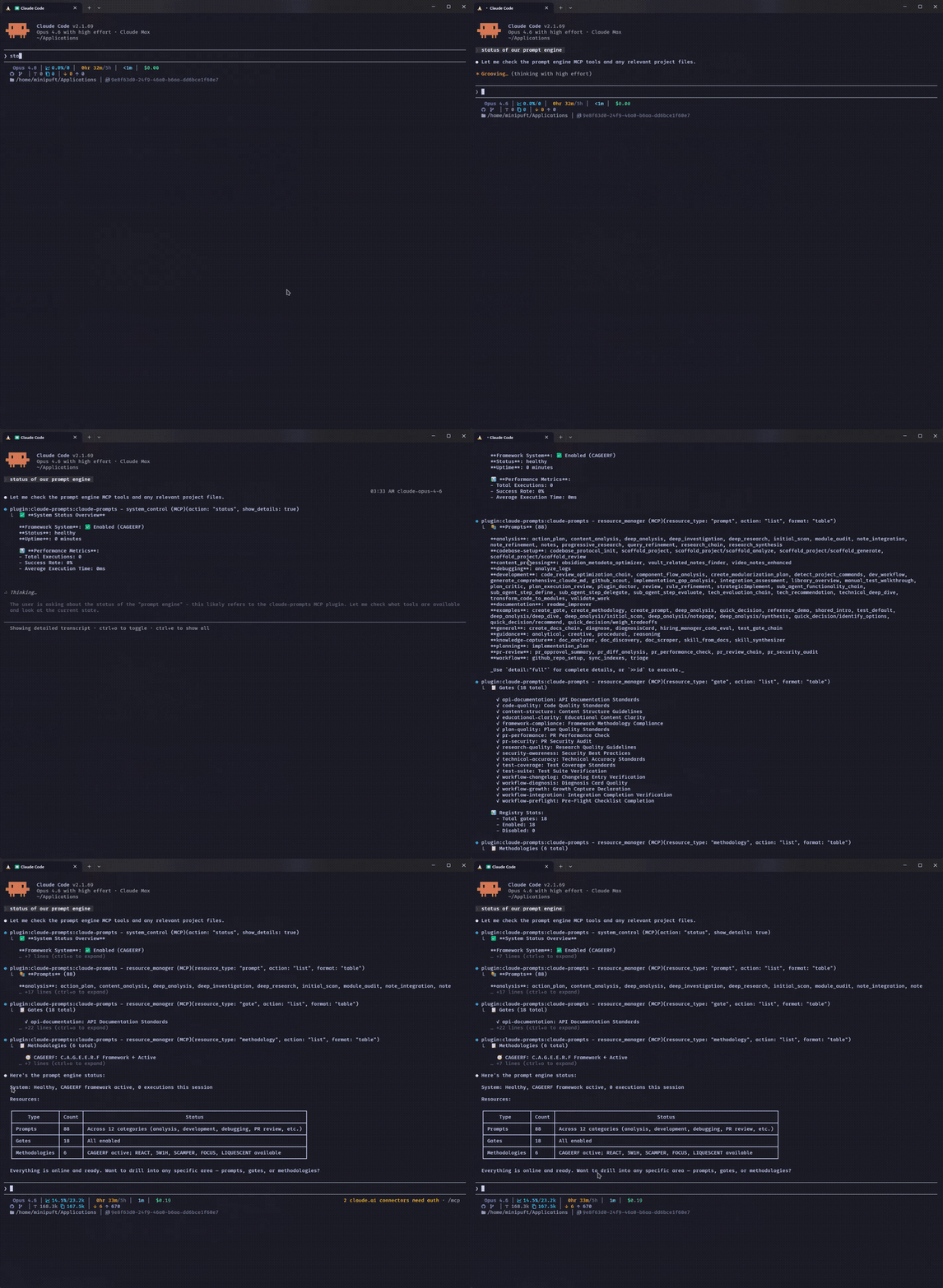
claude-prompts
by minipuft·★ 148·Score 49
MCP prompt template server offering hot-reloadable prompts, validation gates, and workflow composition for various AI clients.
Overview
Claude Prompts MCP Server is a comprehensive workflow server that enables users to craft reusable prompts with validation and reasoning guidance. It allows orchestration of agentic workflows with a composable operator syntax, supporting multi-step workflows that thread context between steps and hand off mid-chain steps to agents with full workflow context. The server features versioned templates with hot-reload functionality, rollback capabilities, and a history system for prompt management.
Try asking AI
After installing, here are 5 things you can ask your AI assistant:
When to choose this
Choose this if you need versioned prompt templates with validation gates and want to compose complex multi-step AI workflows that thread context between steps.
When NOT to choose this
Avoid if you need a simple one-shot prompt solution without workflow capabilities or if you prefer open-source alternatives without potential vendor lock-in.
Tools this server exposes
4 tools extracted from the READMEresource_managerManage prompt templates, validation rules, reasoning guidance, and styles
tech_evaluation_chainEvaluate technologies with research and scoring across multiple dimensions
code_reviewReview code for quality, best practices, and potential improvements
security_scanScan code or systems for security vulnerabilities
Note: Inferred tool names from examples in the README, but no explicit 'Tools' section was found. The server appears to expose MCP tools based on the demonstrated usage patterns.
Comparable tools
Installation
Installation
Claude Code (Recommended)
# Add marketplace (first time only)
/plugin marketplace add minipuft/minipuft-plugins

# Install
/plugin install claude-prompts@minipuft
Claude Desktop
Add to your config file:
{
  "mcpServers": {
    "claude-prompts": {
      "command": "npx",
      "args": ["-y", "claude-prompts@latest", "--client", "claude-code"]
    }
  }
}
VS Code / Copilot
Add to .vscode/mcp.json:
{
  "servers": {
    "claude-prompts": {
      "command": "npx",
      "args": ["-y", "claude-prompts@latest"]
    }
  }
}
FAQ
- What AI clients are supported by this MCP server?
- The server supports multiple clients including Claude Code, Claude Desktop, VS Code, Cursor, OpenCode, Gemini CLI, Codex, Windsurf, and Zed, with specific configuration for each.
- How do I create custom prompt templates?
- You can create custom prompts by initializing a workspace with `npx -y claude-prompts@latest --init=~/my-prompts` or by using the resource_manager tool through your AI client.
Compare claude-prompts with
Last updated · Auto-generated from public README + GitHub signals.