code-to-tree
by micl2e2·★ 83·Score 43
A runtime-free MCP server converting source code to AST using tree-sitter with minimal dependencies.
Overview
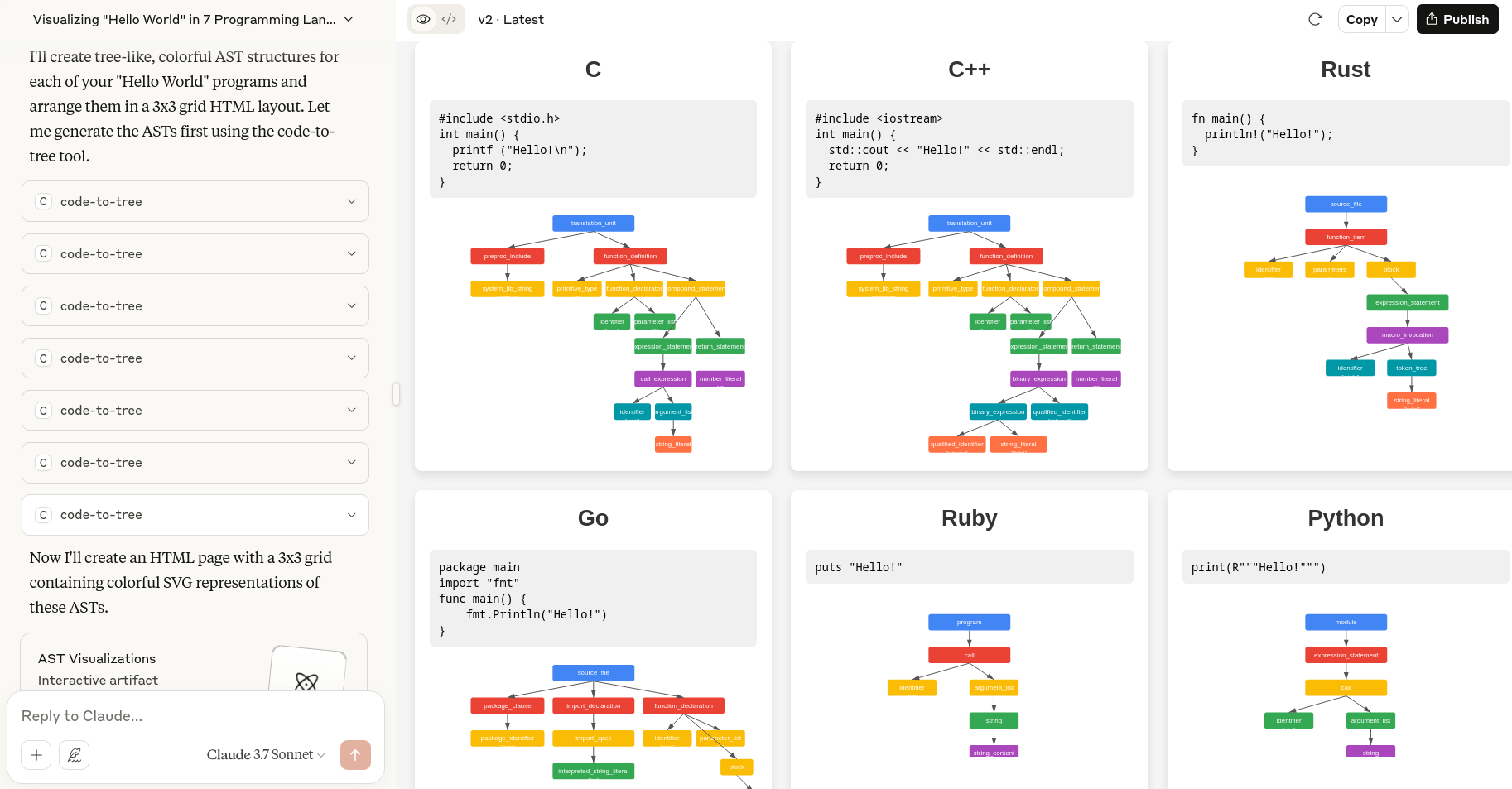
The code-to-tree MCP server provides LLMs with the capability to accurately convert source code into Abstract Syntax Trees (AST) regardless of programming language. It is designed as a standalone binary that imposes minimum software dependencies on the end user's machine, utilizing tree-sitter for parsing support across C, C++, Rust, Ruby, Go, Java, and Python. The server aims to be self-contained while offering versatile language support for code analysis tasks.
Try asking AI
After installing, here are 5 things you can ask your AI assistant:
When to choose this
Choose this server when you need AST conversion for source code analysis across multiple languages without adding runtime dependencies to your environment.
When NOT to choose this
Don't choose this if you need AST generation for languages not supported by tree-sitter, or if you require server-side processing capabilities rather than client-side conversion.
Tools this server exposes
1 tool extracted from the README (low confidence)parse_codeConverts source code into an AST (Abstract Syntax Tree) regardless of language
Note: Inferred from server description which mentions converting source code to AST, but no explicit tool documentation found in the README.
Comparable tools
Installation
Installation
- Download the pre-built binary from the [GitHub releases page](https://github.com/micl2e2/code-to-tree/releases)
- Configure your MCP client (example for Claude Desktop):
**Windows:** ``json { "mcpServers": { "code-to-tree": { "command": "C:\\path\\to\\code-to-tree.exe" } } } ``
**macOS:** ``json { "mcpServers": { "code-to-tree": { "command": "/path/to/code-to-tree" } } } ``
- Restart your MCP client to apply the configuration
FAQ
- What programming languages are supported?
- Currently supports C, C++, Rust, Ruby, Go, Java, and Python through tree-sitter grammars.
- How does code-to-tree minimize dependencies?
- It uses a standalone binary approach with mcpc, carrying all capabilities within itself without requiring external runtime environments.
Compare code-to-tree with
Last updated · Auto-generated from public README + GitHub signals.