bifrost
by maximhq·★ 4,961·Score 58
Bifrost is a high-performance AI gateway with MCP support for tool calling, load balancing, and semantic caching across 1000+ models.
Overview
Bifrost is an enterprise-grade AI gateway that provides unified access to multiple AI providers through an OpenAI-compatible API. It includes MCP (Model Context Protocol) support, enabling AI models to use external tools like filesystem, web search, and databases. The gateway features adaptive load balancing, semantic caching for cost reduction, and enterprise security features like SSO integration and budget management. With performance benchmarks showing less than 100µs overhead at 5k RPS, it's designed for production-scale deployments with zero downtime capabilities.
Try asking AI
After installing, here are 5 things you can ask your AI assistant:
When to choose this
Choose Bifrost when you need a high-performance unified gateway for multiple AI providers and want MCP capabilities as part of a comprehensive AI infrastructure solution.
When NOT to choose this
Don't choose Bifrost if you specifically need a dedicated MCP server for direct tool integration, or if you prefer open-source solutions with no vendor dependencies.
Tools this server exposes
12 tools extracted from the README (low confidence)query_postgresExecute SQL queries against a PostgreSQL database
search_webSearch the internet for information
list_filesList files in a directory
create_github_issueCreate a new issue on GitHub
send_emailSend an email through SMTP
analyze_sentimentAnalyze the sentiment of text
generate_imageGenerate images from text descriptions
translate_textTranslate text between languages
summarize_textCreate a summary of longer text
extract_entitiesExtract named entities from text
classify_textClassify text into categories
convert_unitsConvert between different units of measurement
Note: Tool names inferred from general MCP capabilities mentioned in the documentation rather than specific tool documentation
Comparable tools
Installation
Installation
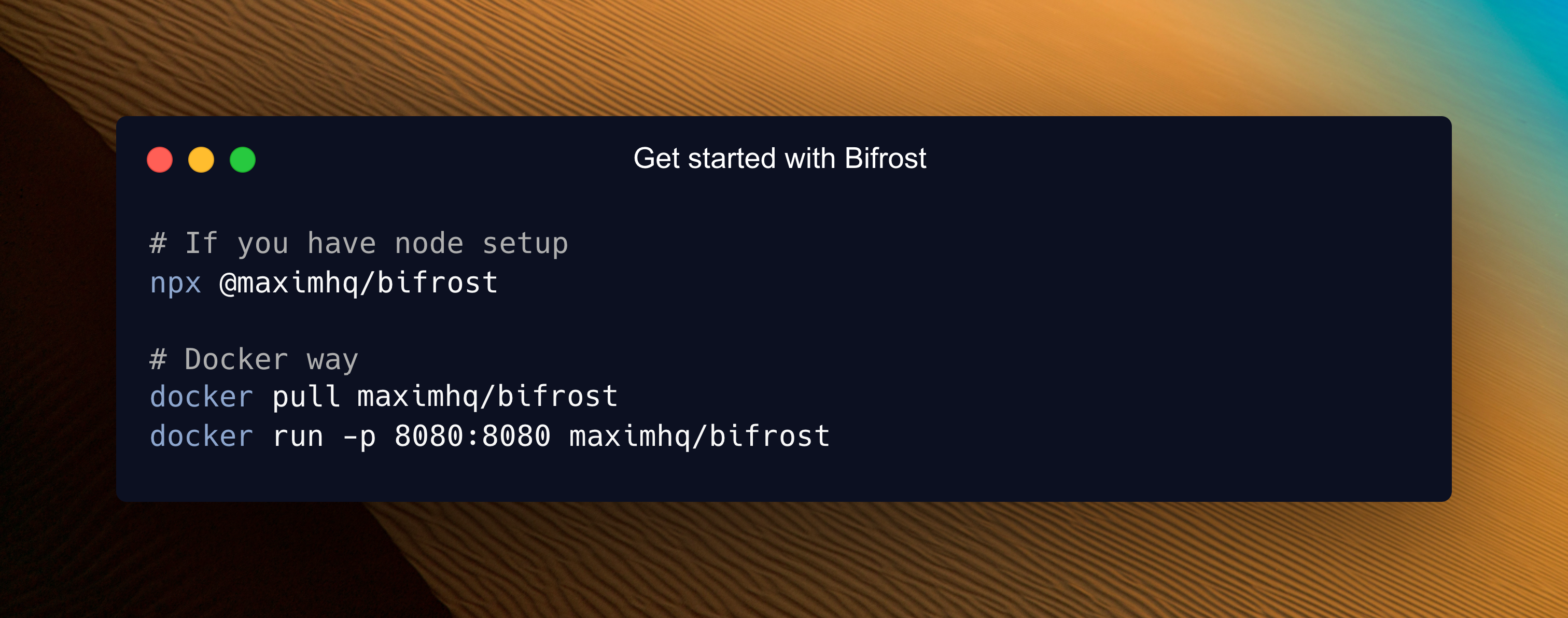
Using NPX (Quick Start)
npx -y @maximhq/bifrostUsing Docker
docker run -p 8080:8080 maximhq/bifrostGo SDK Integration
go get github.com/maximhq/bifrost/coreClaude Desktop Configuration
To enable Bifrost MCP server in Claude Desktop:
{
  "mcpServers": {
    "bifrost": {
      "command": "npx",
      "args": ["-y", "@maximhq/bifrost"],
      "env": {}
    }
  }
}
FAQ
- What MCP tools does Bifrost provide?
- Bifrost enables MCP for external tool calling, allowing AI models to use filesystem, web search, databases, and other external tools through its gateway architecture.
- How does Bifrost compare to LiteLLM in performance?
- Bifrost claims to be 50x faster than LiteLLM with less than 100µs overhead at 5k RPS, maintaining 100% success rate under high load conditions.
On Hacker News
Recent discussion from the developer community.
- Story by havercosine · 2025-08-07
- Story by PranayBatta · 2025-12-08
- Story by aanthonymax · 2026-10-13
Compare bifrost with
Last updated · Auto-generated from public README + GitHub signals.