holoviz-mcp
by MarcSkovMadsen·★ 33·Score 44
An MCP server providing intelligent access to HoloViz ecosystem for building data visualizations and dashboards.
Overview
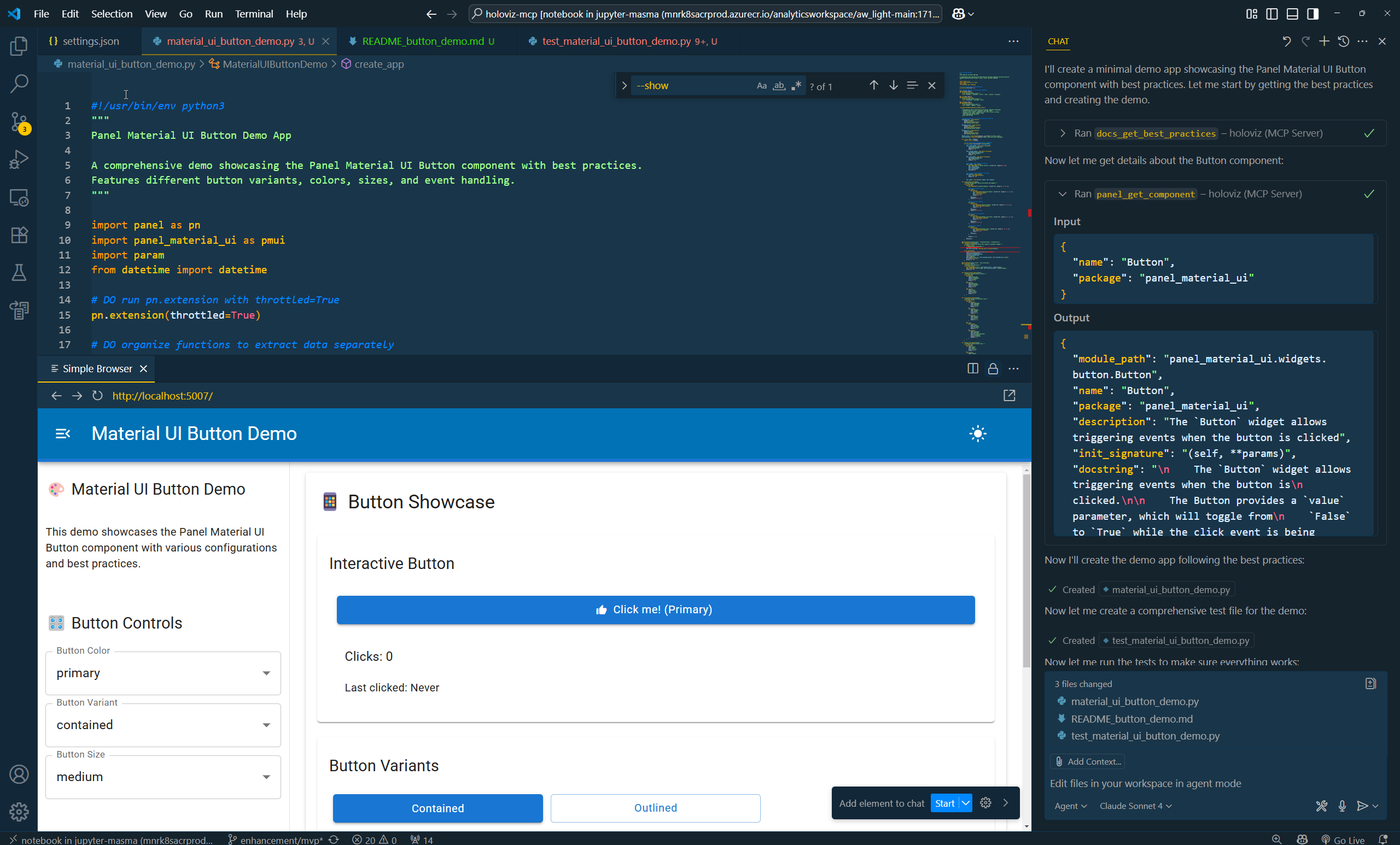
HoloViz MCP is a comprehensive Model Context Protocol server that enables AI assistants to help build interactive dashboards and data visualizations using Panel, hvPlot, Lumen, Datashader, and other Python libraries. It provides documentation access, a display server for creating and sharing Python visualizations with instant URLs, component intelligence for discovering Panel components, and extension support for automatic detection of Panel extensions.
Try asking AI
After installing, here are 6 things you can ask your AI assistant:
When to choose this
Choose this when working with HoloViz ecosystem libraries and need AI assistance for data visualization and dashboard development.
When NOT to choose this
Avoid if security is a concern due to Python code execution capabilities, or if you need visualization support for libraries outside the HoloViz ecosystem.
Tools this server exposes
8 tools extracted from the READMEshowCreate and share Python visualizations with instant URLs
search_documentationSearch through HoloViz documentation for specific information
get_component_infoGet detailed information about Panel components and their parameters
get_extension_infoGet information about available Panel extensions
get_hvplot_infoGet information about hvPlot plotting functionality
generate_visualizationGenerate visualization code based on natural language description
get_layout_examplesGet examples of Panel layout patterns
get_tutorialRetrieve specific tutorial steps from HoloViz documentation
Note: Tools inferred from feature descriptions in the README since no explicit 'Tools' section is provided. The actual tool names and signatures may differ from what was extracted.
Comparable tools
Installation
Installation
pip
pip install holoviz-mcpconda
conda install -c conda-forge holoviz-mcpDocker
docker pull ghcr.io/marcskovmadsen/holoviz-mcpClaude Desktop
Add to your Claude Desktop config:
"mcpServers": {
  "holoviz": {
    "command": "python",
    "args": ["-m", "holoviz_mcp.server"],
    "env": {
      "PYTHONPATH": "${path}"
    }
  }
}
FAQ
- What is HoloViz MCP?
- HoloViz MCP is a Model Context Protocol server that provides intelligent access to the HoloViz ecosystem, enabling AI assistants to help build interactive dashboards and data visualizations with Python libraries like Panel, hvPlot, Lumen, and Datashader.
- How does the display server work?
- The display server executes Python code in an isolated environment and provides web-accessible URLs for visualizations that you can view, share, and manage.
- Is it safe to enable code execution?
- The MCP server can execute arbitrary Python code when serving Panel applications. This is configurable and enabled by default. See the Security Considerations documentation for details on risks and mitigation strategies.
Compare holoviz-mcp with
Last updated · Auto-generated from public README + GitHub signals.