mcpsec
by manthanghasadiya·★ 22·Score 45
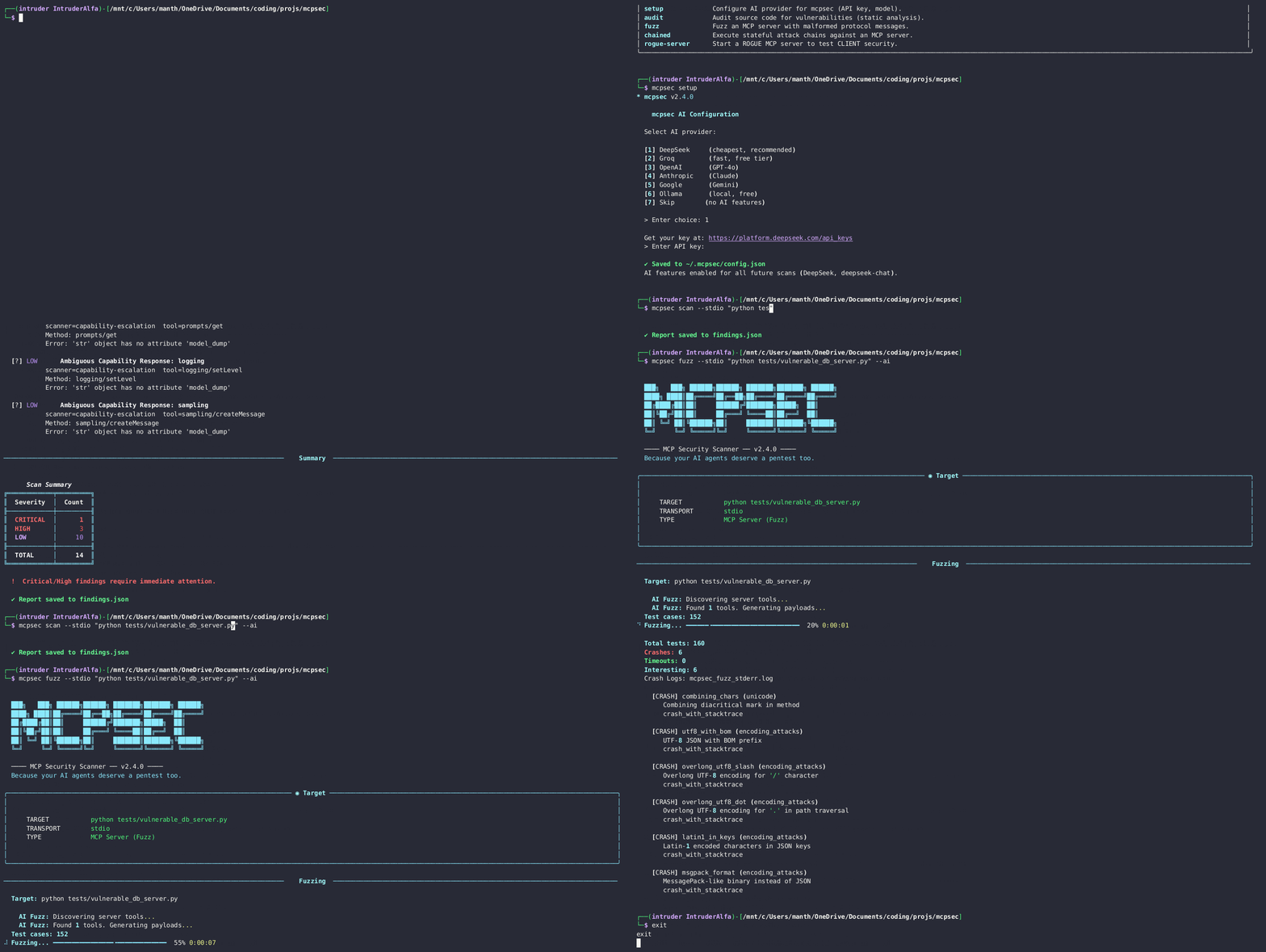
A security scanner and protocol fuzzer for MCP servers that discovers runtime vulnerabilities through dynamic testing.
Overview
mcpsec is an AI-driven security tool designed specifically for testing MCP servers. It combines static analysis with dynamic runtime testing to identify vulnerabilities such as SSRF, LFI, command injection, and other security flaws. The tool has discovered multiple critical CVEs in real MCP servers and provides comprehensive testing through scanners, fuzzers, and AI-powered payload generation. It supports multiple connection methods (stdio, HTTP) and integrates well with CI/CD pipelines through SARIF output.
Try asking AI
After installing, here are 7 things you can ask your AI assistant:
When to choose this
Choose mcpsec when you need to validate the security posture of MCP servers before deployment or during development, especially when handling sensitive data or integrating with external systems.
When NOT to choose this
Don't choose mcpsec if you need a general-purpose security scanner or if you're looking for vulnerability assessment tools that support protocols other than MCP.
Tools this server exposes
12 tools extracted from the READMEscanScan MCP servers for security vulnerabilities via stdio or HTTP
auditPerform static analysis on MCP server source code
fuzzPerform protocol fuzzing on MCP servers to discover crashes
sqlScan MCP servers for SQL injection vulnerabilities
chainsDetect dangerous tool combinations in MCP servers
exploitStart an interactive exploitation session for MCP servers
rogue-serverRun a rogue MCP server for client-side testing
infoEnumerate the attack surface of an MCP server
setupConfigure AI provider settings for enhanced scanning
prompt-injectionScan for prompt injection vulnerabilities in tool descriptions
auth-auditAudit MCP servers for authentication issues
capability-escalationDetect undeclared capability abuse in MCP servers
Note: Inferred from CLI command examples and scanner descriptions in the README. The server appears to expose these as MCP tools based on command usage patterns.
Comparable tools
Installation
# Basic installation
pip install mcpsec

# With AI-powered features
pip install mcpsec[ai]

# Via Nix
nix-shell   # basic
nix-shell --arg withAll true   # all optional deps
Claude Desktop Integration
Add to Claude Desktop's claude_desktop_config.json:
{
  "mcpServers": {
    "mcpsec": {
      "command": "python",
      "args": ["-m", "mcpsec", "stdio"]
    }
  }
}
FAQ
- How is mcpsec different from other static analysis tools?
- mcpsec focuses on dynamic testing of live servers, proving exploitability rather than just identifying potential vulnerabilities. It also provides AI-powered payload generation and comprehensive fuzzing capabilities.
- Does mcpsec work with all MCP servers?
- Yes, mcpsec works with any MCP server that implements the standard protocol, whether via stdio or HTTP. It supports authentication methods and can auto-discover local servers.
- How do I report vulnerabilities I find with mcpsec?
- mcpsec provides responsible disclosure options. Critical findings should be reported to the affected project maintainers first, with coordination for public disclosure after fixes are implemented.
Compare mcpsec with
Last updated · Auto-generated from public README + GitHub signals.