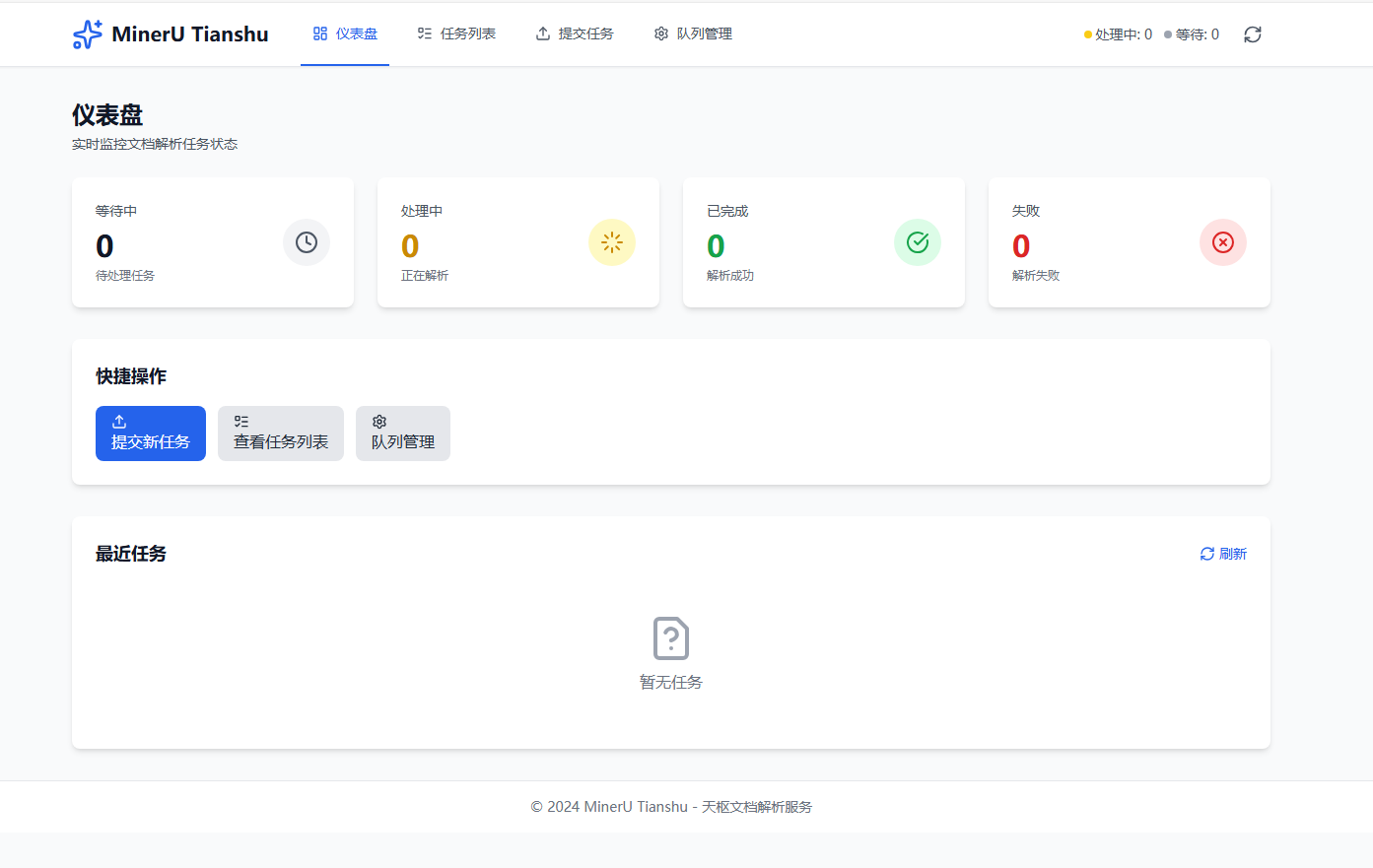
mineru-tianshu
by magicyuan876·★ 634·Score 51
Enterprise-grade AI preprocessing platform with MCP protocol for document, image, audio, and video processing.
Overview
Tianshu (MinerU) is a comprehensive AI preprocessing platform that converts unstructured data into AI-usable structured formats. It provides document, image, audio, and video processing capabilities with GPU acceleration and MCP protocol integration. The platform features a Vue3 frontend and FastAPI backend with Docker deployment support, making it suitable for enterprise environments.
Try asking AI
After installing, here are 5 things you can ask your AI assistant:
When to choose this
Choose this platform for enterprise document processing pipelines requiring multimodal data preprocessing and MCP integration, especially when working with scientific or professional documents needing high-fidelity conversion.
When NOT to choose this
Avoid if you need lightweight document processing without GPU acceleration or prefer solutions with simpler deployment models. The platform may be overkill for basic document conversion needs.
Tools this server exposes
4 tools extracted from the READMEparse_documentParse documents (PDF, Word, Excel, etc.) into Markdown/JSON format
get_task_statusCheck the status of a document processing task
list_tasksList recent document processing tasks
get_queue_statsGet statistics about the document processing queue
Comparable tools
Installation
Installation
Docker Deployment (Recommended)
# One-click setup
make setup

# Or use scripts
./scripts/docker-setup.sh    # Linux/Mac
scripts\docker-setup.bat     # Windows
Local Development
cd backend
bash install.sh
python start_all.py --enable-mcp  # Enable MCP

cd frontend
npm install
npm run dev
Claude Desktop Configuration
Add to claude_desktop_config.json:
{
  "mcpServers": {
    "mineru-tianshu": {
      "url": "http://localhost:8002/sse",
      "transport": "sse"
    }
  }
}
FAQ
- What file formats are supported?
- The platform supports PDF, Word, Excel, PowerPoint, images (JPG/PNG), audio files (MP3/WAV), video files (MP4/MKV), and bioinformatics formats (FASTA/GenBank).
- How does MCP integration work?
- The platform exposes tools via Model Context Protocol (MCP), allowing AI assistants like Claude Desktop to directly call document parsing services through configured endpoints.
Compare mineru-tianshu with
Last updated · Auto-generated from public README + GitHub signals.