mcp
by magicuidesign·★ 185·Score 48
MCP server for Magic UI component registry, enabling developers to browse and search UI components.
Overview
@magicuidesign/mcp is an official Model Context Protocol server that provides access to the Magic UI component registry. It enables developers to search, browse, and retrieve information about UI components through MCP. The server offers three main tools: listing registry items, searching by keywords, and retrieving detailed information about specific components. This integration allows AI assistants to assist with UI development by suggesting and implementing Magic UI components.
Try asking AI
After installing, here are 5 things you can ask your AI assistant:
When to choose this
Choose this MCP server when you're working with UI components and need to integrate Magic UI elements directly into your development workflow through supported IDEs.
When NOT to choose this
Avoid if you need broader UI component libraries beyond Magic UI, as this server is specialized for a specific component ecosystem.
Tools this server exposes
3 tools extracted from the READMElistRegistryItemsLists Magic UI registry items with optional filters
searchRegistryItemsSearches Magic UI registry items by keyword
getRegistryItemReturns details for a single registry item
Comparable tools
Installation
Installation
Install using the Magic UI CLI:
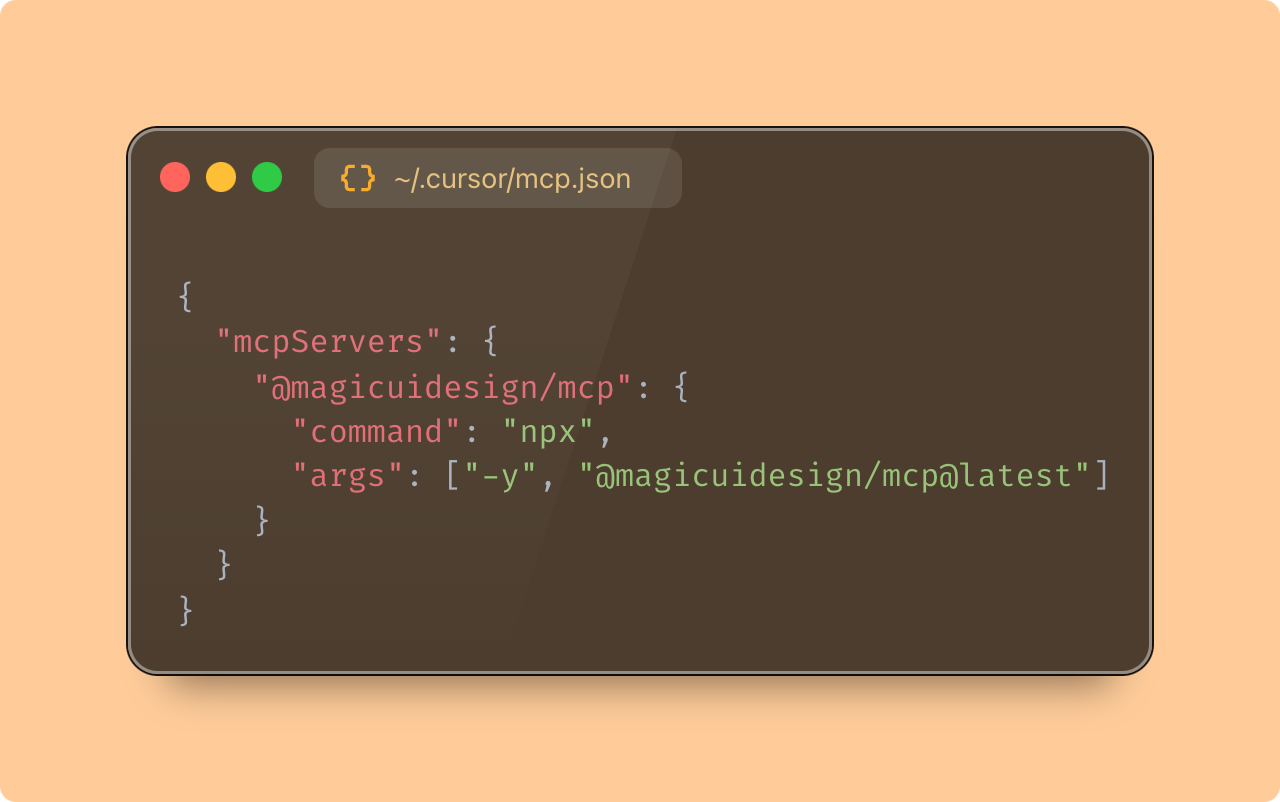
npx @magicuidesign/cli@latest install <client>Or manually add to your IDE's MCP config:
{
  "mcpServers": {
    "magicuidesign-mcp": {
      "command": "npx",
      "args": ["-y", "@magicuidesign/mcp@latest"]
    }
  }
}
This server is supported by clients like Cursor, Windsurf, Claude, Cline, and roo-cline.
FAQ
- What MCP tools does this server provide?
- The server provides three tools: listRegistryItems, searchRegistryItems, and getRegistryItem for browsing, searching, and retrieving details about Magic UI components.
- Which AI clients are compatible with this MCP server?
- It supports Cursor, Windsurf, Claude, Cline, and roo-clide clients as listed in the README.
Compare mcp with
Last updated · Auto-generated from public README + GitHub signals.