mcpcan
by Kymo-MCP·★ 719·Score 52
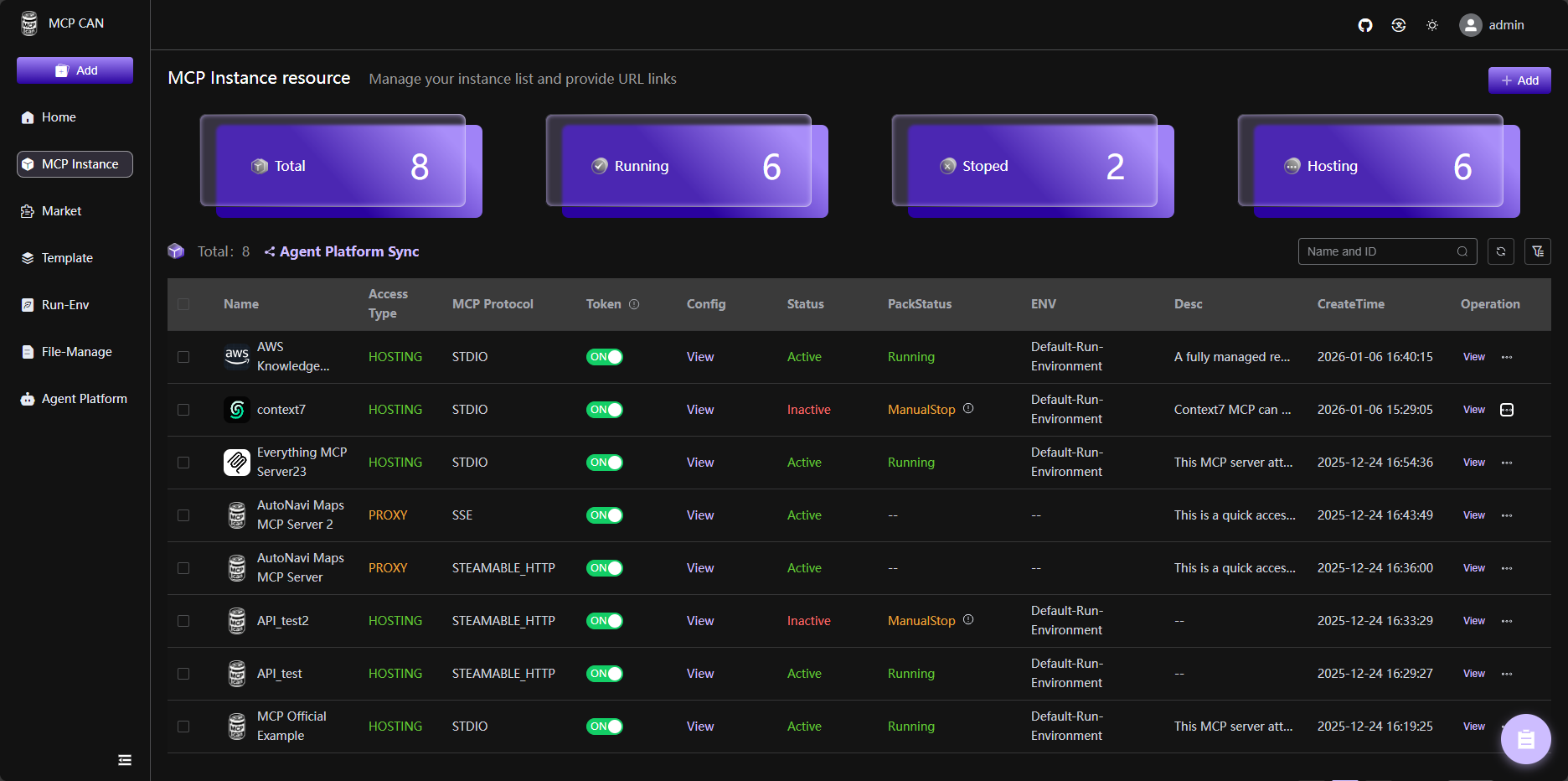
MCPCAN is a centralized management platform for MCP services with container deployment, monitoring, and security features.
Overview
MCPCAN provides a comprehensive solution for managing MCP services through containerized deployment. It supports multiple protocols including SSE, STDIO, and STREAMABLEHTTP, allowing for flexible integration across different MCP service architectures. The platform offers visual monitoring, security authentication, and one-stop deployment capabilities, making it suitable for DevOps and development teams looking to efficiently manage their MCP service lifecycles.
Try asking AI
After installing, here are 5 things you can ask your AI assistant:
When to choose this
Choose MCPCan when you need centralized management of multiple MCP services with container deployment, security features, and protocol conversion capabilities.
When NOT to choose this
Avoid MCPCan if you prefer simpler MCP deployment without containerization or need a lightweight solution for just one MCP service.
Comparable tools
Installation
Quick Start with Docker Compose
- Clone the repository:
git clone https://github.com/Kymo-MCP/mcpcan.git
cd mcpcan/deploy/docker-compose/- Initialize configuration:
cp example.env .env- Generate final configuration:
chmod +x replace.sh
./replace.sh- Start services:
docker compose up -d- Access Web UI at
http://localhostwith credentials: admin/admin123
FAQ
- What is the Sustainable Use License?
- The Sustainable Use License is the license under which MCPCan is distributed. Portions of the software, specifically Enterprise features in '.ee' folders, are subject to the Enterprise License.
- Can MCPCan be deployed on Kubernetes?
- Yes, MCPCan supports Kubernetes deployment using Helm charts. There is a dedicated Helm Deployment Guide available in the documentation.
Compare mcpcan with
Last updated · Auto-generated from public README + GitHub signals.