slack-mcp-server
by korotovsky·★ 1,603·Score 56
A feature-rich MCP server for Slack with stealth mode, OAuth support, and comprehensive message management tools.
Overview
The Slack MCP Server by korotovsky provides comprehensive integration with Slack workspaces through the Model Context Protocol. It supports both stealth mode (no permissions required) and OAuth authentication, offering flexibility for different security requirements. The server provides extensive tools for message retrieval, posting, searching, and reaction management, with smart history fetching capabilities and support for channels, threads, DMs, and group DMs. It's designed to work with any MCP client supporting Stdio, SSE, or HTTP transports, making it highly versatile for various integration scenarios.
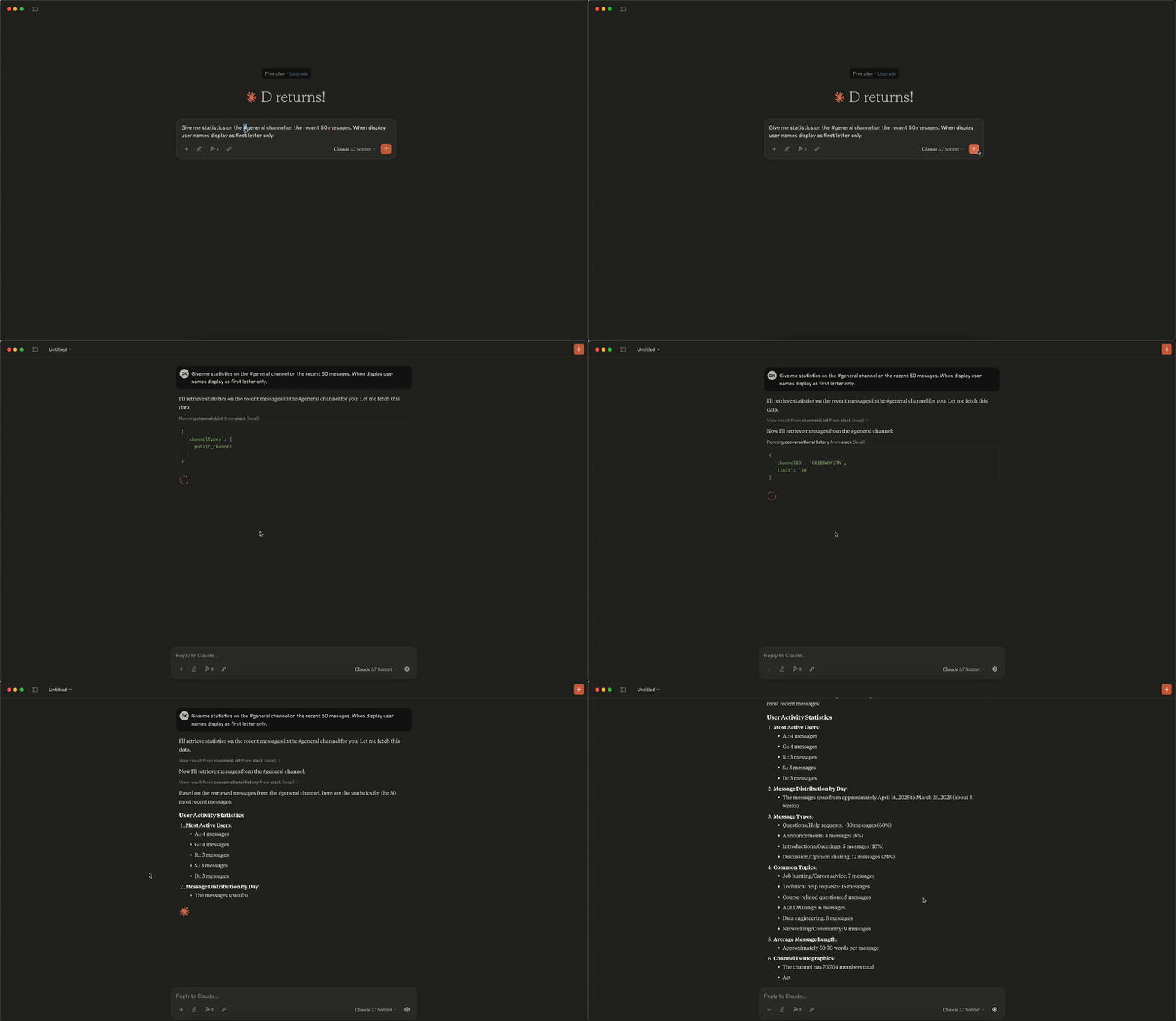
Try asking AI
After installing, here are 5 things you can ask your AI assistant:
When to choose this
Choose this server if you need comprehensive Slack integration with an MCP server, especially if you want stealth mode capabilities or need to avoid traditional bot installations.
When NOT to choose this
Don't choose this if you need write access to Slack by default (posting is disabled for safety), or if you're using bot tokens (xoxb-) which limit search functionality.
Tools this server exposes
12 tools extracted from the READMEconversations_historychannel_id (string, required), include_activity_messages (boolean, default: false), cursor (string, optional), limit (string, default: "1d")Get messages from a channel or DM by channel ID with pagination support
conversations_replieschannel_id (string, required), thread_ts (string, required), include_activity_messages (boolean, default: false), cursor (string, optional), limit (string, default: "1d")Get a thread of messages posted to a conversation
conversations_add_messagechannel_id (string, required), thread_ts (string, optional), payload (string, required), content_type (string, default: "text/markdown")Add a message to a public channel, private channel, or direct message conversation
conversations_search_messagessearch_query (string, optional), filter_in_channel (string, optional), filter_in_im_or_mpim (string, optional), filter_users_with (string, optional), filter_users_from (string, optional), filter_date_before (string, optional), filter_date_aSearch messages in channels or DMs with various filters
channels_listchannel_types (string, required), sort (string, optional), limit (number, default: 100), cursor (string, optional)Get list of channels with filtering options
reactions_addchannel_id (string, required), timestamp (string, required), emoji (string, required)Add an emoji reaction to a message
reactions_removechannel_id (string, required), timestamp (string, required), emoji (string, required)Remove an emoji reaction from a message
users_searchquery (string, required), limit (number, default: 10)Search for users by name, email, or display name
usergroups_listinclude_users (boolean, default: false), include_count (boolean, default: true), include_disabled (boolean, default: false)List all user groups (subteams) in the workspace
usergroups_createname (string, required), handle (string, optional), description (string, optional), channels (string, optional)Create a new user group in the workspace
usergroups_updateusergroup_id (string, required), name (string, optional), handle (string, optional), description (string, optional), channels (string, optional)Update an existing user group's metadata
usergroups_users_updateusergroup_id (string, required), users (string, required)Update the members of a user group, replacing existing members
Comparable tools
Installation
Installation
- Install the Go package:
go install github.com/korotovsky/slack-mcp-server@latest- Configure with Claude Desktop (add to claude_desktop_config.json):
{
  "mcpServers": {
    "slack": {
      "command": "slack-mcp-server",
      "args": []
    }
  }
}- Set environment variables for authentication:
export SLACK_MCP_TOKEN="xoxc-your-token-here"For OAuth mode, set:
export SLACK_MCP_TOKEN="xoxp-your-oauth-token-here"To enable message posting, add:
export SLACK_MCP_ADD_MESSAGE_TOOL="true" # or specific channel IDsFAQ
- Does this server require bot installation in Slack?
- No, it can run in stealth mode without requiring any permissions or bot installation, though OAuth mode is also available for more secure access.
- Can I post messages using this server?
- Message posting is disabled by default for safety. You can enable it by setting the SLACK_MCP_ADD_MESSAGE_TOOL environment variable.
On Hacker News
Recent discussion from the developer community.
- Story by korotovskii · 2025-05-19
- Story by korotovskii · 2025-04-27
- Story by rusq · 2026-02-24
Compare slack-mcp-server with
Last updated · Auto-generated from public README + GitHub signals.