kernel-mcp-server
by kernel·★ 30·Score 45
Kernel MCP server provides secure cloud-browser automation and app management through MCP protocol.
Overview
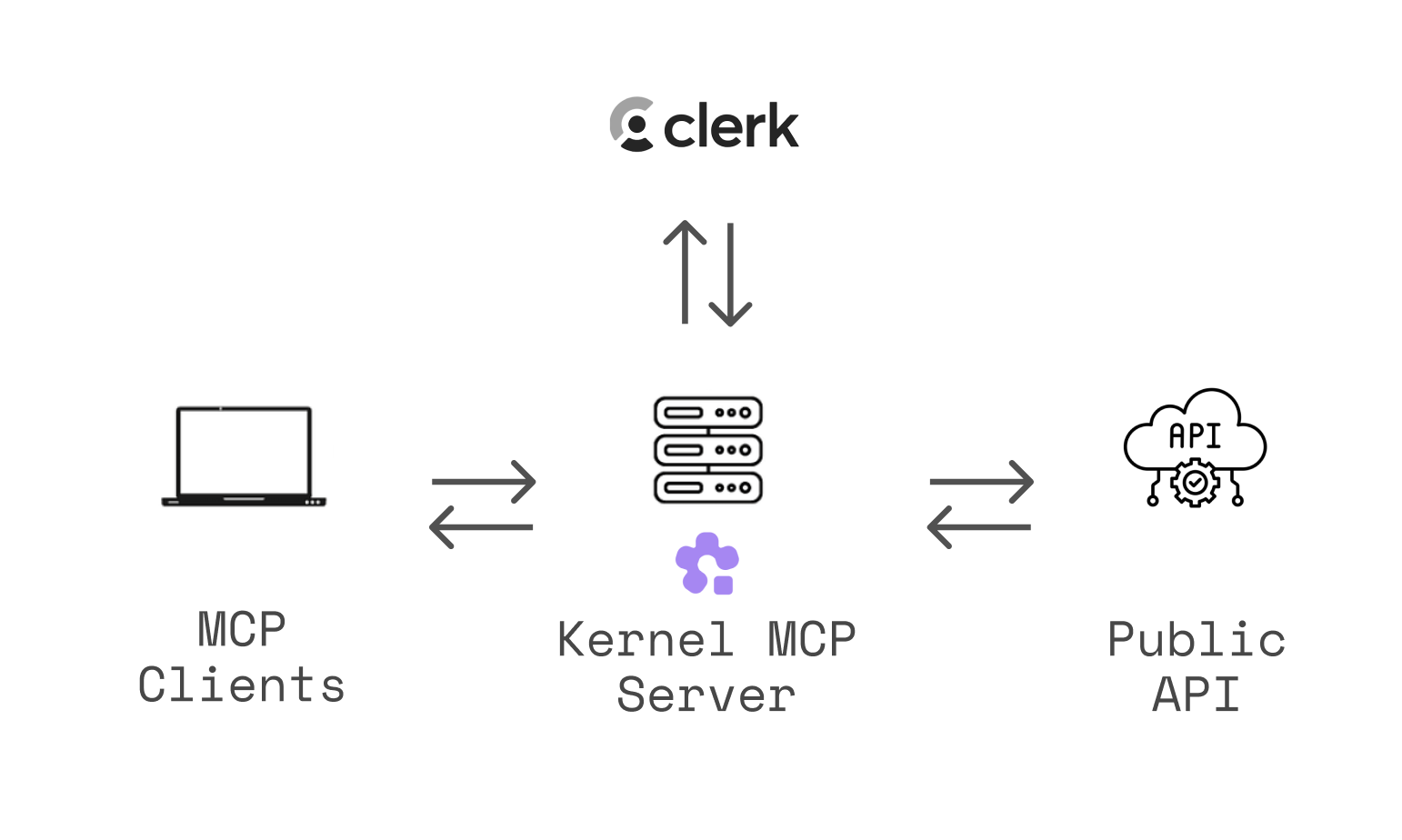
The Kernel MCP Server connects AI assistants with the Kernel platform, enabling them to deploy and manage cloud apps, control headless browser sessions, and execute Playwright code. It uses OAuth 2.0 authentication for secure access and provides tools for monitoring deployments, searching documentation, and recording browser automation replays. The server supports multiple transport methods and has specific integration instructions for popular clients like Claude Desktop, Cursor, VS Code, and others.
Try asking AI
After installing, here are 5 things you can ask your AI assistant:
When to choose this
Choose this MCP server when you need browser automation capabilities with AI assistants, especially if you're already using or want to use the Kernel platform for cloud-based browser sessions.
When NOT to choose this
Avoid this server if you need self-hosted browser automation without cloud dependency or if you prefer open-source tools without vendor lock-in to the Kernel platform.
Tools this server exposes
10 tools extracted from the READMEmanage_browsersCreate, list, get, and delete browser sessions with support for various configurations.
manage_profilesSetup, list, and delete browser profiles for persisting cookies and logins.
manage_browser_poolsCreate, list, get, delete, and flush pools of pre-warmed browsers and acquire/release browsers.
manage_proxiesCreate, list, and delete proxy configurations for various types.
manage_extensionsList and delete uploaded browser extensions.
manage_appsList apps, invoke actions, get/list deployments, and get invocation results.
computer_actionMouse, keyboard, and screenshot controls for browser sessions.
execute_playwright_codeExecute Playwright/TypeScript code against a browser with automatic video replay.
exec_commandRun shell commands inside a browser VM and return stdout/stderr.
search_docsSearch Kernel platform documentation and guides.
Comparable tools
Installation
Quick Setup with Kernel CLI
# Install the CLI
brew install onkernel/tap/kernel
# or: npm install -g @onkernel/cli

# Install MCP for your tool
kernel mcp install --target <target>
Manual Setup for Claude Desktop
- Go to **Settings → Connectors → Add custom connector**
- Enter: **Integration name:**
Kernel, **Integration URL:**https://mcp.onkernel.com/mcp - Click **Add**, then **Connect** next to
Kernelto approve
JSON Configuration
{
  "mcpServers": {
    "kernel": {
      "url": "https://mcp.onkernel.com/mcp"
    }
  }
}
FAQ
- What authentication method does the Kernel MCP Server use?
- The server uses OAuth 2.0 authentication via Clerk to ensure secure access to your Kernel resources.
- Can I use the Kernel MCP Server with Claude free tier?
- No, the remote MCP server is not compatible with the method Free users of Claude use to add MCP servers. It requires Pro, Max, Team & Enterprise plans.
Compare kernel-mcp-server with
Last updated · Auto-generated from public README + GitHub signals.