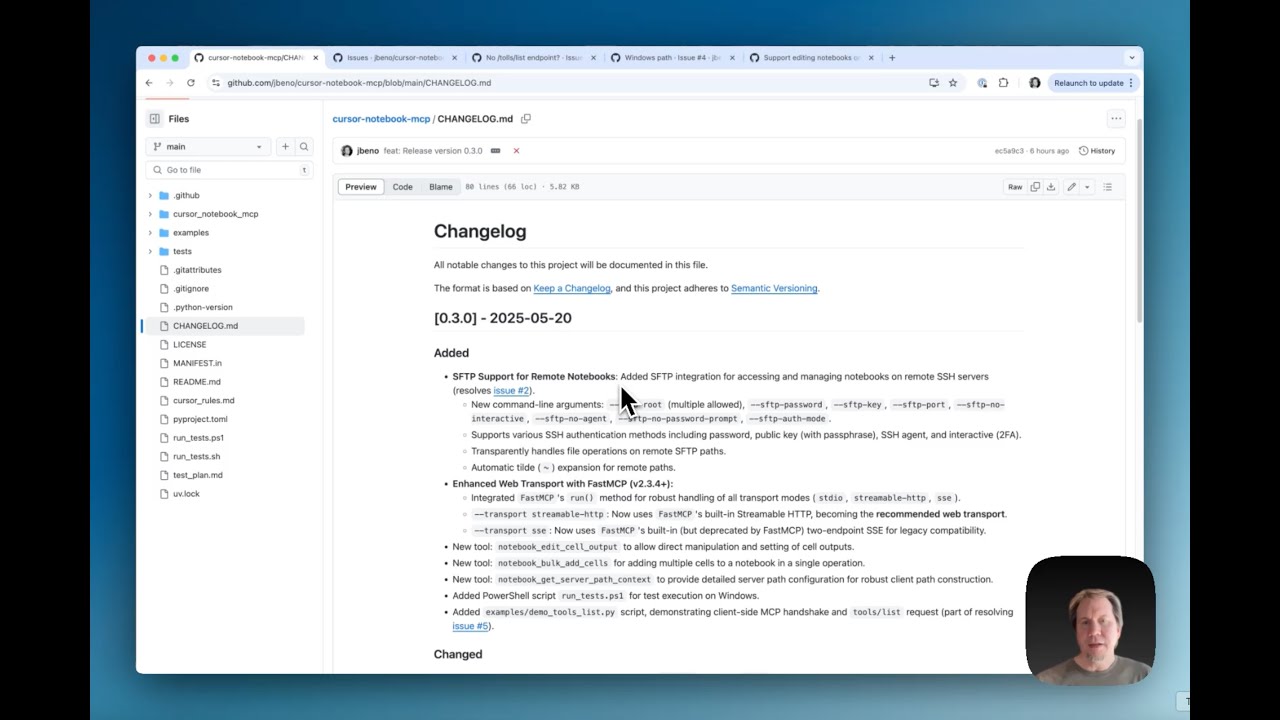
cursor-notebook-mcp
by jbeno·★ 157·Score 45
MCP server enabling AI agents to interact with Jupyter Notebook files through cell manipulation and metadata editing.
Overview
cursor-notebook-mcp is a Python-based Model Context Protocol server designed to help AI agents interact with Jupyter Notebook files. It provides comprehensive tools for creating, reading, editing, and exporting notebook files, addressing a specific limitation where Cursor couldn't directly edit notebooks in Agent mode. The server uses nbformat for safe manipulation and nbconvert for export functionality, with security measures to restrict operations to user-defined directories.
Try asking AI
After installing, here are 6 things you can ask your AI assistant:
When to choose this
Choose this MCP server when working with Jupyter notebooks and you need AI agents to perform comprehensive notebook manipulation operations through MCP.
When NOT to choose this
Avoid using this if you need advanced plotting or visualization tools not provided by the underlying Jupyter ecosystem, or if you're looking for a solution with more integrated AI/notebook features beyond basic cell manipulation.
Tools this server exposes
12 tools extracted from the READMEnotebook_createCreates a new, empty notebook file.
notebook_readReads an entire notebook and returns its structure as a dictionary.
notebook_add_cellAdds a new code or markdown cell after a specified index.
notebook_edit_cellReplaces the source content of a specific cell.
notebook_delete_cellDeletes a specific cell.
notebook_exportExports the notebook to another format (e.g., python, html).
notebook_split_cellSplits a cell into two at a specified line number.
notebook_merge_cellsMerges a cell with the cell immediately following it.
notebook_searchSearches cells for a keyword, showing contextual snippets.
notebook_get_outlineProduces an outline showing cell numbers with major headings/functions.
notebook_clear_all_outputsClears outputs and execution counts for all code cells.
notebook_renameRenames/moves a notebook file from one path to another.
Comparable tools
Installation
Installation
From PyPI:
pip install cursor-notebook-mcpFrom source:
git clone https://github.com/jbeno/cursor-notebook-mcp.git
cd cursor-notebook-mcp
python -m venv .venv
source .venv/bin/activate  # On Windows use `.venv\Scripts\activate`
pip install -e .
Server Configuration (Cursor)
Create or update your ~/.cursor/mcp.json:
{
  "mcpServers": {
    "notebook_mcp": {
      "url": "http://127.0.0.1:8080/mcp"
    }
  }
}
Then run the server:
cursor-notebook-mcp --transport streamable-http --allow-root /path/to/your/notebooks --host 127.0.0.1 --port 8080FAQ
- What transport modes does this server support?
- The server supports stdio, Streamable HTTP, and SSE transport modes. Streamable HTTP is recommended for new setups.
- Can this server be used with other AI tools besides Cursor?
- Yes, although designed for Cursor, this server can be configured for use with VS Code (Insiders), Claude Code, or any model/agent that supports MCP.
- What external dependencies are required for export functionality?
- Pandoc is required for most non-HTML export formats. For PDF export, LaTeX (XeLaTeX recommended) is also required by nbconvert.
Compare cursor-notebook-mcp with
Last updated · Auto-generated from public README + GitHub signals.