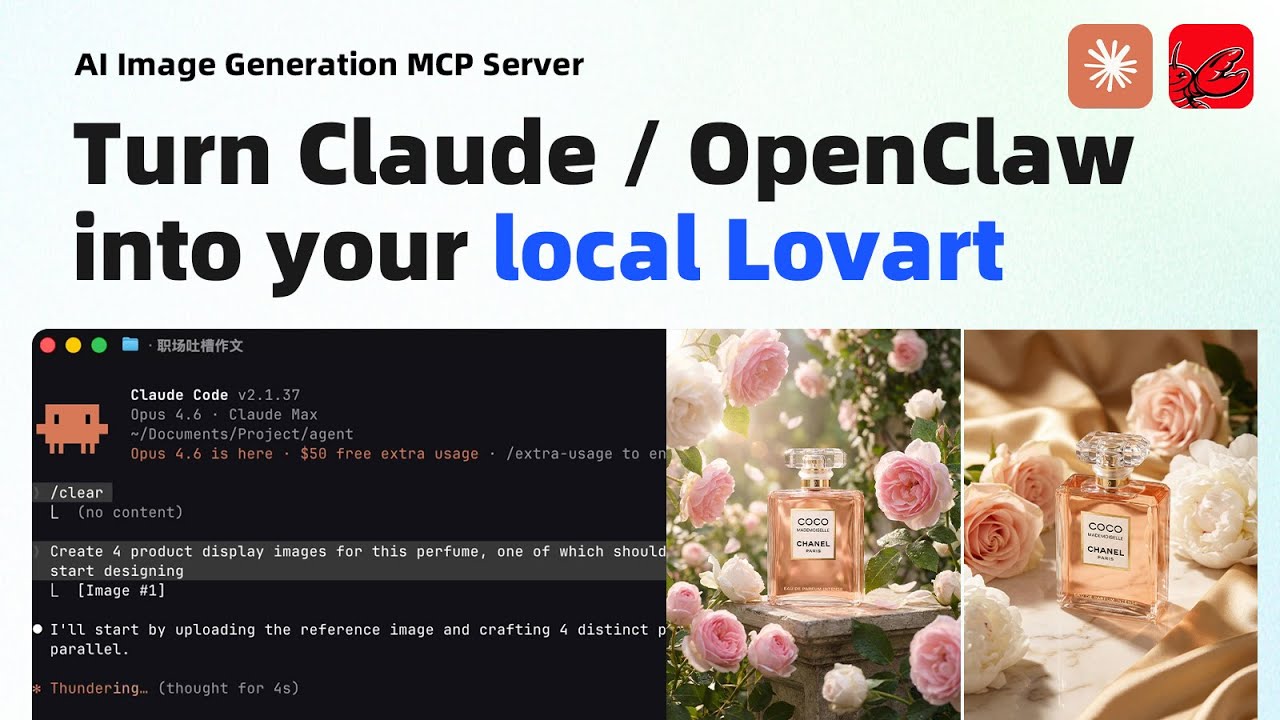
MeiGen-AI-Design-MCP
by jau123·★ 1,108·Score 55
MCP server for AI image & video generation with 9 models, 1,400+ prompts, and parallel sub-agent orchestration.
Overview
MeiGen AI Design MCP is a comprehensive server that transforms any AI coding tool into a professional design assistant. It supports multiple backends including MeiGen Cloud (9 image and video models), OpenAI-compatible APIs, and local ComfyUI. The server provides 8 tools plus a curated 1,446-prompt library for generating images, videos, logos, and product shots with parallel batch processing capabilities.
Try asking AI
After installing, here are 6 things you can ask your AI assistant:
When to choose this
Choose MeiGen when you need professional-grade AI image and video generation with multiple models, curated prompts, and parallel batch processing directly within your AI coding environment.
When NOT to choose this
Avoid MeiGen if you need maximum control over generation parameters without abstraction layers, or if you prefer to work directly with image generation APIs rather than through an MCP server intermediary.
Tools this server exposes
8 tools extracted from the READMEsearch_gallerySearch 1,446 curated trending prompts with visual previews
get_inspirationGet full prompt, all images, and metadata for any gallery entry
enhance_promptTransform a brief idea into a professional image prompt
list_modelsList available models across all configured providers
comfyui_workflowManage ComfyUI workflow templates: list, view, import, modify, delete
manage_preferencesRemember your preferred style, aspect ratio, model, and favorite prompts
generate_imageGenerate an image using the best available provider
generate_videoGenerate a video via MeiGen platform
Comparable tools
Installation
Claude Code Plugin (Recommended)
/plugin marketplace add jau123/MeiGen-AI-Design-MCP
/plugin install meigen@meigen-marketplace
Other MCP-Compatible Hosts
Add to your MCP config (e.g. .mcp.json, claude_desktop_config.json):
{
  "mcpServers": {
    "meigen": {
      "command": "npx",
      "args": ["-y", "meigen@1.3.1"],
      "env": {
        "MEIGEN_API_TOKEN": "meigen_sk_..."
      }
    }
  }
}
FAQ
- What models are supported?
- MeiGen supports 9 models including GPT Image 2, Nanobanana 2, Midjourney V8.1, Flux 2 Klein, and local ComfyUI workflows.
- Is there a free tier available?
- Yes, free features include search_gallery, get_inspiration, enhance_prompt, list_models, comfyui_workflow, and manage_preferences. Image and video generation requires API keys.
Compare MeiGen-AI-Design-MCP with
Last updated · Auto-generated from public README + GitHub signals.