tda
by irockel·★ 542·Score 53
TDA is a Java thread dump analyzer with MCP server capabilities for AI-powered diagnostics.
Overview
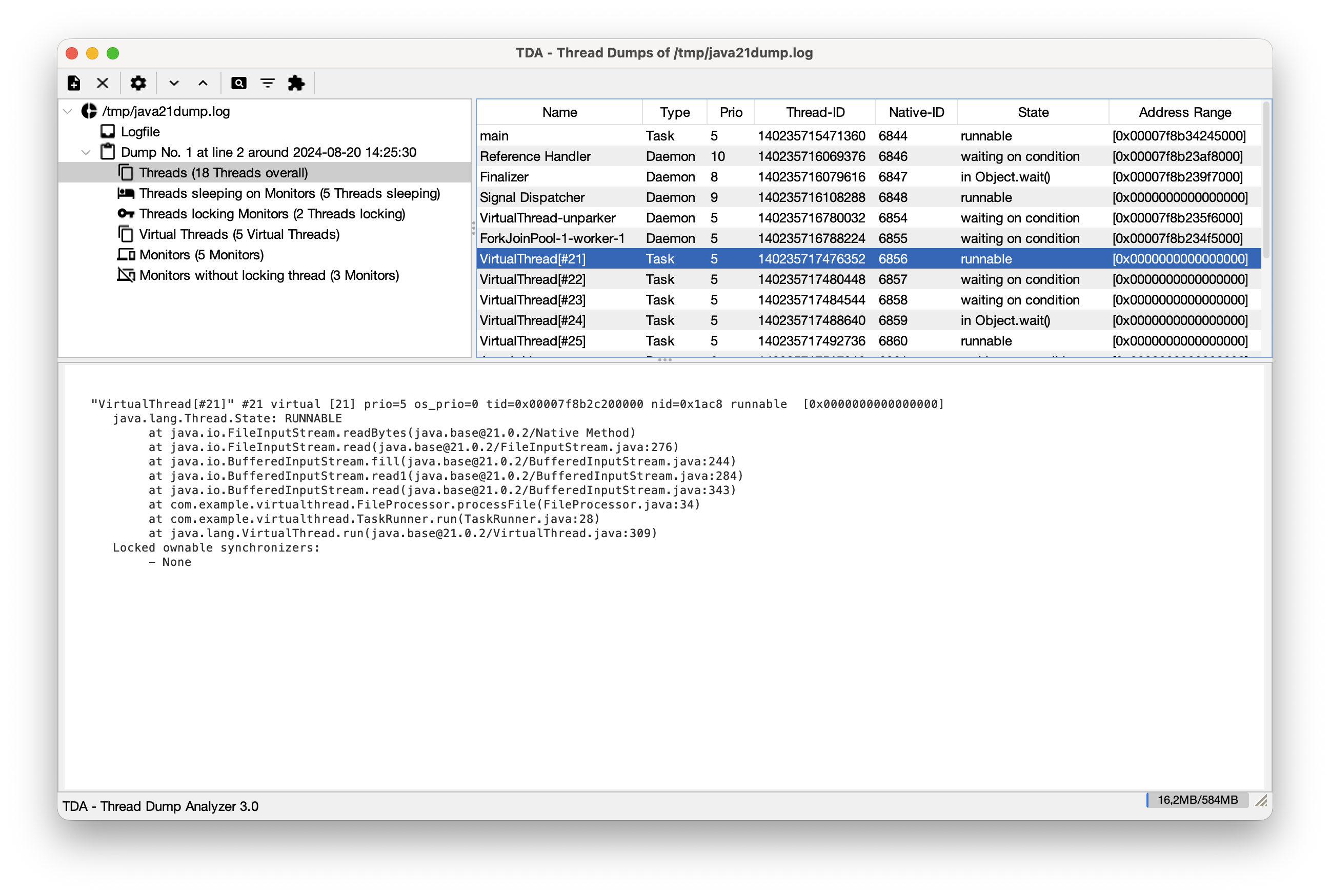
TDA (Thread Dump Analyzer) is a comprehensive Java application that provides both a Swing GUI and an MCP server for analyzing Java thread dumps. It can detect deadlocks, identify long-running threads, and analyze virtual threads with carrier thread pinning. As an MCP server, it enables AI tools like Cursor and Claude Desktop to perform headless analysis of thread dumps without requiring manual inspection of raw stack traces.
Try asking AI
After installing, here are 5 things you can ask your AI assistant:
When to choose this
Choose TDA when you need AI-powered analysis of Java thread dumps, especially when working with modern Java applications using virtual threads or when integrating with AI development tools like Cursor or Junie.
When NOT to choose this
Don't choose TDA if you need analysis for non-Java applications or if you require extensive visualization capabilities beyond what the GUI or MCP server provides.
Tools this server exposes
8 tools extracted from the READMEparse_logpath (string, required)Parses a log file containing Java thread dumps.
get_summaryReturns a summary of all parsed thread dumps.
check_deadlocksChecks for and returns information about deadlocks in parsed thread dumps.
find_long_runningIdentifies threads that remain in the same state across consecutive dumps.
analyze_virtual_threadsDetects virtual threads where the carrier thread is stuck.
get_native_threadsdump_index (int, required)Returns threads in native methods for a specific thread dump.
get_zombie_threadsReturns zombie threads (unresolved SMR addresses) with timestamps.
clearResets the server state and clears the thread store.
Comparable tools
Installation
Installation
- Download the standalone JAR from the [Releases](https://github.com/irockel/tda/releases) page
- Run TDA as MCP server:
java -Djava.awt.headless=true -jar tda.jar --mcpClaude Desktop Integration
Add to your claude_desktop_config.json:
{
  "mcpServers": {
    "tda": {
      "command": "java",
      "args": ["-Djava.awt.headless=true", "-jar", "/path/to/tda.jar", "--mcp"]
    }
  }
}
FAQ
- What types of thread dumps does TDA support?
- TDA supports traditional text-based thread dumps and JSON thread dumps (experimental). It works with Java 1.4.x through Java 21+, including specialized support for Virtual Threads (Java 19+).
- How does TDA integrate with AI tools?
- TDA runs as an MCP server in headless mode, exposing tools like parse_log, check_deadlocks, find_long_running, and analyze_virtual_threads. AI tools can use these to analyze thread dumps without directly reading large log files.
Compare tda with
Last updated · Auto-generated from public README + GitHub signals.