ai-forge-mcp
by HurtzDonutStudios·★ 59·Score 46
Comprehensive MCP package with 565 tools controlling AAA game asset pipeline across 16 servers.
Overview
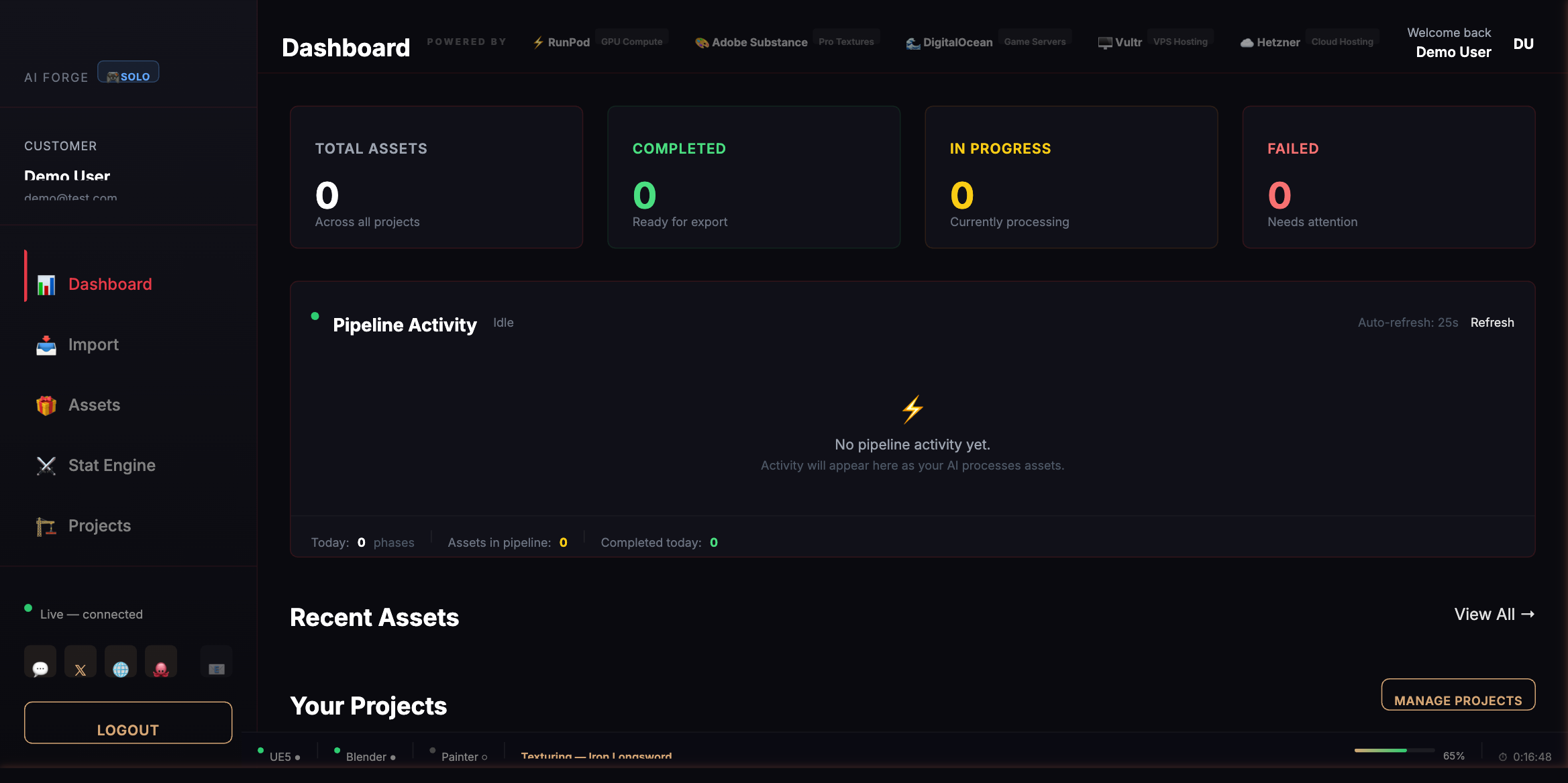
AI Forge MCP Package is a comprehensive toolkit providing AI agents with programmatic control over the entire 3D game asset production pipeline. It integrates with major DCC tools including Blender, Substance Suite, Maya, Houdini, and Unreal Engine 5, offering 565 callable tools across 16 specialized MCP servers. The platform features 50 specialized AI agents organized by department, a ForgeRoom dashboard for monitoring, and includes unique capabilities like ForgeAnimHelper for Animation Blueprint automation in UE5.
Try asking AI
After installing, here are 5 things you can ask your AI assistant:
When to choose this
Developers working with Unreal Engine 5 and Blender who want to automate entire game asset production pipelines and require professional-grade tools for complex 3D workflows.
When NOT to choose this
Individuals looking for open-source solutions or on-premise installations, as AI Forge appears to be a commercial product with vendor lock-in potential.
Tools this server exposes
12 tools extracted from the READMEclean_meshCleans up Blender meshes by removing loose geometry, merging doubles, and fixing normals
texture_glb_assetTextures GLB assets using Substance Painter and Designer with mesh map baking
generate_rigify_rigGenerates rigify rigs for Blender models automatically
export_fbx_ue5Exports assets to FBX format optimized for Unreal Engine 5 import
create_complete_abpCreates complete Animation Blueprints in Unreal Engine 5 using ForgeAnimHelper
generate_locomotionGenerates character locomotion animations using AI systems
generate_combat_animationCreates combat animations using AI animation generation
create_dialogue_treeGenerates NPC dialogue trees and personality profiles
generate_lipsyncCreates facial lip-sync animations from dialogue text
create_procedural_materialBuilds procedural materials in Substance Designer
generate_textures_from_photoExtracts PBR materials from photographs using Substance Sampler
create_world_landscapeCreates landscapes and terrain in Unreal Engine 5
Comparable tools
Installation
Installation
The AI Forge MCP Package is a subscription service. Follow these steps to get started:
- Visit the [ForgeRoom web console](https://forgeroom.hurtzdonut.com) or download the desktop app
- Create an account and select your subscription tier
- Complete the first-launch wizard which will auto-detect your installed DCC applications (Blender, UE5, etc.)
- The installer will automatically deploy the necessary bridge plugins
- Configure MCP servers in your Claude Desktop client:
{
  "mcpServers": {
    "ai-forge": {
      "command": "npx",
      "args": ["@hurtzdonut/ai-forge-mcp"]
    }
  }
}
FAQ
- What applications does AI Forge integrate with?
- AI Forge integrates with Blender, Substance Painter/Designer/Sampler, Autodesk Maya, SideFX Houdini, and Unreal Engine 5.
- How is the AI Forge package licensed?
- AI Forge is a subscription-based service with different tiers allowing for varying numbers of concurrent AI agents.
Compare ai-forge-mcp with
Last updated · Auto-generated from public README + GitHub signals.