py-xiaozhi
by huangjunsen0406·★ 3,309·Score 56
A Python-based Xiaozhi AI voice assistant with MCP tools integration, supporting GUI/CLI/GPI interfaces and multimodal interactions.
Overview
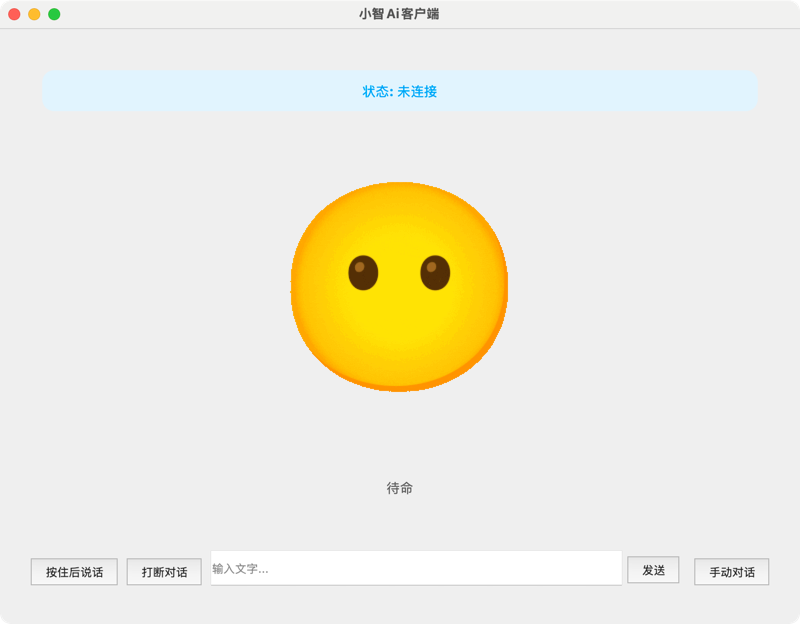
Py-Xiaozhi is a Python implementation of Xiaozhi AI voice assistant that provides full Xiaozhi experience without specialized hardware. It features AI voice interaction, visual multimodal capabilities, smart wake-up detection, automatic conversation mode, and MCP tool ecosystem integration. The project supports multiple interface modes including GUI (PySide6 + QML), CLI, and GPIO, with cross-platform compatibility for Windows, macOS, and Linux. The architecture includes plugin system, multiple communication protocols (WebSocket/MQTT), and various audio codecs.
Try asking AI
After installing, here are 6 things you can ask your AI assistant:
When to choose this
Choose py-xiaozhi for building voice-controlled applications with multimodal AI capabilities, especially when you need cross-platform support without hardware dependencies.
When NOT to choose this
Avoid if you need a pure MCP server without voice interaction capabilities, or if you prefer cloud-based AI services rather than local deployment.
Tools this server exposes
6 tools extracted from the READMEmusic_playPlay music through the music player
camera_captureCapture images using the camera
screenshotTake a screenshot of the current display
app_controlControl running applications
weather_queryGet weather information for a location
volume_controlAdjust system volume levels
Comparable tools
Installation
# Clone repository
git clone https://github.com/huangjunsen0406/py-xiaozhi.git
cd py-xiaozhi

# Install dependencies (CLI/GPIO mode)
uv sync
# or: pip install -e .

# Install with GUI support
uv sync --extra gui
# or: pip install -e '.[gui]'

# Run the application
python main.py  # GUI mode (default)
python main.py --mode cli  # CLI mode
python main.py --protocol mqtt  # MQTT protocol
For Claude Desktop integration, add to claude_desktop_config.json:
{
  "mcpServers": {
    "xiaozhi": {
      "command": "python",
      "args": ["/path/to/py-xiaozhi/main.py"]
    }
  }
}
FAQ
- What are the system requirements for Py-Xiaozhi?
- Python >= 3.10, microphone and speakers, stable internet connection. Compatible with Windows 10+, macOS 10.15+, and Linux.
- How to add custom MCP tools to the system?
- Custom tools can be added through the plugin system in the `src/plugins/mcp/tools/` directory. The project supports extending the MCP tool ecosystem with custom implementations.
- Can Py-Xiaozhi work offline?
- The wake word detection is based on Sherpa-ONNX for offline recognition, but some features require internet connection for cloud AI processing.
Compare py-xiaozhi with
Last updated · Auto-generated from public README + GitHub signals.