nautex
by hmldns·★ 79·Score 46
MCP server for guiding coding agents through requirements to implementation using Nautex AI.
Overview
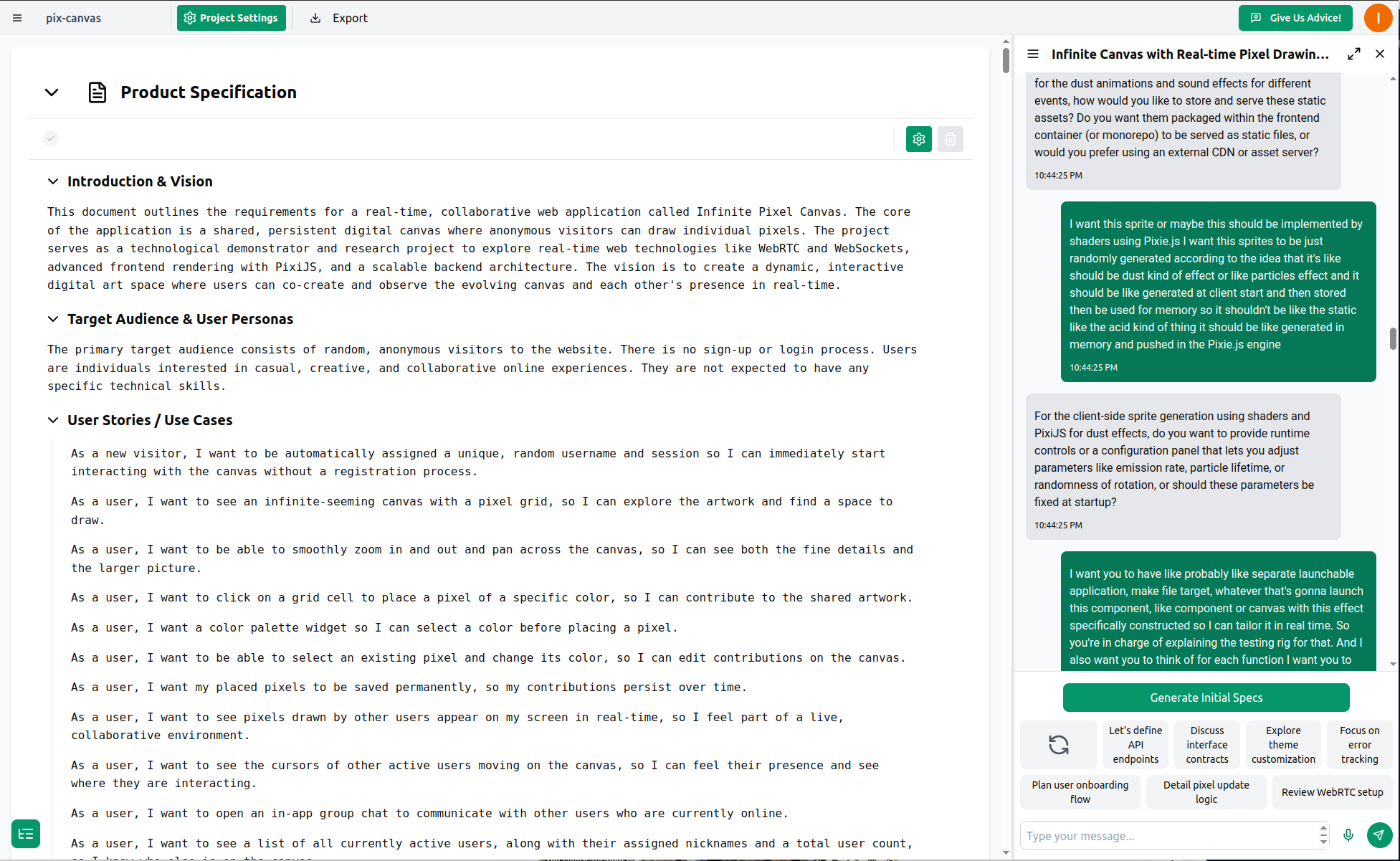
Nautex is an MCP server that bridges the gap between product/technical requirements and coding agents. It integrates the Nautex AI tool-chain which acts as architect, product manager, and project manager for AI coding agents. The server pulls guidance instructions from Nautex AI, providing tasks with to-do items, file references, and requirements that are automatically synchronized for the coding agent. This approach helps agents build projects incrementally without being overwhelmed by large problems all at once.
Try asking AI
After installing, here are 5 things you can ask your AI assistant:
When to choose this
Choose this if you're already using or planning to use Nautex AI for requirements gathering and want structured implementation guidance for your coding agents.
When NOT to choose this
Avoid if you prefer open-source solutions without vendor lock-in, or if you're not comfortable with cloud-based requirements management.
Tools this server exposes
3 tools extracted from the READMEpull nautex rulesPull the latest implementation rules and requirements from Nautex
check nautex statusVerify the connection to Nautex MCP server
proceed to the next scopeContinue with the next implementation task in the plan
Note: Tool names inferred from the workflow documentation in the README. These appear to be the primary commands used when working with the Nautex MCP server as described in the 'Start Coding' section.
Comparable tools
Installation
Quick Setup
The fastest way to set up is via the web app onboarding flow:
uvx nautex setup --token <TOKEN> --project <PROJECT_ID> --plan <PLAN_ID> --agent <AGENT>For Claude Desktop, add to mcp.json:
{
  "mcpServers": {
    "nautex": {
      "command": "uvx",
      "args": ["nautex", "mcp"]
    }
  }
}
Interactive Setup
uvx nautex setupFAQ
- What coding agents are supported?
- Nautex supports Claude Code, Cursor, Codex, OpenCode, and Gemini CLI.
- How does Nautex help coding agents?
- It provides step-by-step guidance by breaking down requirements into small, testable tasks and linking them to specific files, preventing agents from being overwhelmed by large problems.
On Hacker News
Recent discussion from the developer community.
- Story by Homo__Ludens · 2025-07-16
Compare nautex with
Last updated · Auto-generated from public README + GitHub signals.