yamcp
by hamidra·★ 66·Score 43
YAMCP is a workspace manager that organizes and exposes multiple MCP servers through a unified gateway for AI applications.
Overview
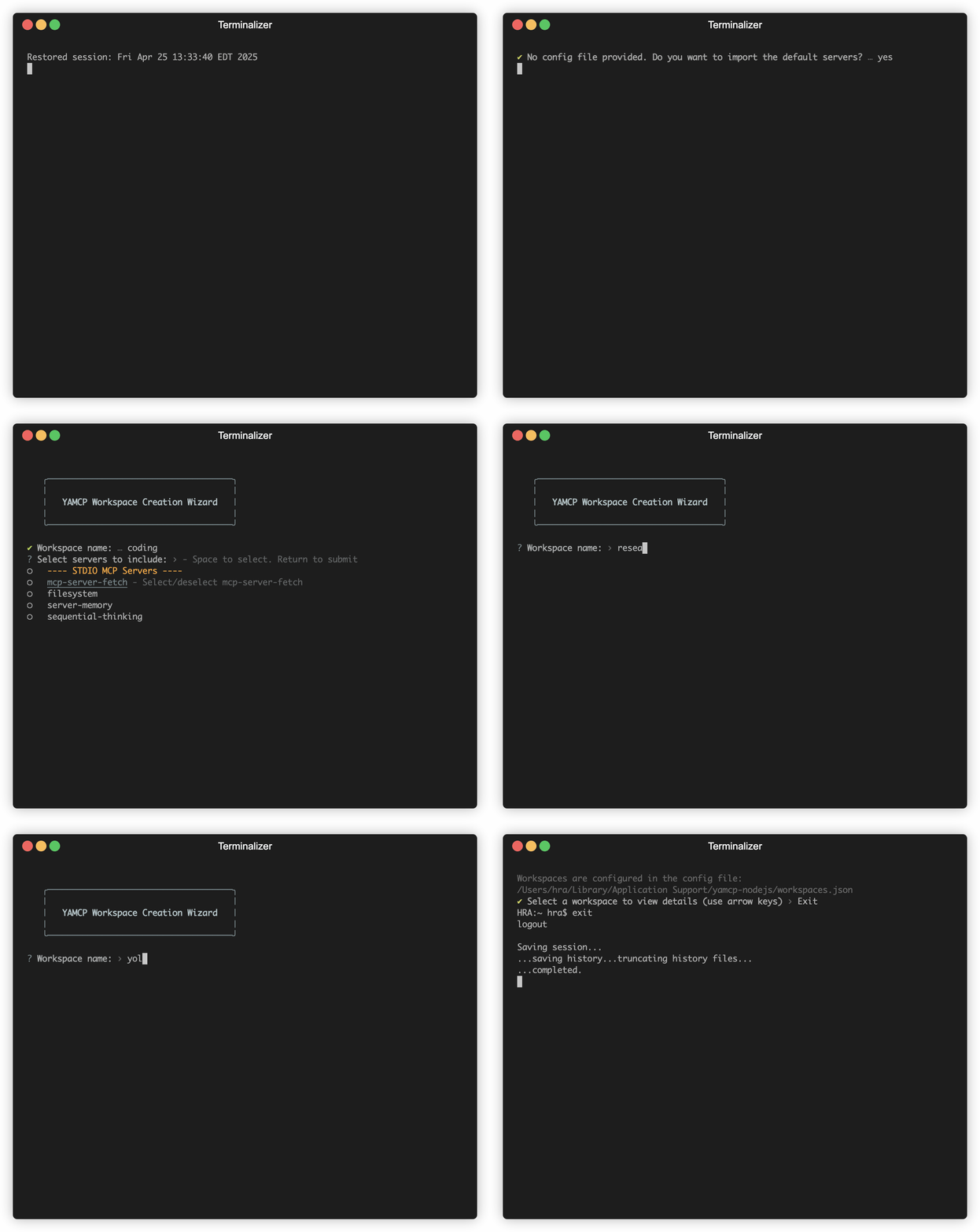
YAMCP (YAM-C-P) is a command-line tool designed to organize and manage MCP servers as local workspaces. It allows users to create collections of MCP servers, both local and remote, and expose them as a unified gateway to AI applications. The tool supports grouping servers by functionality (e.g., coding, design) or by AI application (e.g., Cursor, Claude), making it easier to manage complex MCP setups. YAMCP provides a centralized logging system that consolidates all server communication logs, simplifying monitoring and debugging of MCP servers across different AI client applications.
Try asking AI
After installing, here are 5 things you can ask your AI assistant:
When to choose this
Choose YAMCP when you need to organize multiple MCP servers into logical groups and manage them through a unified interface with centralized logging.
When NOT to choose this
Don't choose YAMCP if you're only using a single MCP server or prefer direct integration without the additional layer of abstraction.
Tools this server exposes
11 tools extracted from the READMEadd_mcp_serverAdd a new MCP server to the configuration
list_mcp_serversList all configured MCP servers and their status
remove_mcp_serverRemove a configured MCP server
import_mcp_serversImport MCP server configurations from a JSON file
create_workspaceCreate a new workspace to group MCP servers
list_workspacesList all workspaces or show details of a specific workspace
edit_workspaceModify an existing workspace configuration
scan_workspaceScan a workspace for available MCP servers
delete_workspaceDelete a workspace and its configuration
run_workspaceStart the gateway with a specified workspace to expose MCP servers
view_logsView the server communication logs
Comparable tools
Installation
# Install YAMCP globally
npm install -g yamcp

# Or use npx without installation
npx yamcp
Configuration for Claude Desktop
Add to Claude Desktop config.json:
{
  "mcpServers": {
    "yamcp": {
      "command": "npx",
      "args": ["yamcp", "run", "your-workspace-name"]
    }
  }
}
FAQ
- What is a YAM workspace?
- A YAM (Yet Another MCP) workspace is a collection of MCP servers grouped together and exposed through a unified gateway for AI applications to access.
- How do I add a new MCP server to YAMCP?
- Use the command `yamcp server add` to interactively add a new MCP server to your collection, or `yamcp server import` to import from a configuration file.
On Hacker News
Recent discussion from the developer community.
- Story by hamid_ra · 2025-04-29
Compare yamcp with
Last updated · Auto-generated from public README + GitHub signals.