QMT-MCP
by guangxiangdebizi·★ 181·Score 45
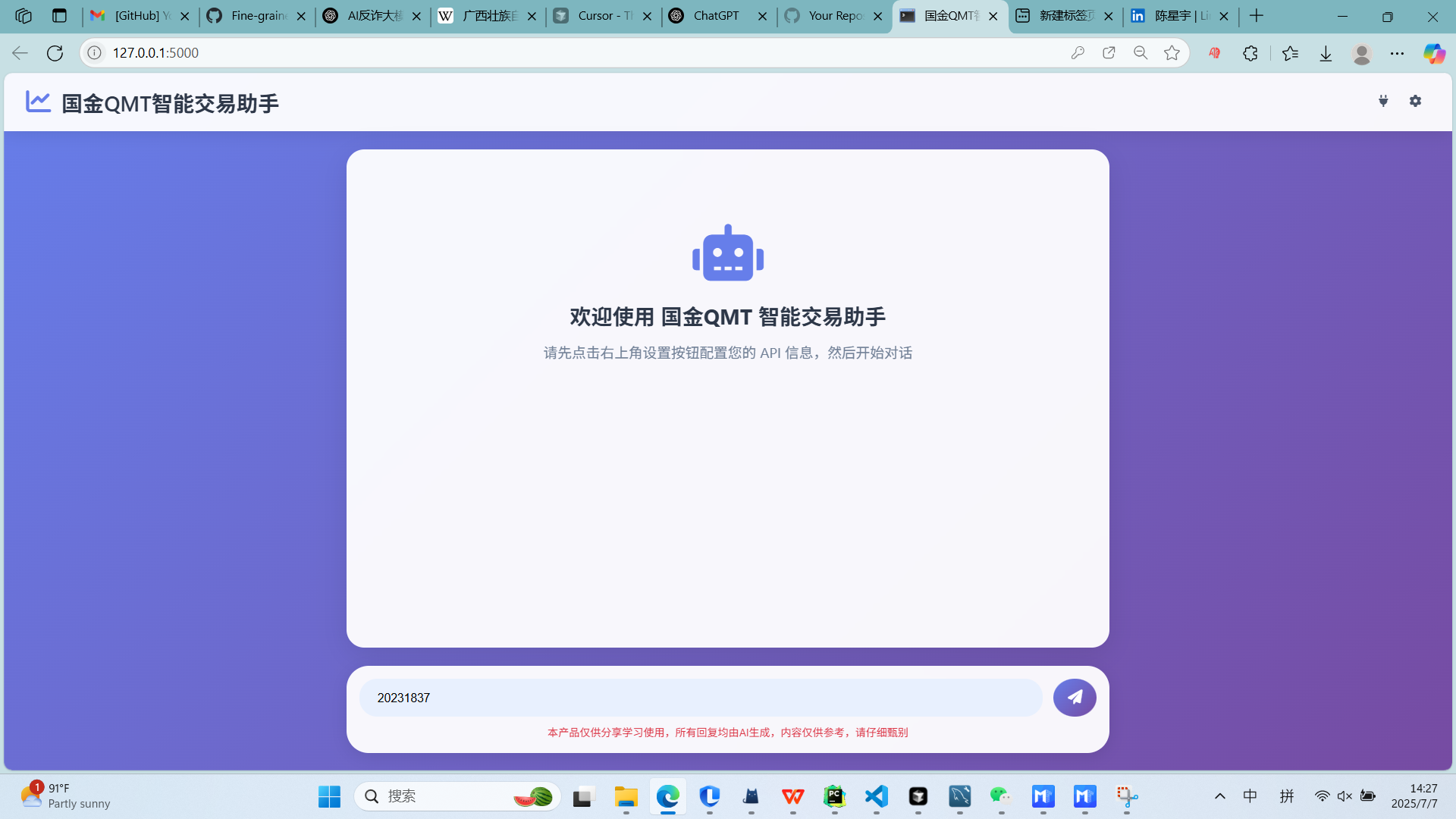
QMT-MCP is a modular quantitative trading system integrating FastMCP with XTQuant for intelligent strategy generation and real-time trading execution.
Overview
QMT-MCP is a comprehensive MCP server that connects AI assistants to the XTQuant/QMT trading platform. It enables automated trading through tools for placing/canceling orders, generating strategies, and performing backtests. The system is built with a modular architecture supporting various trading strategies and risk control mechanisms. It features detailed API documentation, configuration options, and integration guides for different environments including Claude Desktop.
Try asking AI
After installing, here are 5 things you can ask your AI assistant:
When to choose this
Chinese traders using QMT/XTQuant platform who want AI-powered strategy generation and automated trading with risk controls.
When NOT to choose this
Traders using non-Chinese trading platforms, those requiring Windows compatibility, or those looking for open-source quant tools without vendor dependencies.
Tools this server exposes
4 tools extracted from the READMEplace_orderplace_order(symbol, quantity, price, direction)Execute stock trading order
cancel_ordercancel_order(order_id)Cancel a specified trading order
generate_ma_strategygenerate_ma_strategy(symbol, short_period, long_period, strategy_name)Generate a dual moving average trading strategy
save_qmt_strategysave_qmt_strategy(strategy_name, code)Save a custom QMT trading strategy
Comparable tools
Installation
Installation Steps
Requirements
- Python 3.8+
- XTQuant/QMT client (installed on Windows)
Setup
- Clone the repository
git clone https://github.com/guangxiangdebizi/QMT-MCP
cd QMT-MCP- Install dependencies
pip install -r requirements.txt- Create
.envfile with your configuration (see README for details)
- Start XTQuant client and ensure login
- Start the QMT-MCP server
python main.pyClaude Desktop Integration
Add to Claude Desktop configuration:
{
  "mcpServers": {
    "quantmcp": {
      "command": "python",
      "args": ["path/to/QMT-MCP/main.py"],
      "env": {
        "QMT_PATH": "your QMT installation path\userdata_mini"
      }
    }
  }
}
FAQ
- What trading platforms are supported?
- QMT-MCP supports XTQuant/Guojin QMT, a Chinese quantitative trading platform.
- How can I customize risk control parameters?
- Modify the MAX_ORDER_VALUE, MAX_POSITION_VALUE, and other parameters in the .env file.
Compare QMT-MCP with
Last updated · Auto-generated from public README + GitHub signals.