cloud-run-mcp
by GoogleCloudPlatform·★ 608·Score 53
MCP server that enables AI agents to deploy applications to Google Cloud Run with comprehensive tool support and authentication options.
Overview
This MCP server from Google provides a robust interface for AI agents to interact with Google Cloud Run, allowing deployment of applications through various methods including file contents, local folders, and project management. It supports both local and remote deployment scenarios with comprehensive authentication options including Google Cloud SDK and OAuth. The server exposes multiple tools for deployment, service management, and logging, making it a complete solution for automated Cloud Run operations.
Try asking AI
After installing, here are 3 things you can ask your AI assistant:
When to choose this
Choose this when you're already using Google Cloud and want AI assistants to manage Cloud Run deployments without switching contexts.
When NOT to choose this
Don't choose this if you're not using Google Cloud, or if you need deployment features beyond what Cloud Run offers.
Tools this server exposes
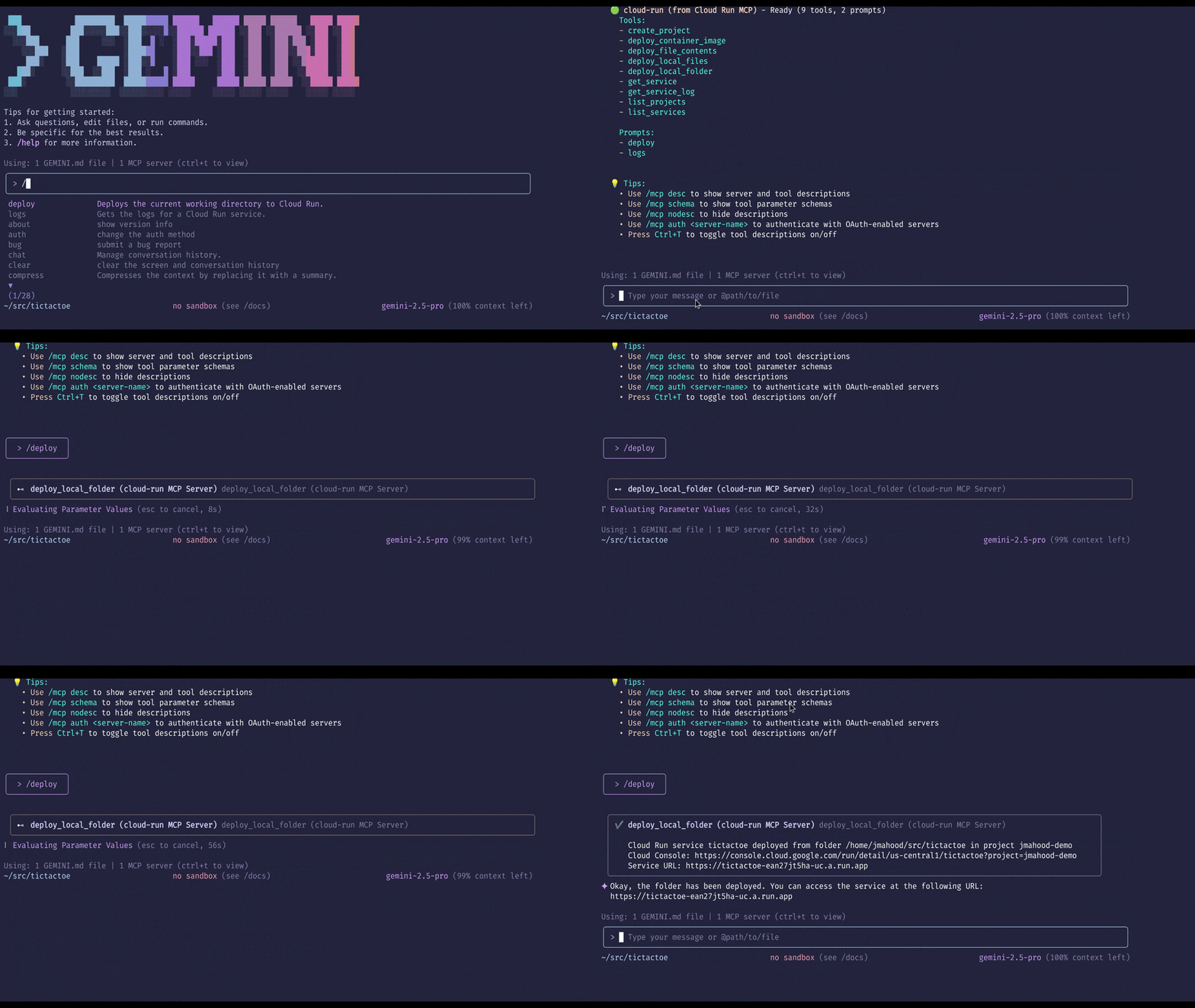
7 tools extracted from the READMEdeploy-file-contentsDeploys files to Cloud Run by providing their contents directly.
list-servicesLists Cloud Run services in a given project and region.
get-serviceGets details for a specific Cloud Run service.
get-service-logGets Logs and Error Messages for a specific Cloud Run service.
deploy-local-folderDeploys a local folder to a Google Cloud Run service.
list-projectsLists available GCP projects.
create-projectCreates a new GCP project and attach it to the first available billing account.
Comparable tools
Installation
Installation
Quick Start (Node.js)
"mcpServers": {
  "cloud-run": {
    "command": "npx",
    "args": ["-y", "@google-cloud/cloud-run-mcp"]
  }
}
With Claude Desktop
Add to your Claude Desktop config file (claude_desktop_config.json):
{
  "mcpServers": {
    "cloud-run": {
      "command": "npx",
      "args": ["-y", "@google-cloud/cloud-run-mcp"],
      "env": {
        "GOOGLE_CLOUD_PROJECT": "your-project-id",
        "GOOGLE_CLOUD_REGION": "your-region",
        "DEFAULT_SERVICE_NAME": "your-service-name"
      }
    }
  }
}
Using Docker
{
  "mcpServers": {
    "cloud-run": {
      "command": "docker",
      "args": [
        "run",
        "-i",
        "--rm",
        "-e", "GOOGLE_APPLICATION_CREDENTIALS",
        "-v", "/local/path:/local/path",
        "mcp/cloud-run-mcp:latest"
      ],
      "env": {
        "GOOGLE_APPLICATION_CREDENTIALS": "/path/to/credentials.json"
      }
    }
  }
}
Compare cloud-run-mcp with
Last updated · Auto-generated from public README + GitHub signals.