glade-mcp-unity
by Glade-tool·★ 132·Score 50
A comprehensive Unity MCP server with 235+ tools, script search, and asset pipeline.
Overview
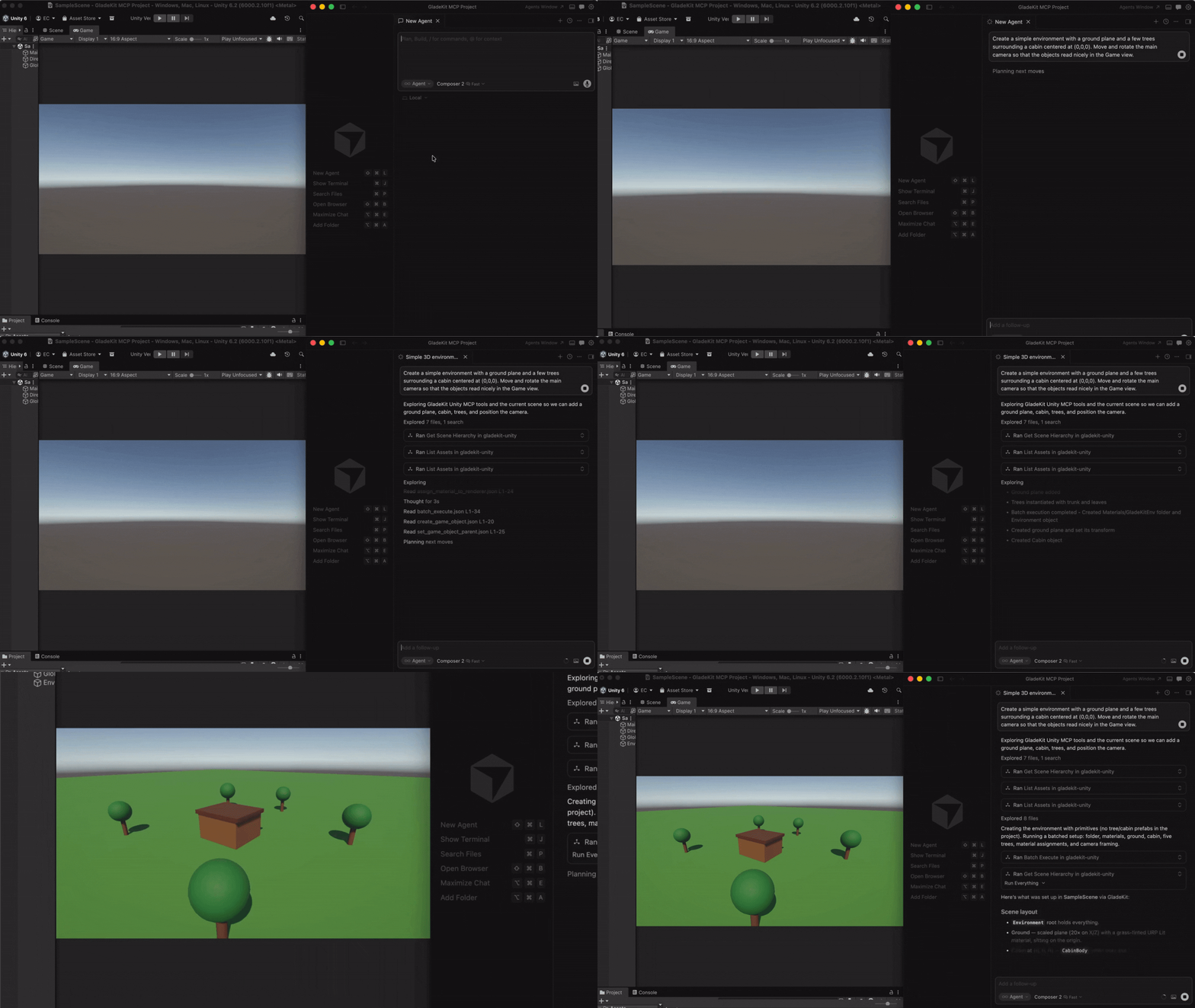
GladeKit Unity MCP is a full-featured MCP server that connects AI clients directly to Unity Editor. It provides granular tools across 16 categories including scene management, game objects, scripts, materials, lighting, audio, animation, physics, UI, and more. The server includes unique features like GLADE.md project context injection, script semantic search via OpenAI embeddings, skill calibration that adapts to user expertise level, and a free CC0 asset pipeline with Kenney.nl packs. All core features run locally and are free, with optional cloud intelligence layer for RAG and cross-session memory.
Try asking AI
After installing, here are 5 things you can ask your AI assistant:
When to choose this
Choose GladeKit Unity MCP if you're working in Unity and want extensive game development tools with AI assistance directly in your workflow, especially for teams already using multiple AI clients.
When NOT to choose this
Don't choose this if you're not using Unity, or if you prefer a minimal toolset with fewer specialized game development features.
Tools this server exposes
12 tools extracted from the READMEget_relevant_toolsDiscover tools based on current task context
remember_for_sessionStore facts for recall during the current session
recall_session_memoriesRetrieve facts previously stored for the session
batch_executeExecute multiple tools in sequence
search_project_scriptsFind scripts by semantic similarity to a query
find_assetSearch for free game assets by description and type
import_assetDownload and import a free asset into the Unity project
list_imported_assetsShow license information for imported assets
create_gameobjectCreate a new GameObject in the scene
add_componentAdd a component to a GameObject
create_materialCreate a new material asset
create_scriptGenerate a new C# script file
Comparable tools
Installation
Installation
1. Install the Unity package
In Unity: **Window > Package Manager > + > Add package from git URL...**
https://github.com/Glade-tool/glade-mcp-unity.git?path=/unity-bridgeThe Unity bridge starts automatically on localhost:8765.
2. Connect your AI client
Install [uv](https://docs.astral.sh/uv/getting-started/installation/) and add the MCP config to your AI client.
**Claude Desktop:**
Edit ~/Library/Application Support/Claude/claude_desktop_config.json (Mac) or %APPDATA%\Claude\claude_desktop_config.json (Windows):
{
  "mcpServers": {
    "gladekit-unity": {
      "command": "uvx",
      "args": ["gladekit-mcp"]
    }
  }
}
FAQ
- What AI clients are supported?
- GladeKit supports Claude Code, Cursor, Windsurf, Claude Desktop, VS Code (GitHub Copilot), and Unity's native AI Gateway.
- Is script semantic search required?
- No, it's optional. Without an OPENAI_API_KEY, scripts are still returned but unranked. The core functionality works without it.
Compare glade-mcp-unity with
Last updated · Auto-generated from public README + GitHub signals.