iterm-mcp
by ferrislucas·★ 556·Score 50
MCP server that gives models control over your iTerm terminal with efficient token usage and full REPL support.
Overview
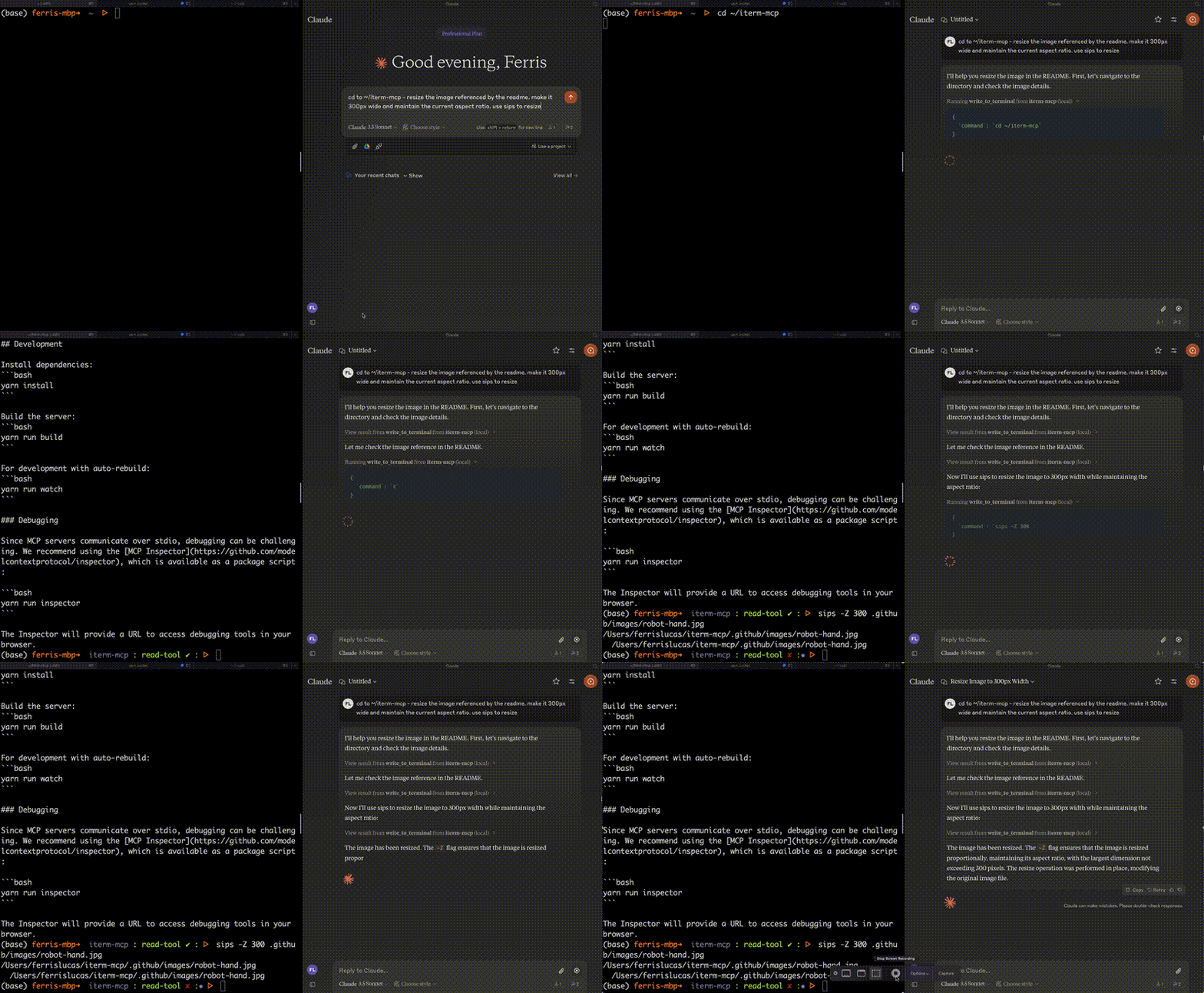
iterm-mcp is a well-implemented MCP server that bridges AI models with terminal interactions. It provides three key tools: writing to terminal, reading terminal output, and sending control characters. The server efficiently manages token usage by only providing relevant output to the model, making it ideal for REPL interactions and CLI assistance. Built with minimal dependencies, it's designed for easy integration with MCP clients like Claude Desktop.
Try asking AI
After installing, here are 5 things you can ask your AI assistant:
When to choose this
Choose iterm-mcp when you need AI assistance directly in your terminal environment, particularly for REPL interactions, CLI debugging, or automating terminal workflows.
When NOT to choose this
Avoid this if you need security restrictions on commands, work on non-macOS systems with iTerm, or require terminal interaction outside of the MCP protocol ecosystem.
Tools this server exposes
3 tools extracted from the READMEwrite_to_terminalWrites to the active iTerm terminal, often used to run a command. Returns the number of lines of output.
read_terminal_outputReads the requested number of lines from the active iTerm terminal.
send_control_characterSends a control character to the active iTerm terminal.
Comparable tools
Installation
Installation
To use with Claude Desktop, add the server config:
On macOS: ~/Library/Application Support/Claude/claude_desktop_config.json On Windows: %APPDATA%/Claude/claude_desktop_config.json
{
  "mcpServers": {
    "iterm-mcp": {
      "command": "npx",
      "args": [
        "-y",
        "iterm-mcp"
      ]
    }
  }
}
Installing via Smithery
To install iTerm for Claude Desktop automatically via [Smithery](https://smithery.ai/server/iterm-mcp):
npx -y @smithery/cli install iterm-mcp --client claudeFAQ
- Is iterm-mcp safe to use?
- The server makes no attempt to evaluate command safety. Users are responsible for safe usage and should monitor activity to interrupt when necessary.
- What iTerm version is required?
- iTerm2 must be running. Node version 18 or greater is also required.
On Hacker News
Recent discussion from the developer community.
- Story by deathmonger5000 · 2025-01-30
Compare iterm-mcp with
Last updated · Auto-generated from public README + GitHub signals.