short-url
by fengzhongsen·★ 19·Score 39
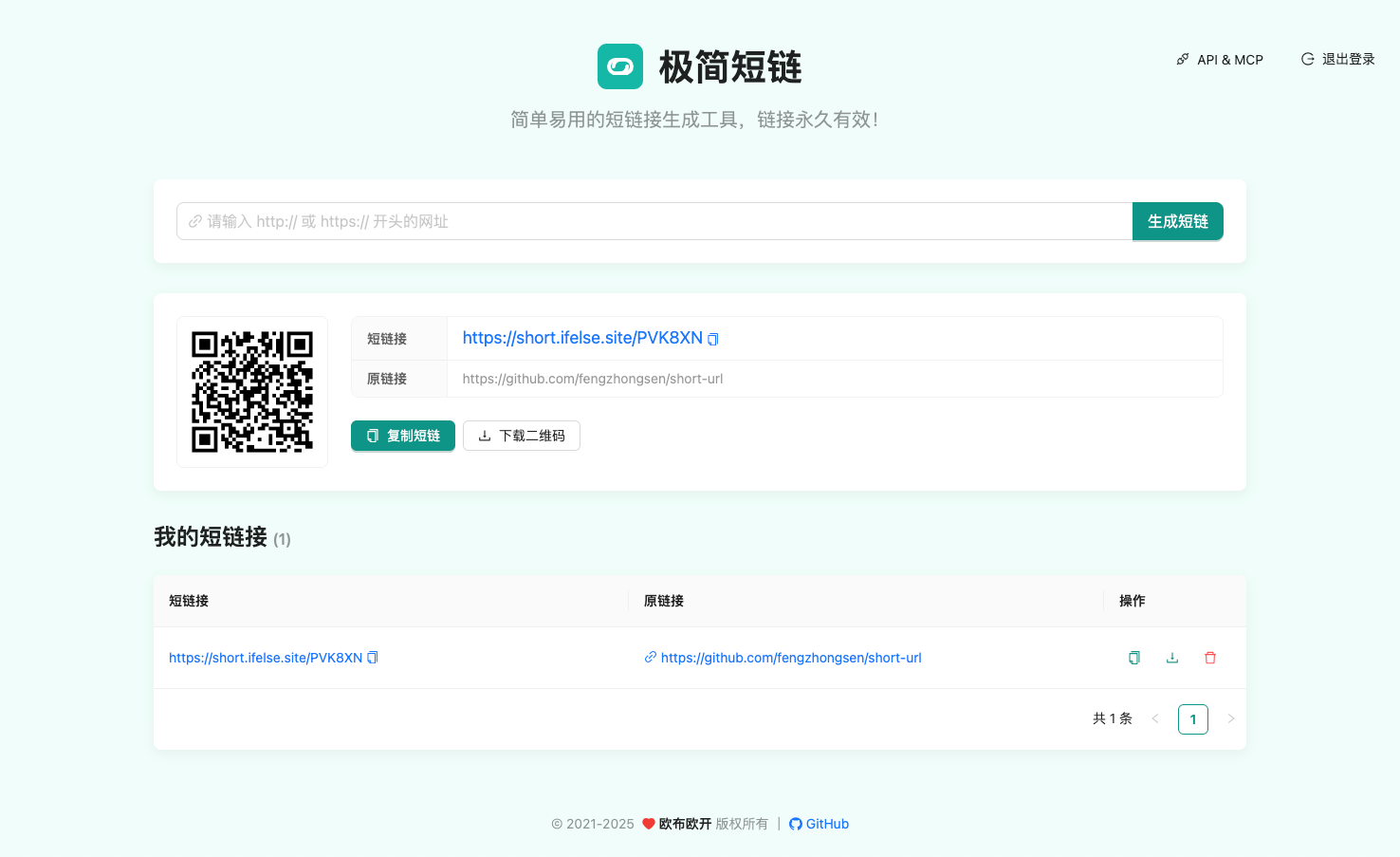
A simple open-source URL shortening service with MCP server for AI assistant integration.
Overview
This is a short URL service with a complete MCP server implementation. The project is structured as a monorepo with a React frontend, Express backend with Redis, and a separate MCP server package. It supports user registration, login, and API key authentication. The MCP server allows AI assistants like Claude Desktop and VS Code with Cline to generate short links programmatically. The project offers both Docker and manual deployment options with clear documentation.
Try asking AI
After installing, here are 6 things you can ask your AI assistant:
When to choose this
Choose this MCP server when you need a self-hosted, privacy-focused URL shortening solution with direct AI integration capabilities.
When NOT to choose this
Don't choose this if you need a scalable enterprise solution with advanced analytics or if you prefer a cloud-based service without self-hosting requirements.
Tools this server exposes
1 tool extracted from the READMEcreate_short_urllongUrl: stringGenerate a short URL from a long URL
Note: Inferred from the MCP server description and context. The README mentions MCP server for generating short links but doesn't explicitly list tool names. The only tool that would make sense for this service is creating short URLs.
Comparable tools
Installation
Installation
Docker (Recommended)
docker compose up -d --buildManual Installation
# Install dependencies
npm install

# Start both frontend and backend
npm start

# Or separately:
npm run start:server  # Backend only (port 3001)
npm run start:client  # Frontend only (port 3000)
Claude Desktop Configuration
Add to claude_desktop_config.json:
{
  "mcpServers": {
    "short-url": {
      "command": "npx",
      "args": ["-y", "short-mcp-server"],
      "env": {
        "API_ORIGIN": "http://localhost:3001",
        "API_KEY": "YOUR_API_KEY"
      }
    }
  }
}
Replace YOUR_API_KEY with your actual API key from the service.
FAQ
- Is this service free?
- Yes, the project is completely open-source and free to use. It can be self-hosted without any costs.
- Can I deploy this privately?
- Yes, the project supports private deployment and provides Docker and manual installation options for on-premise hosting.
- Are the short links permanent?
- The documentation states that links can be configured to be permanent, though users can set limits on URL creation per account.
Compare short-url with
Last updated · Auto-generated from public README + GitHub signals.