mcptools
by f·★ 1,584·Score 55
A comprehensive CLI for MCP servers with tools discovery, mock/proxy functionality, and web interface.
Overview
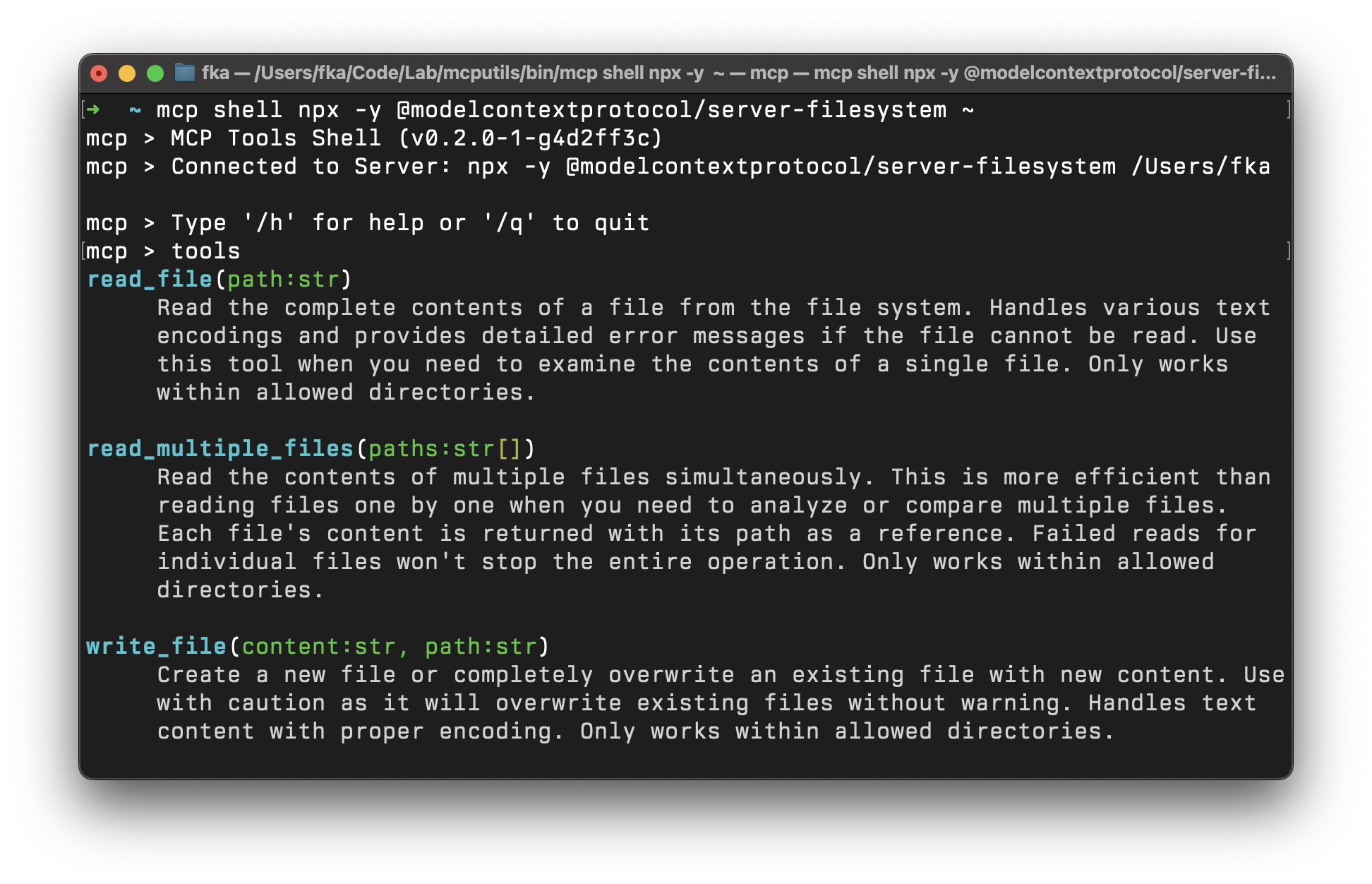
MCP Tools is a versatile command-line interface for interacting with MCP (Model Context Protocol) servers. It enables users to discover, call, and manage tools, resources, and prompts from any MCP-compatible server across multiple transport methods including stdio and HTTP. The tool offers a rich set of features including an interactive shell mode, web interface, project scaffolding capabilities, and various output formats (table, JSON, pretty). It also provides specialized server modes for mocking, proxying, and guarding MCP requests.
Try asking AI
After installing, here are 6 things you can ask your AI assistant:
When to choose this
Choose MCP Tools when you need a comprehensive CLI for managing MCP servers across different transports, creating mock environments for testing, or building proxy integrations with shell scripts.
When NOT to choose this
Don't choose MCP Tools if you need a simple MCP client for basic tool interactions or prefer a GUI interface for server management.
Tools this server exposes
12 tools extracted from the READMEtoolsList available tools on the MCP server
callCall a tool, resource, or prompt on the MCP server
resourcesList available resources on the MCP server
promptsList available prompts on the MCP server
get-promptGet a prompt on the MCP server
read-resourceRead a resource on the MCP server
shellStart an interactive shell for MCP commands
webStart a web interface for MCP commands
mockCreate a mock MCP server with tools, prompts, and resources
proxyProxy MCP tool requests to shell scripts
aliasManage MCP server aliases
configsManage MCP server configurations
Comparable tools
Installation
Installation
Using Homebrew (for macOS)
brew tap f/mcptools
brew install mcp
From Source (for Windows and GNU/Linux)
go install github.com/f/mcptools/cmd/mcptools@latestClaude Desktop Configuration
Add to claude_desktop_config.json:
{
  "mcpServers": {
    "mcptools": {
      "command": "mcp",
      "args": ["proxy"]
    }
  }
}
FAQ
- How do I connect to an MCP server?
- Use the command `mcp tools [server-command] [server-args]`. For example: `mcp tools npx -y @modelcontextprotocol/server-filesystem ~`
- Can I use MCP Tools with HTTP-based MCP servers?
- Yes, MCP Tools supports both HTTP SSE and streamable HTTP transports. For example: `mcp tools http://localhost:3000` or `mcp tools https://api.example.com/mcp`
On Hacker News
Recent discussion from the developer community.
- Story by fka · 2025-03-26
Compare mcptools with
Last updated · Auto-generated from public README + GitHub signals.