pitlane-mcp
by eresende·★ 73·Score 48
Token-efficient code intelligence MCP server that indexes code once and lets agents retrieve only needed symbols.
Overview
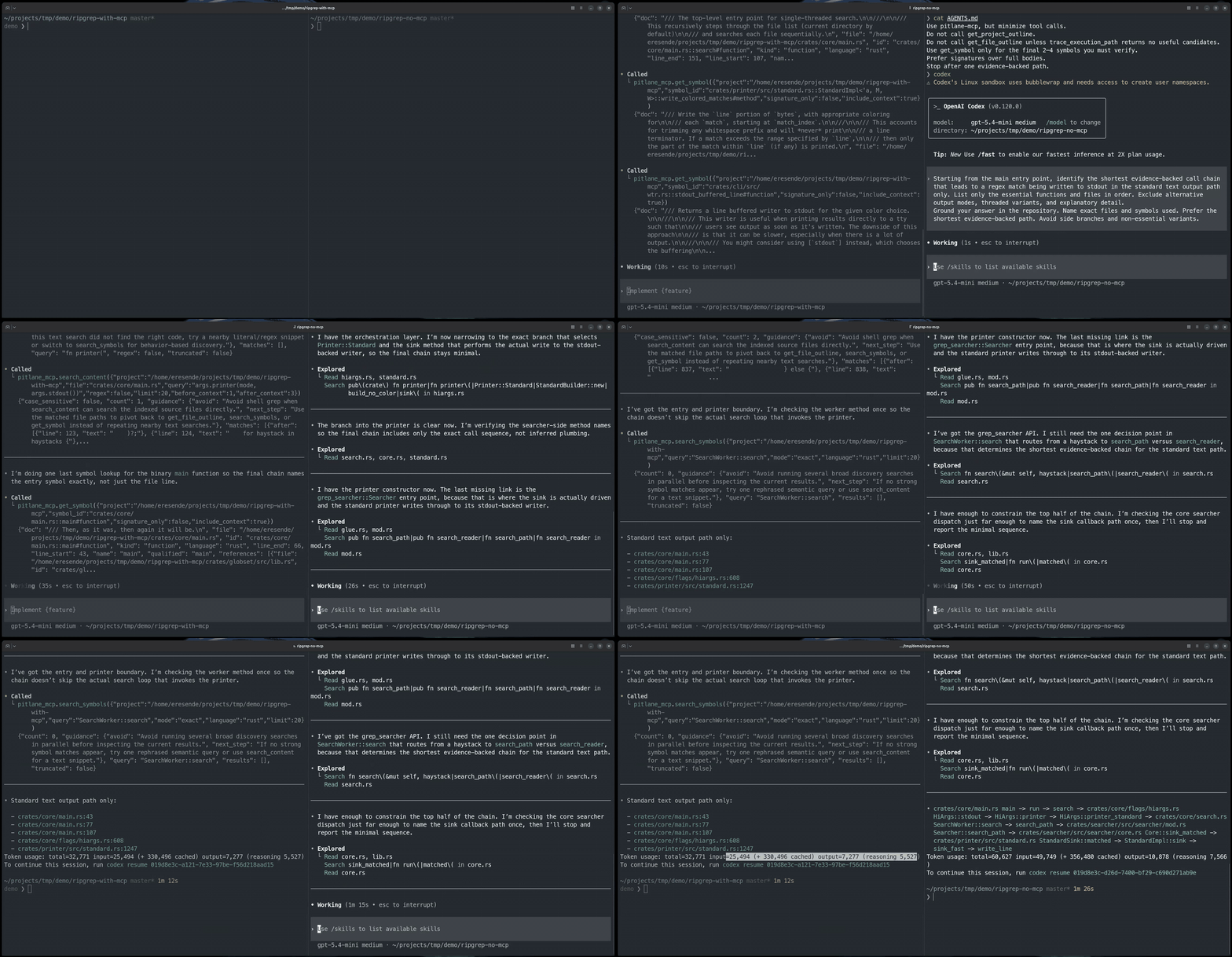
pitlane-mcp is a production-ready MCP server designed to reduce token usage in AI coding agents by providing AST-based code indexing. It supports multiple programming languages and implements a sophisticated symbol-based navigation system that allows agents to retrieve only the code portions they actually need, rather than processing entire files. The solution includes BM25 symbol search, optional semantic search, and tools for code investigation, location, tracing, and impact analysis.
Try asking AI
After installing, here are 5 things you can ask your AI assistant:
When to choose this
Choose pitlane-mcp when working with large codebases where AI agents need efficient code navigation without context bloat, and when you need symbol-level retrieval rather than entire file analysis.
When NOT to choose this
Avoid pitlane-mcp if you need write access to the codebase (it's read-only) or if you're working with a small codebase where the indexing overhead isn't justified by the token savings.
Tools this server exposes
8 tools extracted from the READMEensure_project_readyEnsures the index exists and reports whether embeddings are still running.
investigateProvides broad code intelligence for subsystem, behavior, and execution-path questions.
locate_codeHelps discover code symbols and files without reading full source.
read_code_unitReads a specific code unit once the target is known.
trace_pathTraces execution paths and source-to-sink relationships.
analyze_impactAnalyzes impact before making edits or refactors.
get_index_statsProvides statistics about the codebase index.
search_contentSearches for text fragments within the codebase.
Comparable tools
Installation
Installation
Download a pre-built binary from [GitHub Releases](https://github.com/eresende/pitlane-mcp/releases/latest) for Linux, macOS, and Windows.
Or install via Homebrew:
brew tap eresende/pitlane-mcp
brew install pitlane-mcp
Or install via cargo-binstall:
cargo binstall pitlane-mcpOr install from crates.io:
cargo install pitlane-mcpClaude Desktop Setup
Add to Claude Desktop configuration:
{
  "mcpServers": {
    "pitlane-mcp": {
      "command": "pitlane-mcp",
      "args": []
    }
  }
}
FAQ
- What programming languages does pitlane-mcp support?
- pitlane-mcp supports Rust, Python, JavaScript, TypeScript, Svelte, C, C++, Go, Java, C#, Bash, Ruby, Swift, Objective-C, PHP, Zig, Lua, Kotlin, and Solidity.
- How does pitlane-mcp reduce token usage?
- It indexes code once with tree-sitter and lets agents retrieve only the symbols they need instead of dumping whole files into context, reducing prompt footprint by one or two orders of magnitude.
Compare pitlane-mcp with
Last updated · Auto-generated from public README + GitHub signals.