mcp-guardian
by eqtylab·★ 199·Score 46
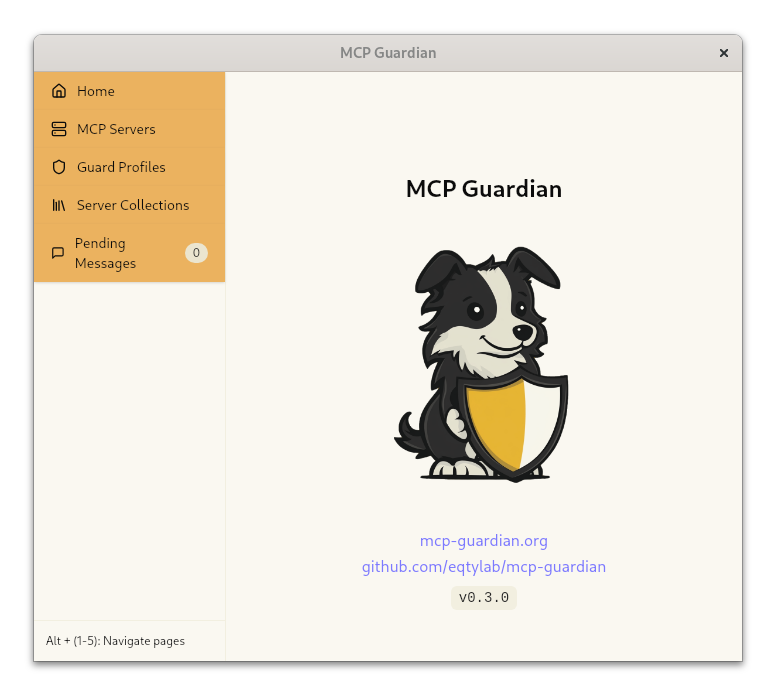
MCP Guardian is a security and management proxy for MCP servers, providing real-time control and monitoring.
Overview
MCP Guardian serves as a security layer and management interface for MCP servers, offering features like message logging, real-time approval of tool calls, and automated scanning capabilities. It allows users to manage multiple MCP server configurations and provides control over LLM assistant interactions with MCP servers through a proxy architecture. The tool is built in Rust and includes comprehensive documentation for installation and usage across different operating systems.
Try asking AI
After installing, here are 5 things you can ask your AI assistant:
When to choose this
Choose MCP Guardian when you need fine-grained control over MCP server interactions, particularly for compliance and security-sensitive environments.
When NOT to choose this
Don't choose MCP Guardian if you need maximum performance with minimal overhead, as it adds a proxy layer that may introduce latency to your MCP operations.
Comparable tools
Installation
Installation
Linux/macOS
- Install nix: https://nixos.org/download/
- Enable nix flakes:
``bash sudo sh -c 'echo "experimental-features = nix-command flakes" >> /etc/nix/nix.conf' ``
- Enter dev shell:
``bash nix develop ``
- Build project:
``bash just build-release ``
Windows
- Install git with symlink support
- Install rustup: https://www.rust-lang.org/tools/install
- Install nodejs
- Install yarn:
npm install --global yarn - Install Visual Studio with C++ development packages
- Install just:
cargo install just - Build project:
``bash just build-release ``
FAQ
- What is the purpose of MCP Guardian?
- MCP Guardian serves as a security and management layer for MCP servers, providing real-time control, logging, and approval capabilities for LLM interactions with MCP tools.
- How does MCP Guardian integrate with existing MCP servers?
- MCP Guardian acts as a proxy that sits between your LLM client and MCP servers, intercepting and controlling all communication without modifying the original MCP server implementations.
On Hacker News
Recent discussion from the developer community.
- Story by cameronfyfe · 2025-02-21
Compare mcp-guardian with
Last updated · Auto-generated from public README + GitHub signals.