code-context-engine
by elara-labs·★ 120·Score 47
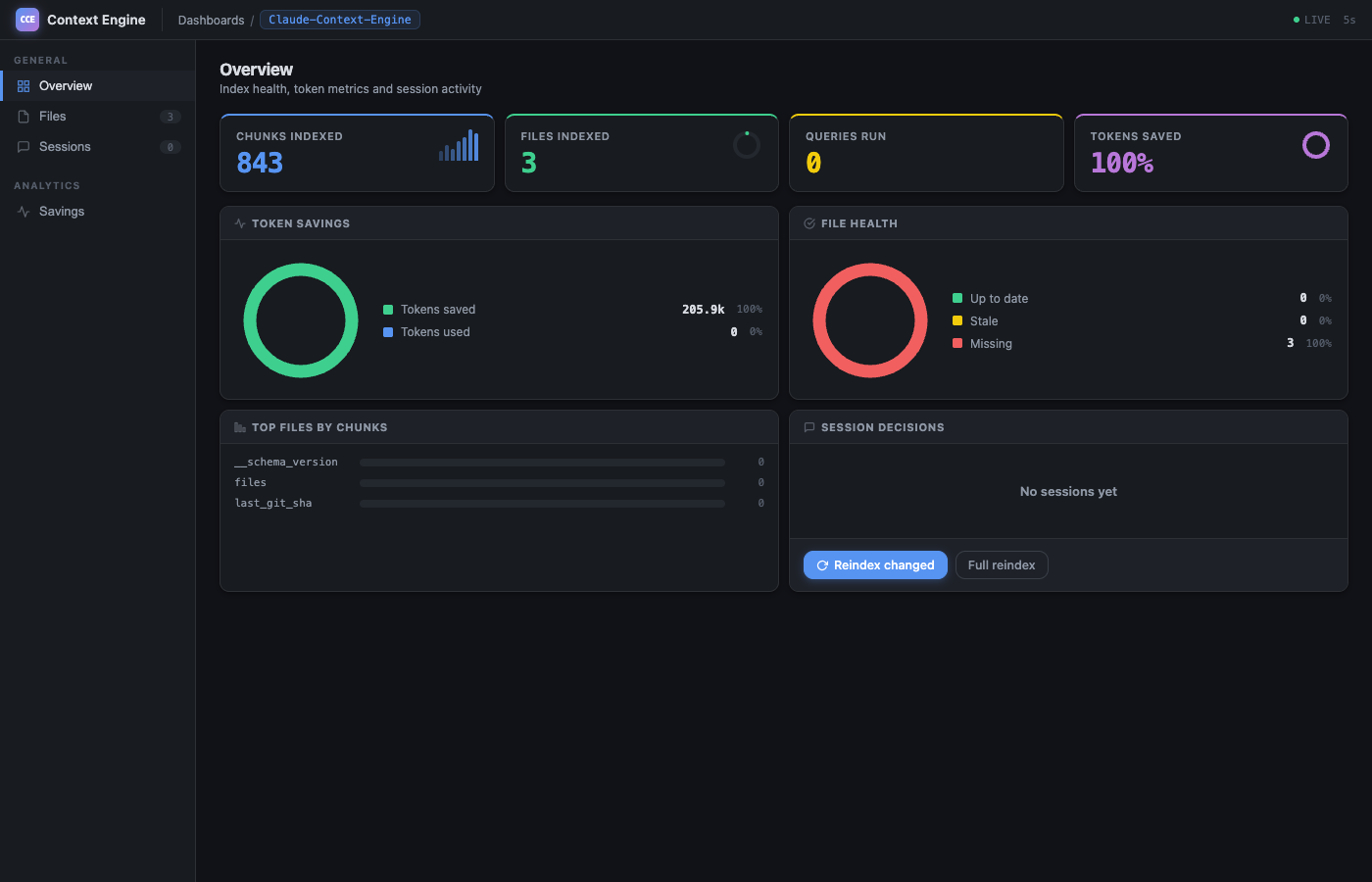
Local MCP server that indexes codebases to reduce AI token consumption by 94% through semantic search and compression.
Overview
Code Context Engine is a Python-based MCP server that creates a searchable index of your codebase, allowing AI coding assistants to retrieve relevant code snippets instead of reading entire files. It provides significant token savings (94% according to their benchmarks) while keeping all data local. The server offers 9 MCP tools for context search, session recall, and index management, working with multiple AI coding environments like Claude Code, VS Code, Cursor, and Gemini CLI.
Try asking AI
After installing, here are 5 things you can ask your AI assistant:
When to choose this
Choose this if you're using Claude Code or other AI coding tools and want significant token savings while keeping all code indexing private and local.
When NOT to choose this
Avoid if you need write access to your repository (this is read-only) or prefer cloud-based solutions that offer collaborative features beyond token reduction.
Tools this server exposes
9 tools extracted from the READMEcontext_searchHybrid vector + BM25 search with graph expansion to find relevant code chunks
expand_chunkRetrieve full source code for a compressed result
related_contextFind code related via graph edges (calls, imports)
session_recallRecall decisions and context from past sessions
record_decisionSave a decision for future reference
record_code_areaRecord which files were worked on for future reference
index_statusCheck the freshness and status of the code index
reindexRe-index a specific file or the entire project
set_output_compressionAdjust response verbosity level
Comparable tools
Installation
# Install with uv
uv tool install code-context-engine

# Or with pipx
pipx install code-context-engine

# Initialize your project
cd /path/to/your/project
cce init                              # or: cce init --agent all
For Claude Desktop integration, add to Claude Desktop config:
{
  "mcpServers": {
    "code-context-engine": {
      "command": "uv",
      "args": ["run", "code-context-engine", "mcp"]
    }
  }
}
FAQ
- What embedding backends does CCE support?
- CCE auto-detects the best available backend. It uses nomic-embed-text with Ollama, or includes fastembed + ONNX Runtime for local offline embedding when you install the [local] extra.
- Does CCE work with multiple AI coding assistants simultaneously?
- Yes. CCE can index your codebase once and work with Claude Code, VS Code, Cursor, Gemini CLI, Codex CLI, OpenCode, and Tabnine simultaneously with a single index.
On Hacker News
Recent discussion from the developer community.
- Story by Oras · 2026-07-06
Compare code-context-engine with
Last updated · Auto-generated from public README + GitHub signals.