Embody
by dylanroscover·★ 102·Score 47
MCP server for TouchDesigner that lets AI assistants build, wire, and debug networks with natural language commands.
Overview
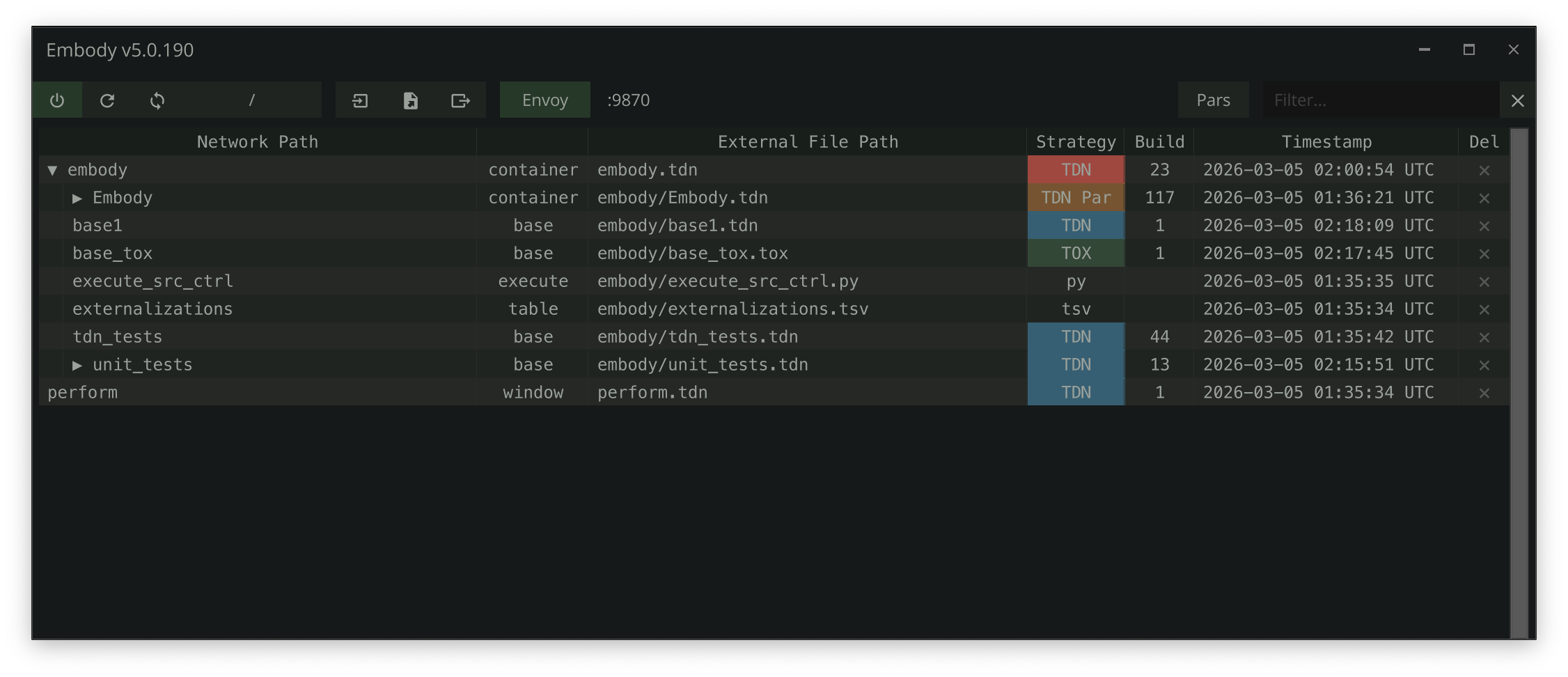
Embody provides an MCP server called Envoy that enables AI coding assistants to interact directly with TouchDesigner sessions. With 47 available tools, users can create operators, wire them together, set parameters, write extensions, and debug errors through natural language commands. The system externalizes TouchDesigner networks to diffable JSON files (TDN format), allowing for version control, branching, and automatic restoration. It integrates with Claude Code, Cursor, and Windsurf, significantly accelerating creative workflows in visual programming.
Try asking AI
After installing, here are 5 things you can ask your AI assistant:
When to choose this
Choose Embody if you work with TouchDesigner and want AI assistance to build, wire, and debug networks directly through MCP protocol, plus version control for your creative coding projects.
When NOT to choose this
Don't choose Embody if you don't use TouchDesigner, as it's tightly integrated with this specific creative coding platform.
Tools this server exposes
9 tools extracted from the READMEcreate_opCreate any operator type in any network
set_parameterSet values, expressions, or bind modes on any parameter
connect_opsWire operators together
execute_pythonRun arbitrary Python in TD's main thread
export_networkExport networks to diffable .tdn JSON
create_extensionScaffold a full extension (COMP + DAT + wiring)
get_op_errorsInspect errors on any operator and its children
edit_dat_contentPerform token-efficient surgical text edits on DATs
run_testsRun Embody's test suites via MCP
Comparable tools
Installation
Installation
- Download the Embody
.toxfrom the [release page](https://github.com/dylanroscover/Embody/releases) - Drag it into your TouchDesigner project
- Tag operators by selecting any COMP or DAT and pressing
lctrltwice - Enable the Envoy MCP server by toggling the
Envoyenableparameter on the Embody COMP
The server starts on localhost:9870 and auto-creates a .mcp.json in your repo root.
For Claude Code integration, the .mcp.json should look like:
{
  "mcpServers": {
    "envoy": {
      "type": "http",
      "url": "http://localhost:9870/mcp"
    }
  }
}
FAQ
- Which AI tools work with Embody?
- Embody works with Claude Code, Cursor, and Windsurf. Any tool that can connect to an MCP server via HTTP can integrate with Embody.
- Can I version control my TouchDesigner projects with Embody?
- Yes, Embody externalizes networks to diffable JSON files (TDN format), making them ideal for version control. You can compare versions, branch experiments, and restore previous states.
Compare Embody with
Last updated · Auto-generated from public README + GitHub signals.