mcp-server-siri-shortcuts
by dvcrn·★ 187·Score 48
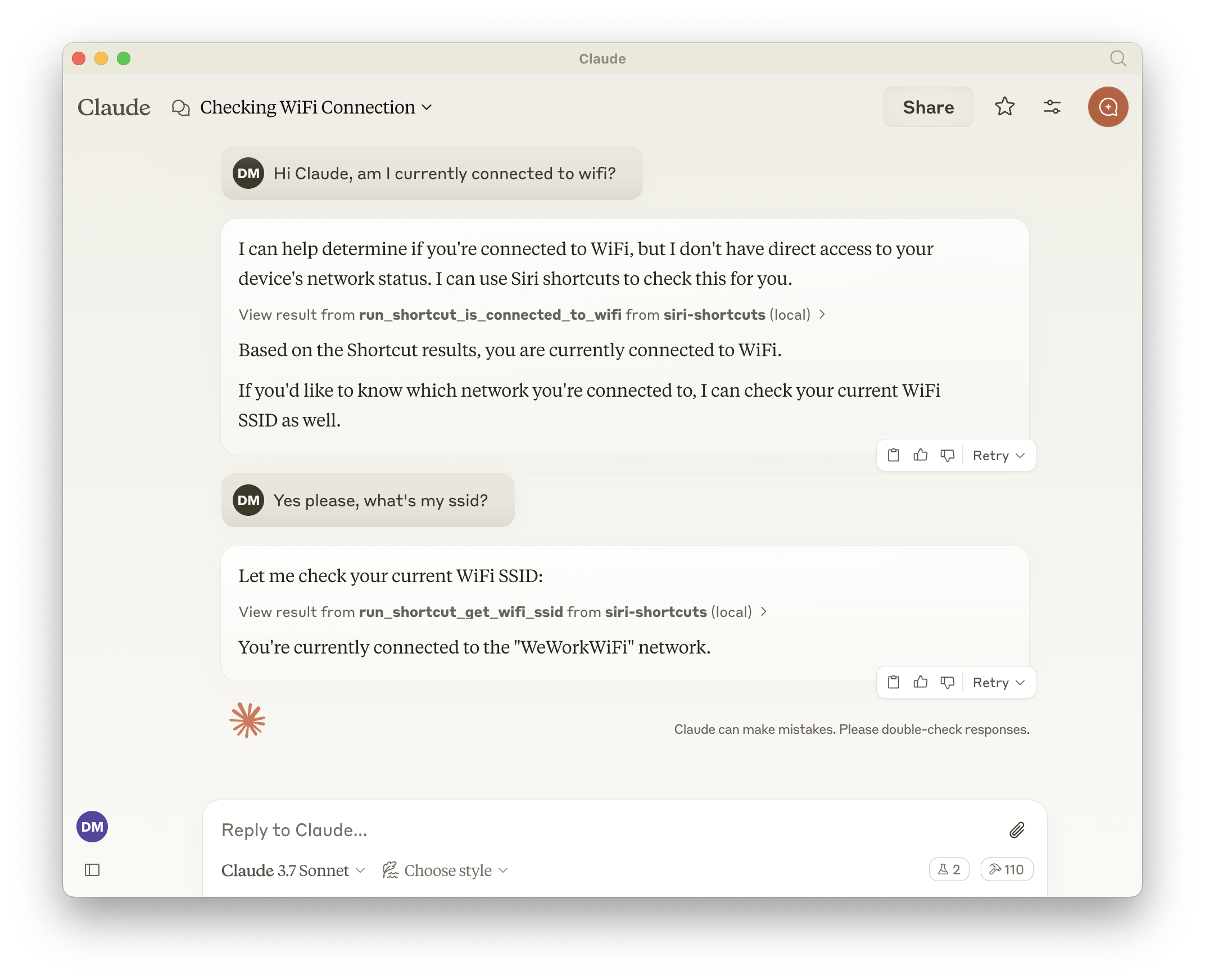
MCP server that lets LLMs interact with macOS Siri shortcuts through listing, opening, and executing them.
Overview
This MCP server provides a bridge between LLMs and macOS Siri shortcuts, enabling AI systems to programmatically interact with the Shortcuts app. It exposes all shortcuts available on the system as tools, making it possible to list available shortcuts, open them in the Shortcuts app, or execute them directly with optional input parameters. The server dynamically generates tools for each shortcut, allowing for seamless integration with AI assistants.
Try asking AI
After installing, here are 5 things you can ask your AI assistant:
When to choose this
Choose this when you need to integrate Siri shortcuts into LLM workflows on macOS and want to leverage existing automation.
When NOT to choose this
Don't use this if you're not on macOS or need cross-platform automation capabilities.
Tools this server exposes
3 tools extracted from the READMElist_shortcutsLists all available Siri shortcuts on the system
open_shortcutOpens a shortcut in the Shortcuts app
run_shortcutRuns a shortcut with optional input parameters
Comparable tools
Installation
npm install -g mcp-server-siri-shortcutsAdd to your Claude Desktop configuration:
{
  "mcpServers": {
    "siri-shortcuts": {
      "command": "npx",
      "args": ["mcp-server-siri-shortcuts"],
      "env": {
        "GENERATE_SHORTCUT_TOOLS": "true",
        "INJECT_SHORTCUT_LIST": "false"
      }
    }
  }
}
FAQ
- Can I use this server on Windows or Linux?
- No, this server is specifically designed for macOS as it relies on the native `shortcuts` CLI command which is only available on Apple devices.
- Do I need to install additional dependencies?
- No, this server uses only the built-in macOS shortcuts functionality and Node.js. No additional dependencies are required.
Compare mcp-server-siri-shortcuts with
Last updated · Auto-generated from public README + GitHub signals.