mcp-memory-service
by doobidoo·★ 1,848·Score 56
Persistent memory service for AI agents with REST API, MCP, OAuth, and knowledge graph functionality.
Overview
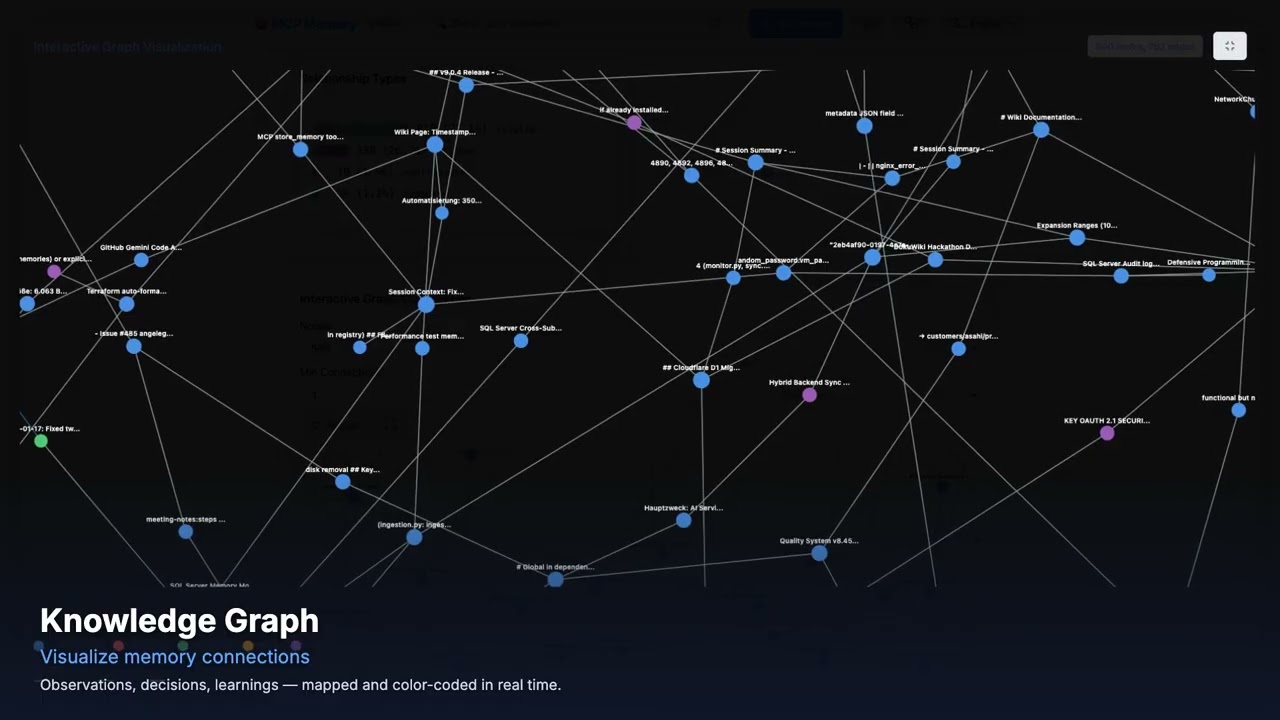
mcp-memory-service is an open-source memory backend that provides persistent storage for AI agent pipelines like LangGraph, CrewAI, and AutoGen. It offers both REST API and MCP protocol access, with support for Remote MCP integration with claude.ai in browsers. The service features knowledge graphs with typed edges, autonomous memory consolidation, and local embeddings via ONNX. It can be self-hosted with OAuth 2.0 authentication and supports multi-agent scenarios with memory sharing and inter-agent messaging through tagging.
Try asking AI
After installing, here are 4 things you can ask your AI assistant:
When to choose this
Choose this when you need a self-hosted memory solution for multiple AI agents with shared knowledge graphs and browser-based Claude AI support.
When NOT to choose this
Not ideal if you need a simple, lightweight solution or if you prefer cloud-hosted services over self-hosted infrastructure.
Tools this server exposes
6 tools extracted from the READMEstore_memorymemory_store(content: string, tags: string[], conversation_id: string = null, agent_id: string = null)Store a memory entry with content and tags for later retrieval
search_memoriesmemory_search(query: string, tags: string[], agent_id: string = null, limit: int = 10)Search stored memories using semantic search and filtering
delete_memorymemory_delete(memory_id: string)Delete a specific memory entry by ID
get_memory_graphmemory_graph_get(agent_id: string = null)Retrieve the knowledge graph of memories with relationships
add_memory_edgememory_graph_add_edge(source_id: string, target_id: string, relation: string)Add a relationship between two memory entries
consolidate_memoriesmemory_consolidate(days_old: int = 30, compression: float = 0.5)Automatically consolidate old memories into compressed summaries
Comparable tools
Installation
# Basic installation
pip install mcp-memory-service

# Start the server
MCP_ALLOW_ANONYMOUS_ACCESS=true memory server --http
For Claude Desktop integration, add to claude_desktop_config.json:
{
  "mcpServers": {
    "mcp-memory": {
      "command": "python",
      "args": ["-m", "mcp_memory_service.server"],
      "env": {
        "MCP_ALLOW_ANONYMOUS_ACCESS": "true",
        "MCP_STREAMABLE_HTTP_MODE": "1"
      }
    }
  }
}
For remote MCP with claude.ai browser:
MCP_STREAMABLE_HTTP_MODE=1 MCP_SSE_HOST=0.0.0.0 MCP_SSE_PORT=8765 python -m mcp_memory_service.serverCompare mcp-memory-service with
Last updated · Auto-generated from public README + GitHub signals.