bambu-printer-mcp
by DMontgomery40·★ 41·Score 45
A focused MCP server for Bambu Lab 3D printers offering STL manipulation, slicing, and direct printer control via MCP protocol.
Overview
This MCP server provides comprehensive control for Bambu Lab 3D printers through the Model Context Protocol. It features STL file manipulation capabilities, direct printer control including pause/resume/skip functions, AMS auto-matching by RFID, camera snapshots, and end-to-end print workflow management. The server supports both pre-sliced 3MF files and optional auto-slicing through BambuStudio CLI integration. Communication occurs via MQTT and FTPS protocols with proper handling of Bambu Lab's specific requirements and quirks.
Try asking AI
After installing, here are 5 things you can ask your AI assistant:
When to choose this
Choose this server if you exclusively use Bambu Lab printers and want a streamlined, focused implementation without the overhead of supporting multiple printer types.
When NOT to choose this
Avoid this if you need multi-brand printer support (OctoPrint, Klipper, etc.) or if you require open-source licensing as this project is GPL-2.0 licensed.
Tools this server exposes
12 tools extracted from the READMEget_printer_statusGet detailed printer status including temperatures, print progress, and AMS data
get_printer_filamentsQuery live AMS inventory with resolved filament profiles
print_3mfUpload and print pre-sliced 3MF files with full AMS mapping support
camera_snapshotCapture a JPEG snapshot from the printer's chamber camera
pause_printPause an in-progress print job via MQTT
resume_printResume a paused print job via MQTT
skip_objectsSkip specific objects during a running multi-object print
set_ams_dryingStart or stop AMS filament drying on heated AMS units
slice_stlSlice STL files using configured slicer (BambuStudio, OrcaSlicer, etc.)
list_3mf_plate_objectsList objects in a 3MF plate with their IDs
set_print_speedSet print speed mode (silent/standard/sport/ludicrous)
print_collar_charmPrint specialized two-color collar charm with fixed tray policy
Comparable tools
Installation
Installation
Prerequisites
- Node.js 18 or higher
- npm
- BambuStudio (optional, only needed for slicing)
Run without installing (npx)
npx @rowbotik/bambu-printer-mcpInstall globally from npm
npm install -g @rowbotik/bambu-printer-mcpInstall from source
git clone https://github.com/DMontgomery40/bambu-printer-mcp.git
cd bambu-printer-mcp
npm install
npm run build
npm run start
Claude Desktop Configuration
Add to your Claude Desktop config.json:
{
  "mcpServers": {
    "bambu-printer": {
      "command": "npx",
      "args": ["@rowbotik/bambu-printer-mcp"],
      "env": {
        "BAMBU_PRINTER_HOST": "your-printer.local",
        "BAMBU_PRINTER_TOKEN": "your-access-token"
      }
    }
  }
}
FAQ
- What Bambu Lab printer models are supported?
- The server supports A1, A1 mini, P1S, P1P, X1, X1C, X1E, P2S, H2, H2S, H2D, H2C, and H2D Pro models. Camera snapshots work differently across models - TCP on port 6000 for A1/P1S/P1P and RTSP via ffmpeg for X1/P2S/H2 series.
- How do I find my printer's serial number and access token?
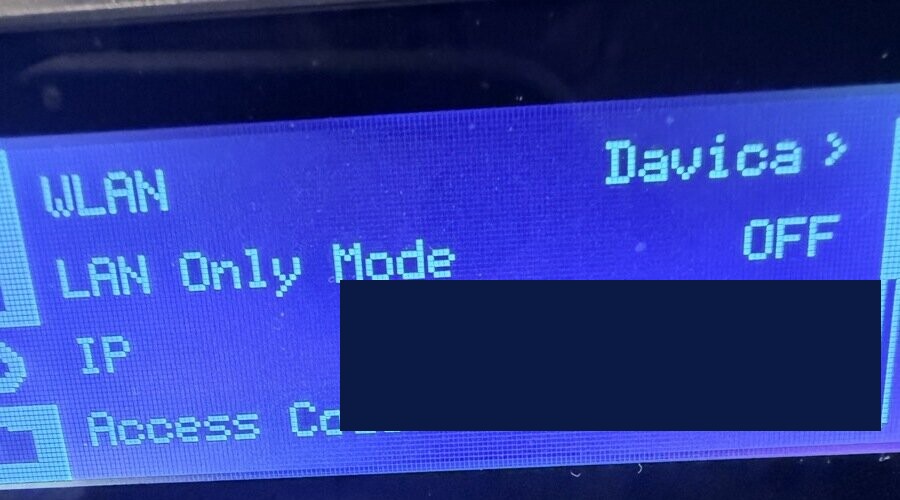
- Open the Bambu Studio app, connect to your printer, go to Settings > Printer > Network. The serial number and access token are displayed there. Alternatively, access the printer's local web interface at http://printer.local and look in the settings section.
Compare bambu-printer-mcp with
Last updated · Auto-generated from public README + GitHub signals.